

When a new SMS is received in Twilio, send it as a message in OpenPhone
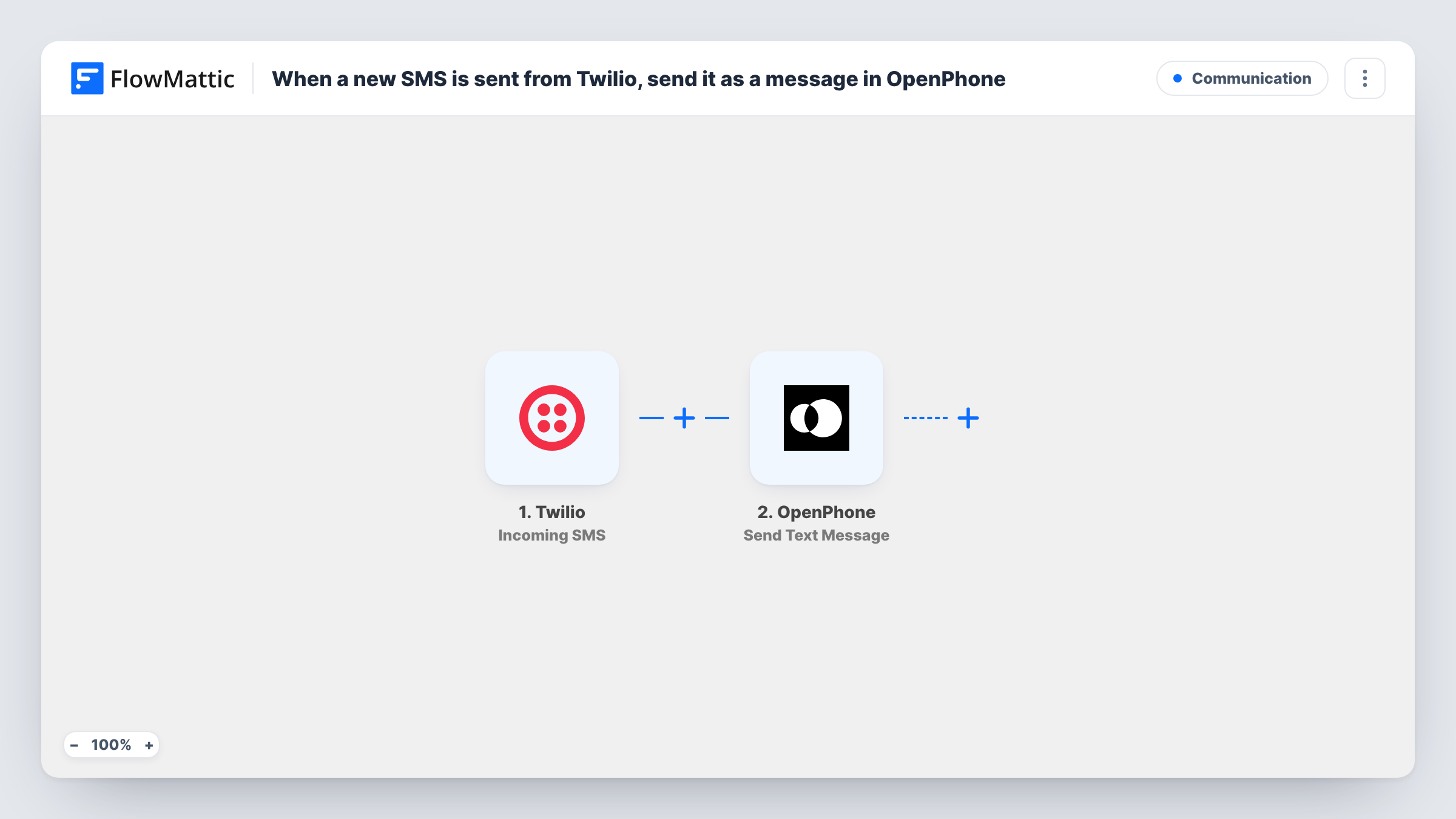
When a text arrives on your Twilio number, FlowMattic sends its content on as an SMS from your OpenPhone number, to the recipient you set in the step.
 Twilio
 OpenPhone
2 steps Setup ~5 min Used on 949 sites Free to import
What this workflow does
Plenty of businesses end up with two phone systems: a Twilio number that a website, app or old campaign still uses, and OpenPhone for day-to-day calls and texts. Messages sent to the Twilio number are easy to miss. This workflow relays each incoming Twilio SMS through OpenPhone, so the text reaches a number your team actually watches.
The Twilio trigger runs a workflow whenever an SMS is received on the Twilio number you connect. The message details, such as the sender's number and the message body, are passed to the next step.
The OpenPhone step sends a text message from your OpenPhone number. Nothing in it is set in the template. After import, set who should receive the relayed text, for example a manager's mobile, and write the message. Include the original sender's number and the body from Twilio, so the person reading it knows who wrote in and how to reply.
Each incoming Twilio SMS produces one OpenPhone text. Replies sent to that OpenPhone message go back to OpenPhone, not to the original Twilio sender, so treat the relay as a notification. Send a test SMS to the Twilio number and check Task History for both steps.
Legacy campaign number still in use
A gym printed a Twilio number on old flyers. Texts that still arrive there are forwarded through OpenPhone to the front desk's phone with the sender's number included.
App alerts reaching the on-call person
A software team's monitoring service texts a Twilio number, and each alert is passed on from OpenPhone to whoever is on call that week.
One place for customer texts
A cleaning company moving from Twilio to OpenPhone forwards messages from the old number into OpenPhone during the switch-over, so no booking request is missed.
How this workflow runs
What happens at each step once the workflow is on, and what you need before you import it.
 Twilio Incoming SMS
Starts the workflow whenever an SMS is received on your Twilio number. The sender's number and the message text are available to use in the OpenPhone message.
- OpenPhone Send Text Message
Sends a text from your OpenPhone number. The step ships unmapped: set the recipient, then write the message with the Twilio sender and body mapped in so the reader can see who texted and what they said.
What you need
- FlowMatticCore
- Twilio AccountAccount
- OpenPhone AccountAccount
After importing, map your own data. To keep the template universal, not every step is pre-filled. Open each step in the builder and connect your accounts and fields (channels, lists, sheets, recipients) before you switch the workflow on.
Make it yours
Changes worth making after you import it.
- Start the relayed message with a short label such as From Twilio line plus the sender's number, so the recipient can tell forwarded texts from normal ones.
- Put a Filter between the Twilio trigger and the OpenPhone step that stops texts containing words like STOP, if you don't want opt-out replies forwarded to your team.
- To notify more than one person, add a second OpenPhone Send Text Message step after the first with a different recipient.
Questions about this workflow
Who receives the OpenPhone message for each Twilio SMS?
The recipient you set in the Send Text Message step. The template leaves it empty, so enter a team member's number, or another number that should receive the relayed texts.
Can I reply to the original Twilio sender from OpenPhone?
Not through this relay. A reply to the forwarded message goes back to the number OpenPhone sent it to. To answer the customer, text their number directly from OpenPhone.
Do I need to change anything on the Twilio number?
Twilio has to send incoming messages to FlowMattic. Connect the trigger to your Twilio number when you set it up, then send a test SMS to confirm a run appears in Task History.
Are photos sent to the Twilio number forwarded too?
The OpenPhone step sends a text message, so plan for text only. Check a test run to see whether Twilio passes a media link you could add to the message.
More Communication workflows
Other ready-to-import templates from the same category.





Import this workflow into your WordPress site
Download the JSON, import it from the Workflows screen and connect your accounts. Every run stays on your server, with no per-task fees.
30-day money-back guarantee Unlimited workflows and runs Self-hosted