

When a new file is submitted to SendSafely Dropzone, create a new contact in HubSpot CRM
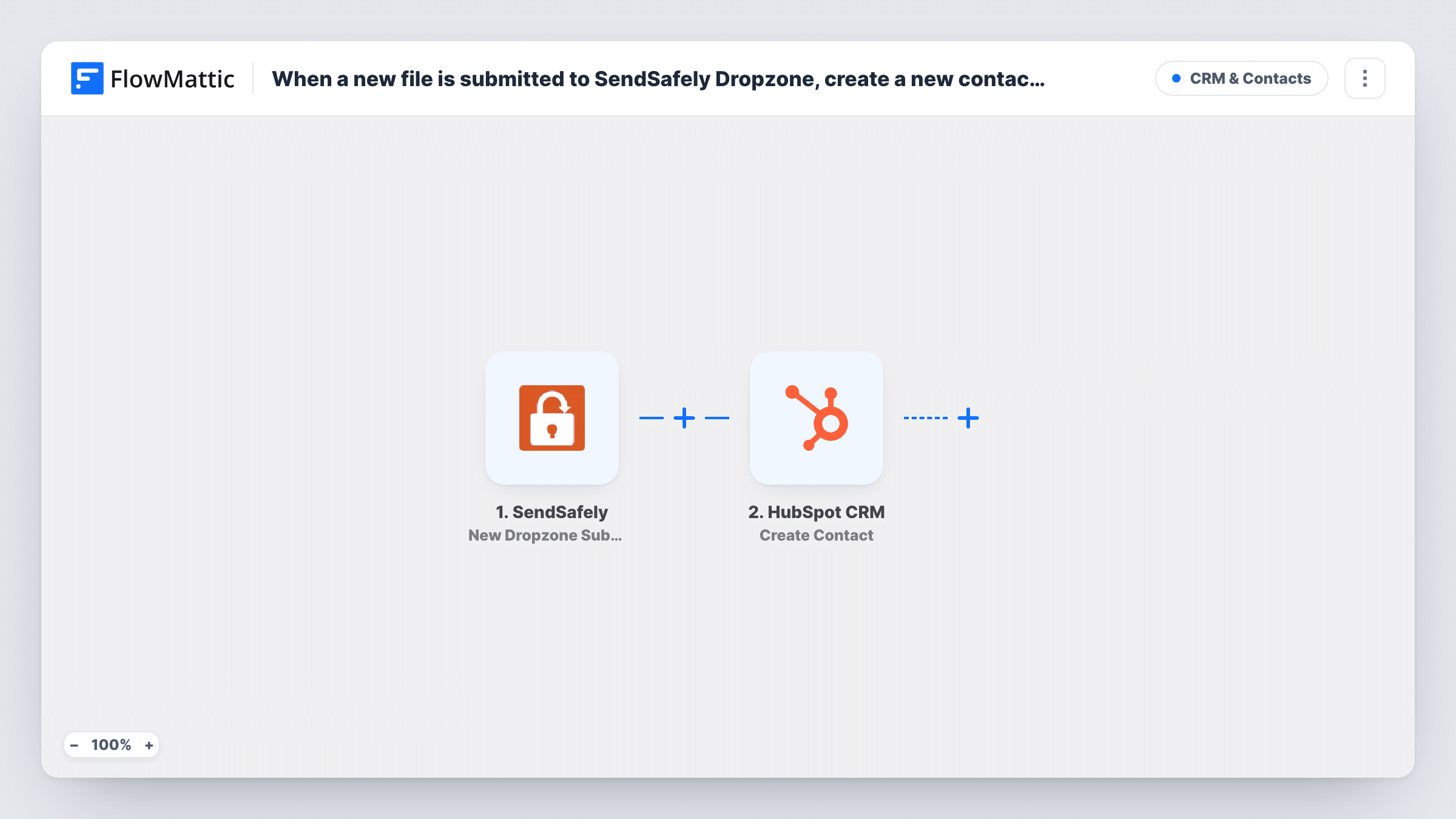
When someone submits a file through your SendSafely Hosted Dropzone, this workflow creates a contact for them in HubSpot CRM from the submission details, so the people sending you files are on record in your CRM.
 SendSafely
 HubSpot CRM
2 steps Setup ~5 min Used on 1.2k sites Free to import
What this workflow does
A SendSafely Hosted Dropzone lets clients, applicants or partners send you files securely without an account of their own. Those senders are often new relationships, yet they never reach your CRM unless someone adds them by hand. This workflow turns each Dropzone submission into a HubSpot contact.
The SendSafely trigger, New Dropzone Submission, fires when a new file is submitted to your Hosted Dropzone. The submission details, such as the sender's email if a test run shows it, are passed on for mapping. The HubSpot CRM step, Create Contact, then creates a contact in HubSpot from the values you map.
The workflow passes contact details only; the files stay in SendSafely and are not copied into HubSpot. Create Contact is create-only, so a person who sends files more than once leads to another create request. If that address is already in HubSpot, the request may be refused; the HubSpot reply for each submission is listed in Task History.
Accounting firm collecting client documents
Clients upload tax paperwork through the Dropzone, and each sender appears in HubSpot so the team can track the engagement there.
Law office receiving case files
Prospective clients send documents securely, and a HubSpot contact is created for intake staff to follow up with.
Lender gathering application paperwork
Applicants submit statements through the Dropzone, giving loan officers a HubSpot contact for each person who sent files.
How this workflow runs
What happens at each step once the workflow is on, and what you need before you import it.
 SendSafely New Dropzone Submission
Fires when a new file is submitted to your SendSafely Hosted Dropzone. The submission details are passed on so you can map the sender into HubSpot.
- HubSpot CRM Create Contact
Creates a contact in HubSpot CRM from the Dropzone submission. Map the sender's email and any name details the event carries, and connect your HubSpot account after import.
What you need
- FlowMatticCore
- SendSafely AccountAccount
- HubSpot CRM AccountAccount
After importing, map your own data. To keep the template universal, not every step is pre-filled. Open each step in the builder and connect your accounts and fields (channels, lists, sheets, recipients) before you switch the workflow on.
Make it yours
Changes worth making after you import it.
- Submit a test file to your Dropzone after import, so FlowMattic captures the submission fields before you map them into HubSpot.
- Add a Filter after the trigger that continues only when the sender's email is not empty, so HubSpot isn't asked to create a contact without one.
- Add a Slack or email step after HubSpot if someone should also be told that a new file arrived in SendSafely.
Questions about this workflow
Are the SendSafely files uploaded to HubSpot?
No. Only the details you map are sent to HubSpot to create the contact. The files stay in SendSafely, where you open them as usual.
What if the Dropzone sender is already a HubSpot contact?
The step still asks HubSpot to create a contact. A repeat address may be turned down by HubSpot, which you can see in Task History. Your existing contact is not changed by this workflow.
Which SendSafely details can go into the HubSpot contact?
Whatever the New Dropzone Submission event includes. Send a test submission to see the fields, then map the ones that fit HubSpot contact properties.
More CRM & Contacts workflows
Other ready-to-import templates from the same category.






Import this workflow into your WordPress site
Download the JSON, import it from the Workflows screen and connect your accounts. Every run stays on your server, with no per-task fees.
30-day money-back guarantee Unlimited workflows and runs Self-hosted