

When a new form is submitted in Formsite, send a confirmation email via Gmail
When someone submits a new result to your Formsite form, FlowMattic sends them a confirmation email from your Gmail account, written by you and filled in with their answers.
 Formsite
 Gmail
2 steps Setup ~5 min Used on 1.2k sites Free to import
What this workflow does
After pressing submit on a Formsite form, most people wonder whether anyone got it. Formsite results land in your account, but the person who submitted often hears nothing back. This workflow sends a confirmation from your own Gmail address, so the reply comes from a mailbox they can answer.
The Formsite trigger fires when a user submits a new form result. Each answer becomes a value you can map, including the email address if your form asks for one.
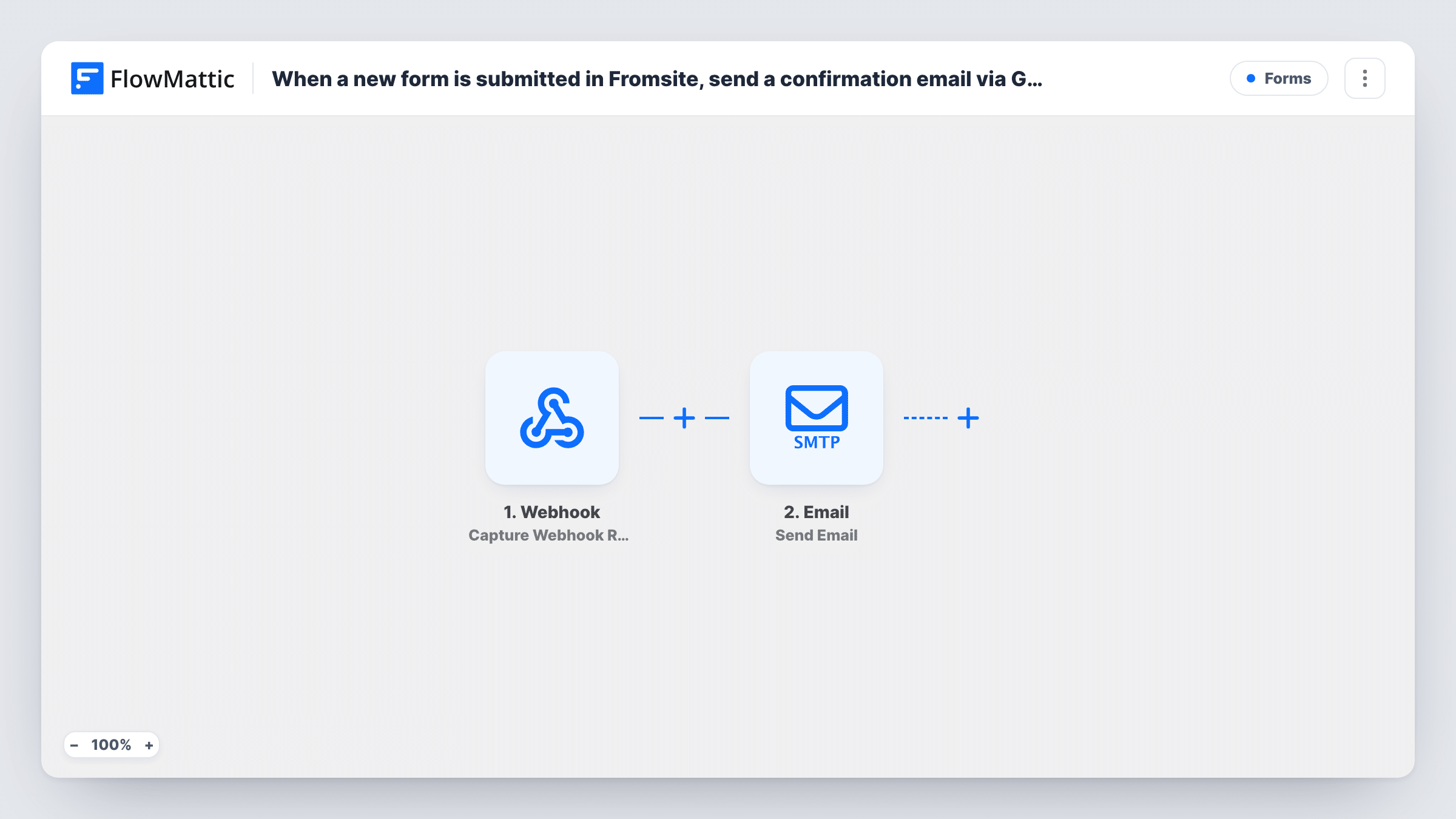
The Gmail Send Email step then sends the confirmation. It ships unmapped: after import you connect Gmail, map the respondent's email from the form as the recipient, and write the subject and message. You can include their name or a copy of their answers so they have a record of what they sent.
Each new result sends one email, and your form needs an email question to give it an address. Submit a test result and check Task History to see the answers Formsite passed on and what Gmail returned.
Registration confirmations
A community centre takes class registrations through Formsite, and each person gets an email from the centre's Gmail with the class name they picked.
Application receipts
A small nonprofit collects volunteer applications in Formsite and confirms each one by email, so applicants know their form was received.
Order request replies
A bakery takes custom cake requests through a Formsite form and sends a confirmation listing the date and flavour the customer entered.
How this workflow runs
What happens at each step once the workflow is on, and what you need before you import it.
 Formsite New Form Result
Fires when someone submits a new result to your Formsite form. Their answers, such as name and email, are passed to the Gmail step for mapping.
- Gmail Send Email
Sends a confirmation email from your Gmail account. The step ships unmapped: map the respondent's email as the recipient and write the subject and body with their answers.
What you need
- FlowMatticCore
- Formsite AccountAccount
- Gmail AccountAccount
After importing, map your own data. To keep the template universal, not every step is pre-filled. Open each step in the builder and connect your accounts and fields (channels, lists, sheets, recipients) before you switch the workflow on.
Make it yours
Changes worth making after you import it.
- Make the email question required in Formsite, so every result has an address to send the confirmation to.
- Add a Delay between the Formsite trigger and the Gmail step if you prefer the confirmation to arrive a few minutes after the form instead of straight away.
- Put a Filter between the Formsite trigger and the Gmail step on an answer such as a consent checkbox, if only some respondents should get the email. The answer it checks is yours to pick.
Questions about this workflow
Does the Formsite form need an email field?
Yes. The Gmail step needs an address to send to, and it comes from the form. Add an email question and map it as the recipient after import.
Whose Gmail mailbox does the Formsite confirmation come from?
The Gmail account you connect to FlowMattic. Replies from respondents go back to that mailbox.
Can the confirmation include the respondent's Formsite answers?
Yes. Map any answer from the trigger into the email body, such as the option they chose or the date they gave, so they have a copy.
More Forms workflows
Other ready-to-import templates from the same category.








Import this workflow into your WordPress site
Download the JSON, import it from the Workflows screen and connect your accounts. Every run stays on your server, with no per-task fees.
30-day money-back guarantee Unlimited workflows and runs Self-hosted