

When a new form submission is received in Tally, create a contact in Groundhogg
Each new Tally form submission becomes a contact in Groundhogg on your WordPress site, using the answers you map, so leads from your Tally forms land in your CRM.
 Tally
 Groundhogg
2 steps Setup ~5 min Used on 1.1k sites Free to import
What this workflow does
Tally makes quick, good-looking forms, but its responses live in Tally. If your follow-up emails, tags and funnels run in Groundhogg, every response has to reach Groundhogg before anything else can happen. This workflow sends each submission there as a new contact.
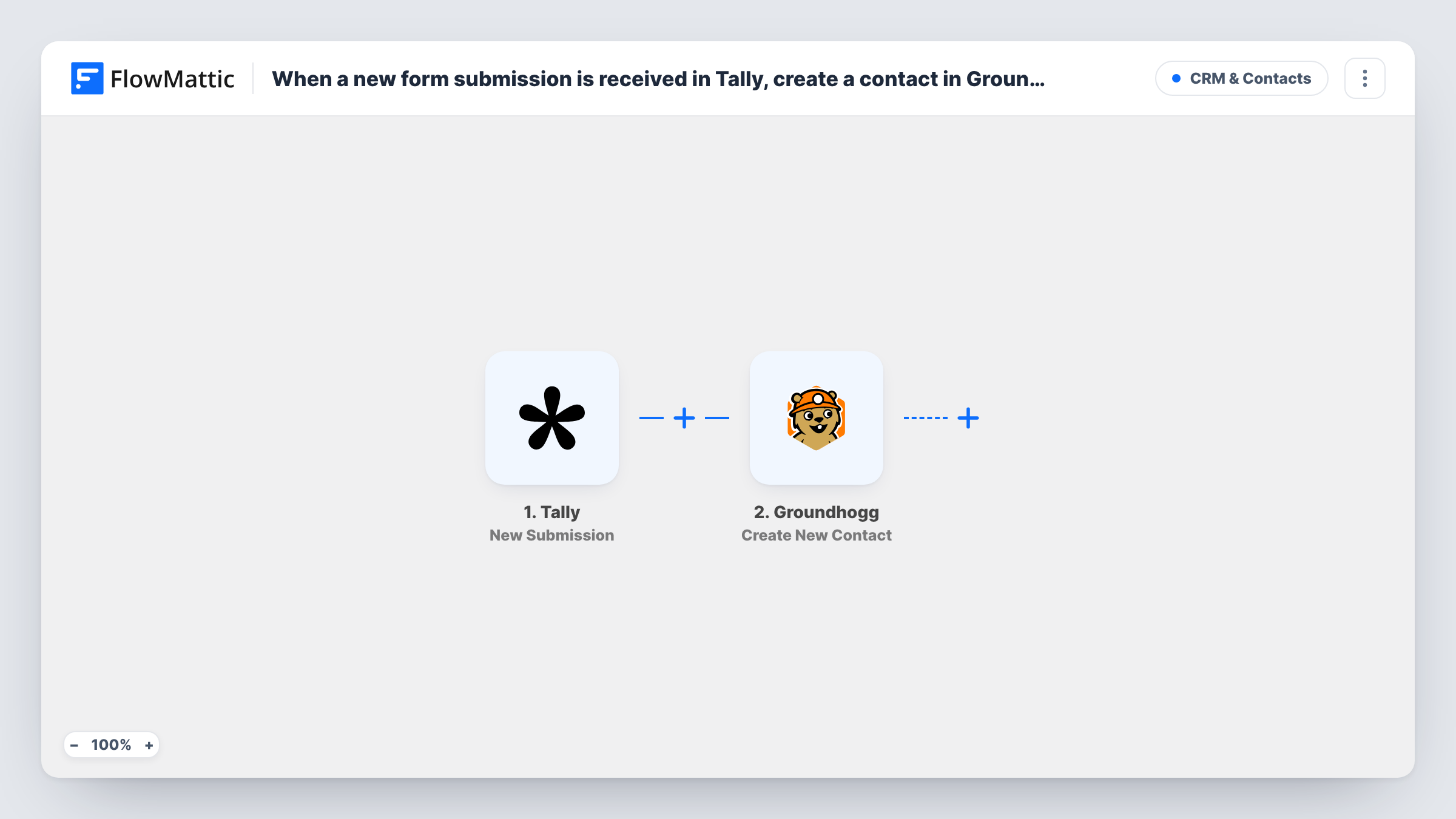
The Tally trigger fires when a form receives a new submission. FlowMattic passes the answers on, labelled by your form's questions, so the fields you can map depend on how you built the form. Submit a test response after connecting Tally to see them.
The Groundhogg step creates a new contact in Groundhogg's contact list. It isn't mapped in the template: after import, match the Tally answers for email, first name and last name, plus any other answers you want stored, to the contact fields the step offers.
Every submission runs the workflow, including a second response from someone already in Groundhogg. Send one test with an email your CRM already holds and look in Task History to see what Groundhogg returned for it.
Quote requests into the CRM
A web designer embeds a Tally project brief form on the site. Each brief arrives in Groundhogg as a contact, ready for the designer's follow-up email sequence.
Workshop sign-ups
A coach collects workshop registrations with Tally and keeps every attendee as a Groundhogg contact, so reminders and later offers go out from one place.
Feedback forms that build a list
A local business sends customers a Tally feedback form and stores each respondent who leaves an email in Groundhogg for future announcements.
How this workflow runs
What happens at each step once the workflow is on, and what you need before you import it.
 Tally New Submission
Starts each time your Tally form receives a new submission. The answers are passed on under your form's question labels, so check a test response to see which ones you can map.
- Groundhogg Create New Contact
Creates a new contact in Groundhogg. Nothing is mapped when you import it, so match the Tally email and name answers, plus any other answers you want to keep, to the contact fields.
What you need
- FlowMatticCore
- Tally AccountAccount
- Groundhogg PluginPlugin
After importing, map your own data. To keep the template universal, not every step is pre-filled. Open each step in the builder and connect your accounts and fields (channels, lists, sheets, recipients) before you switch the workflow on.
Make it yours
Changes worth making after you import it.
- Make the email question required in Tally, so every submission reaches Groundhogg with an address to create the contact from.
- Add Groundhogg's Add Tag(s) to User action after the Create New Contact step, so contacts from this form carry a tag your funnels can start on.
- If one Tally form serves several purposes, put a Filter between the Tally trigger and the Groundhogg step on the answer that tells them apart. The question you check is an example to edit.
- Use one copy of this workflow per Tally form when different forms should get different tags or follow-ups.
Questions about this workflow
Do I need Groundhogg installed on the same WordPress site as FlowMattic?
Groundhogg is a WordPress plugin, and this workflow's requirements list the Groundhogg plugin. Install and activate it on your site before you set up the Create New Contact step.
Which Tally answers end up on the Groundhogg contact?
Only the answers you map. The Create New Contact step comes without mapping, so choose the email and name answers at least, and add any others the step has a field for.
What happens when someone fills in my Tally form twice?
Each submission starts its own run and asks Groundhogg to create a contact. Groundhogg decides how to handle an email it already has, so test with a known address and read Task History.
Can I start a Groundhogg funnel for each new Tally lead?
Yes. Add a tag after the contact is created, using Groundhogg's Add Tag(s) to User action, and start your Groundhogg funnel when that tag is applied.
More CRM & Contacts workflows
Other ready-to-import templates from the same category.





Import this workflow into your WordPress site
Download the JSON, import it from the Workflows screen and connect your accounts. Every run stays on your server, with no per-task fees.
30-day money-back guarantee Unlimited workflows and runs Self-hosted