

When a new form submission received in 123 Form Builder, create a new post in WordPress
Each new 123 Form Builder submission becomes a post on your WordPress site, so stories, listings or testimonials people send through a form arrive as posts ready for you to review.
 123 Form Builder
 WordPress
2 steps Setup ~5 min Used on 539 sites Free to import
What this workflow does
Collecting content through a form is easy; copying it into WordPress one entry at a time is the slow part. Guest stories, event listings, testimonials and directory entries all follow the same pattern. This workflow takes each 123 Form Builder submission and creates a WordPress post from it.
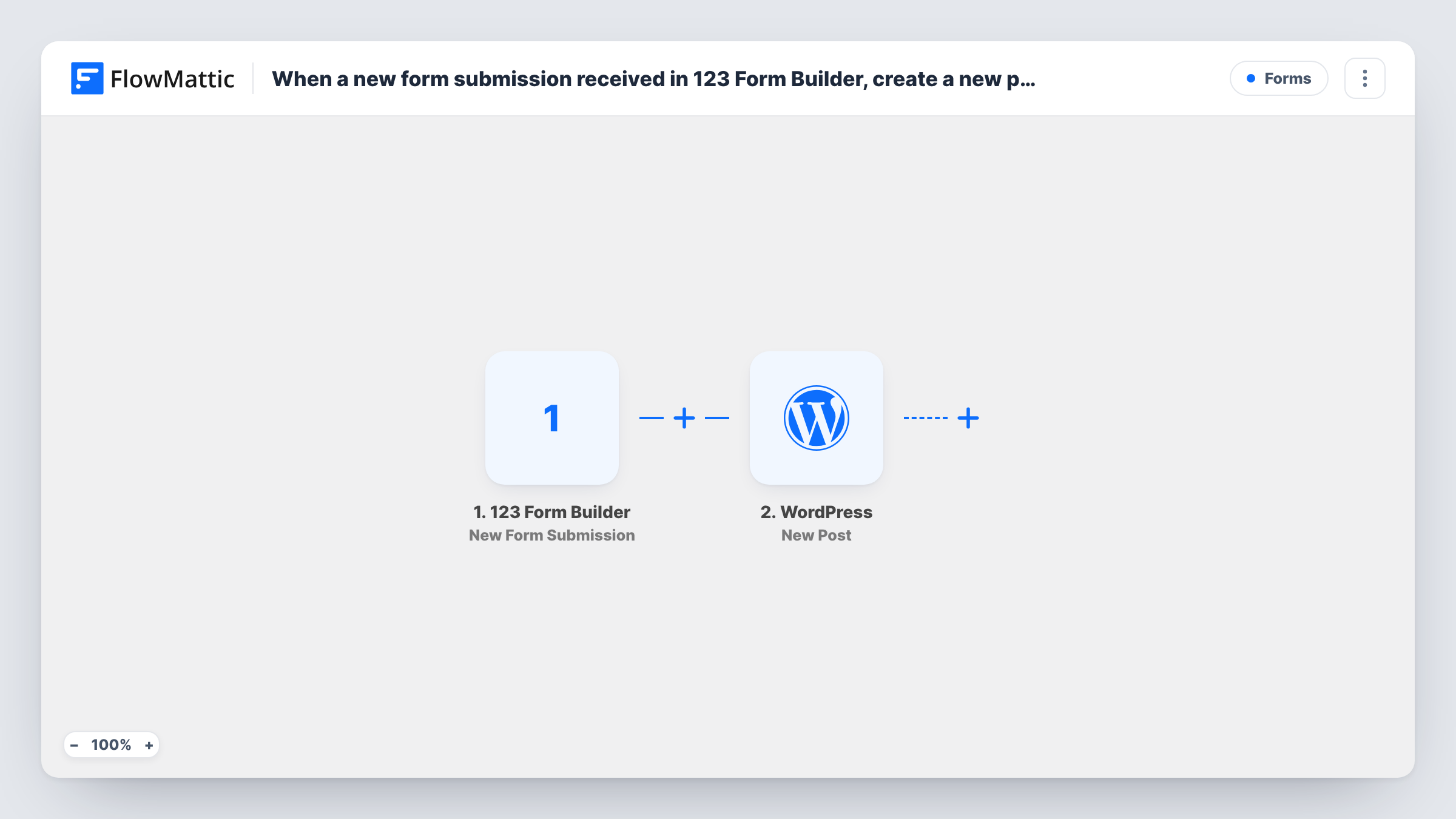
The 123 Form Builder New Form Submission trigger starts a run when someone submits your form. FlowMattic then runs the WordPress New Post action on the site where FlowMattic is installed.
The post step ships unmapped. After import, map the form's answers into the post, for example a title field into the post title and a longer answer into the content. Set the post status and post type in the step too, and choose draft if you want to read submissions before visitors can. Submit a test entry first so the trigger has real fields to pick from.
One submission creates one post. The workflow doesn't check for duplicates or moderate the text, so set the status with that in mind. Task History shows each run and the post WordPress created.
Guest stories from readers
A community blog collects reader stories with a 123 Form Builder form, and each one appears as a draft post the editor tidies up before publishing.
Event listings submitted by organisers
A local events site lets organisers submit their event details through a form, turning each entry into a post in the listings.
Customer testimonials as posts
A service business gathers testimonials with a short form and keeps each one as a post it can feature on the reviews page.
How this workflow runs
What happens at each step once the workflow is on, and what you need before you import it.
 123 Form Builder New Form Submission
Fires when a new submission arrives in your 123 Form Builder form. The submitted answers become available to map into the WordPress post; send a test entry to see them.
- WordPress New Post
Turns the submission into a new WordPress post on the site running FlowMattic. The template maps no fields, so map the form answers into the title and content, and set the status you want for new submissions.
What you need
- FlowMatticCore
- 123 Form Builder AccountAccount
After importing, map your own data. To keep the template universal, not every step is pre-filled. Open each step in the builder and connect your accounts and fields (channels, lists, sheets, recipients) before you switch the workflow on.
Make it yours
Changes worth making after you import it.
- Create posts as drafts while you test, so nothing from a submission goes live until someone has read it.
- Put a Filter between the 123 Form Builder trigger and the WordPress step that continues only when a consent or approval answer is yes. The question you check is your own, so pick it after a test entry.
- Map the submitter's name into the post content or a custom field, so the author is credited even though the post belongs to a WordPress user.
Questions about this workflow
Are 123 Form Builder submissions published straight away?
That depends on the status you set in the New Post step. The template leaves it to you, so choose draft or pending if you want to review submissions before they appear on the site.
Which form fields can go into the WordPress post?
Any answer the 123 Form Builder trigger receives. Submit a test entry after import, then map the answers you want into the post title, content and the other options the step shows.
Can 123 Form Builder entries become a custom post type?
Yes. The New Post step takes a post type, so set your custom post type there instead of post. Test with one submission to confirm the entry appears where you expect.
More Forms workflows
Other ready-to-import templates from the same category.







Import this workflow into your WordPress site
Download the JSON, import it from the Workflows screen and connect your accounts. Every run stays on your server, with no per-task fees.
30-day money-back guarantee Unlimited workflows and runs Self-hosted