

When a new lead is captured in OpenRead.io, send a WhatsApp template message using WA.Team
When OpenRead.io captures a new lead, this workflow sends that person a WhatsApp template message through WA.Team, so each lead from your funnel hears from your business on WhatsApp shortly after they opt in.
 OpenRead.io
 WhatsApp by WA.Team
2 steps Setup ~5 min Used on 2.2k sites Free to import
What this workflow does
Lead magnets built in OpenRead.io collect contact details, but the lead then waits for your next email. If your audience uses WhatsApp more than email, you may prefer to reach them there right after the opt-in. This workflow sends one through WA.Team for every new lead.
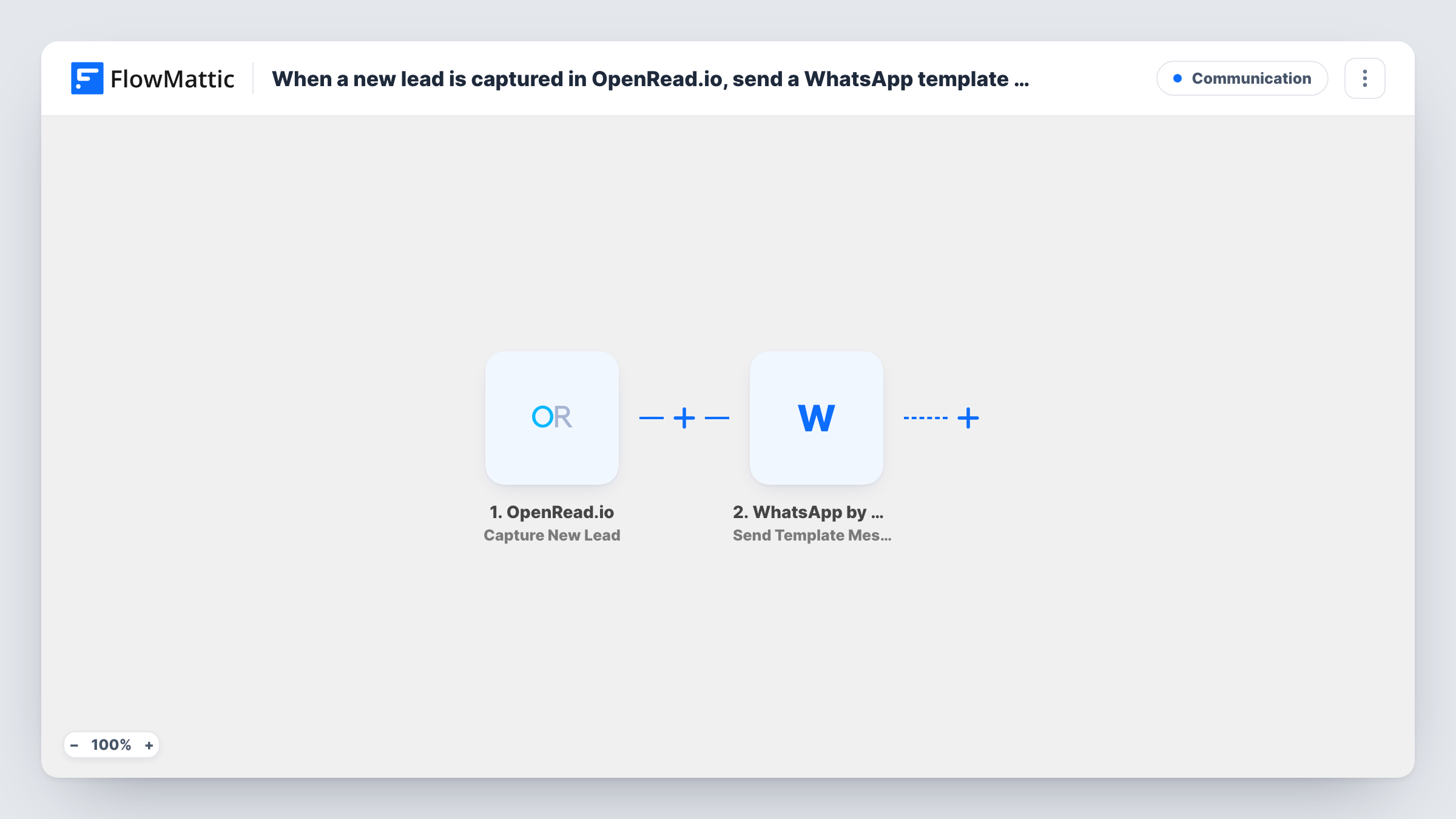
The OpenRead.io trigger starts a run for each lead your funnel collects. FlowMattic passes the lead's details to WhatsApp by WA.Team, and the Send Template Message step sends a WhatsApp template to the number you map. You pick the template and map the lead's details from OpenRead.io into the step wherever it asks for them.
Template messages are the WhatsApp format meant for starting a conversation, so they can reach people who have never messaged your number, as long as WhatsApp has approved the template. The lead must give a phone number for this to work. Capture one test lead after import and check that a number arrives in the data before you turn the workflow on.
Delivering a lead magnet link
A visitor downloads your checklist through an OpenRead.io funnel, and a WhatsApp template with the download link and your name reaches them through WA.Team.
Booking a first call
Coaches send each new OpenRead.io lead an approved WhatsApp template that invites them to book a discovery call.
Local business offers
A gym or salon running an OpenRead.io offer page greets every opt-in on WhatsApp with a template that explains how to claim the offer in person.
How this workflow runs
What happens at each step once the workflow is on, and what you need before you import it.
 OpenRead.io Capture New Lead
Fires each time OpenRead.io captures a new lead. The lead's details are passed on, so run a test opt-in to see whether a phone number is among them.
- WhatsApp by WA.Team Send Template Message
Uses your connected WA.Team account to deliver an approved WhatsApp template to the lead. Map the lead's phone number, choose an approved template, and map any other lead details the step asks for.
What you need
- FlowMatticCore
- OpenRead.io AccountAccount
- WhatsApp by WA.Team AccountAccount
After importing, map your own data. To keep the template universal, not every step is pre-filled. Open each step in the builder and connect your accounts and fields (channels, lists, sheets, recipients) before you switch the workflow on.
Make it yours
Changes worth making after you import it.
- Make the phone field required in your OpenRead.io funnel if you can, because the WA.Team step has no number to send to without it.
- Add a Filter after the trigger that continues only when the phone number is not empty, so leads who skipped it end the run quietly instead of producing an error.
- Once a lead replies, WA.Team's Send Session Text Message action can follow up with free-form text, which you could use in a separate workflow.
Questions about this workflow
Will OpenRead.io leads who never messaged my number receive this?
A template message is the WhatsApp format meant for that case, so it can reach them once WhatsApp has approved the template you choose. Free-form text would not, outside the 24 hours after a person messages you.
What if an OpenRead.io lead didn't give a phone number?
The WA.Team step has no number to send to, so that run's message fails and Task History shows the error. A Filter on the phone field avoids this.
Do I need a WA.Team account?
Yes. The message is sent through WhatsApp by WA.Team, so you connect your WA.Team account and use a template that is available in it.
Are leads captured before import messaged?
No. Only leads that OpenRead.io captures after you turn the workflow on start a run.
More Communication workflows
Other ready-to-import templates from the same category.





Import this workflow into your WordPress site
Download the JSON, import it from the Workflows screen and connect your accounts. Every run stays on your server, with no per-task fees.
30-day money-back guarantee Unlimited workflows and runs Self-hosted