

Send a follow-up SMS via Twilio to each new Asklaila lead
Each time Asklaila captures a lead for your business, this workflow sends that lead a text message through your Twilio account, so they hear from you without anyone typing the follow-up by hand.
 Asklaila
 Twilio
2 steps Setup ~5 min Used on 563 sites Free to import
What this workflow does
Leads from a local listing on Asklaila usually come with a phone number and a reason to call. If the follow-up waits until someone at the shop checks the leads, the person may already have called a competitor. A short SMS right after the enquiry at least tells them their request reached you.
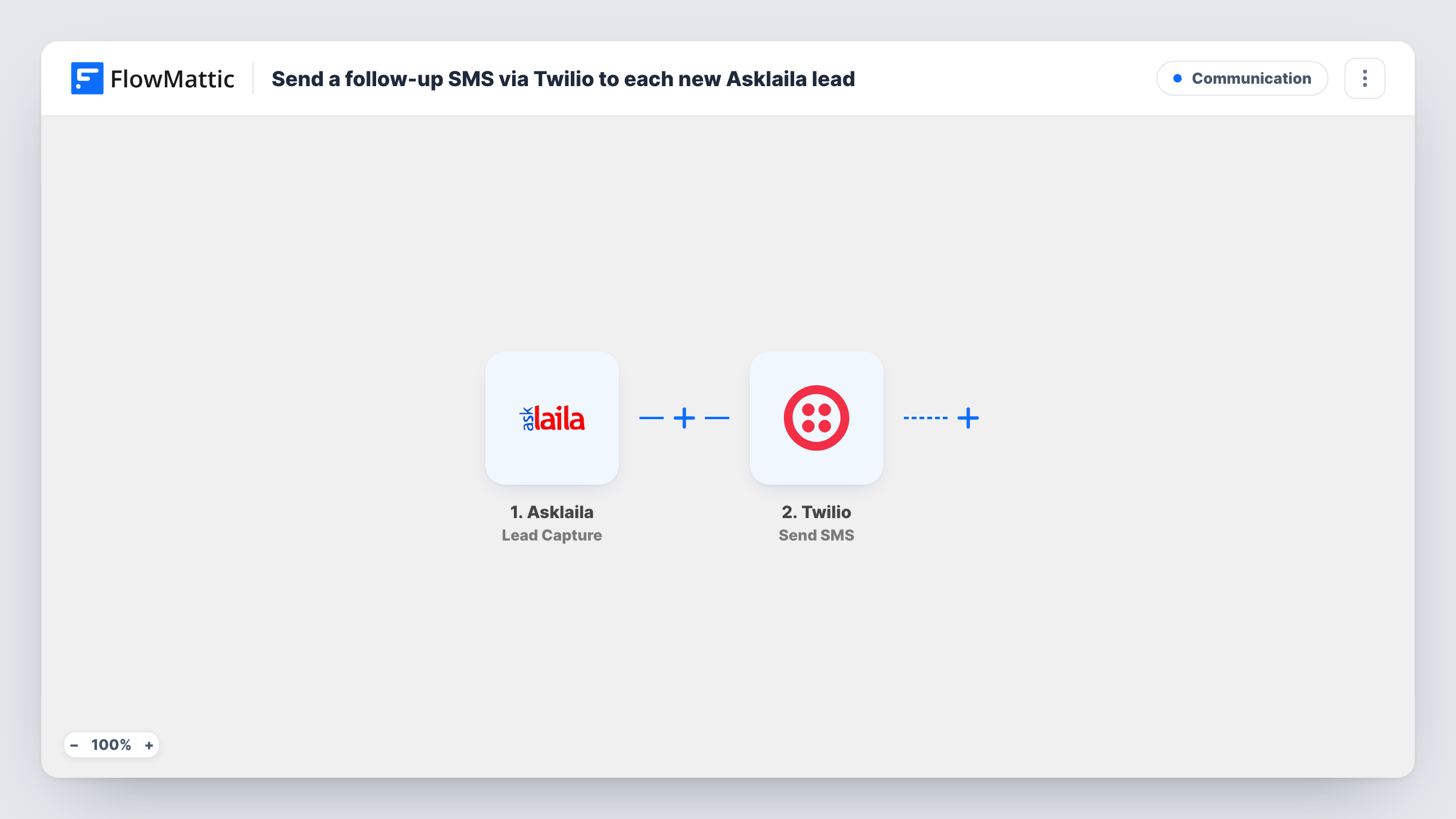
The Asklaila trigger fires when a lead is captured from your Asklaila account. FlowMattic receives the lead's details and hands them to the Twilio Send SMS step. You map the lead's phone number as the recipient and write the message, mixing fixed text with values such as their name.
Every captured lead gets the SMS, one message per lead event, since there is no Filter in the template. The text goes out from a number in your Twilio account. If Twilio can't send a message, for example because the phone value is missing or in the wrong format, the run in Task History shows the error Twilio returned.
Salon or clinic enquiries from a directory listing
Someone asks about an appointment through your Asklaila listing. They get a text confirming you received the request and when you will call back.
Home services quote requests
A plumber or electrician gets a lead from Asklaila. The SMS tells the customer the business name and a number to call if the job is urgent.
Coaching centre admissions
Parents enquiring about classes receive a text with your address and visiting hours while the counsellor works through the day's leads.
How this workflow runs
What happens at each step once the workflow is on, and what you need before you import it.
 Asklaila Lead Capture
Fires when Asklaila captures a new lead from your account. The lead's details are passed to the Twilio step; capture one test lead after import to see which values arrive.
- Twilio Send SMS
Sends an SMS through your Twilio account to the number you map from the lead. Write the message text and add lead values such as the name so each text addresses the person.
What you need
- FlowMatticCore
- Asklaila AccountAccount
- Twilio AccountAccount
After importing, map your own data. To keep the template universal, not every step is pre-filled. Open each step in the builder and connect your accounts and fields (channels, lists, sheets, recipients) before you switch the workflow on.
Make it yours
Changes worth making after you import it.
- Twilio expects phone numbers with the country code. If Asklaila sends local numbers without it, add the Number Formatter's Format Phone Number action before Twilio and map its output as the recipient.
- Add a Filter after the trigger that continues only when the lead's phone value is not empty, so leads without a number don't produce failed Twilio runs.
- If leads arrive late at night, add a Delay step before the SMS so the text reaches people at a more suitable hour.
Questions about this workflow
Which Twilio number do the Asklaila follow-up texts come from?
A number on your own Twilio account. You need one that can send SMS to your leads' country. Connect the account when you import the workflow.
What happens if an Asklaila lead has no phone number?
The Twilio step still runs and Twilio returns an error for that lead. Task History shows it on the SMS step. Add a Filter on the phone value to skip those leads.
Can the SMS include the lead's name or the service they asked about?
Yes, if Asklaila sends those values with the lead. Map them into the message text after a test lead shows what is available.
Will leads captured before I import this get a text?
No. Asklaila leads from before you switch the workflow on stay as they are and get no SMS.
More Communication workflows
Other ready-to-import templates from the same category.





Import this workflow into your WordPress site
Download the JSON, import it from the Workflows screen and connect your accounts. Every run stays on your server, with no per-task fees.
30-day money-back guarantee Unlimited workflows and runs Self-hosted