

Send a Twilio SMS when an Aircall voicemail is left
When a caller leaves a voicemail on one of your Aircall numbers, this workflow sends a text through Twilio, so the person who handles callbacks hears about it without opening the Aircall app.
 Aircall
 Twilio
2 steps Setup ~5 min Used on 1.8k sites Free to import
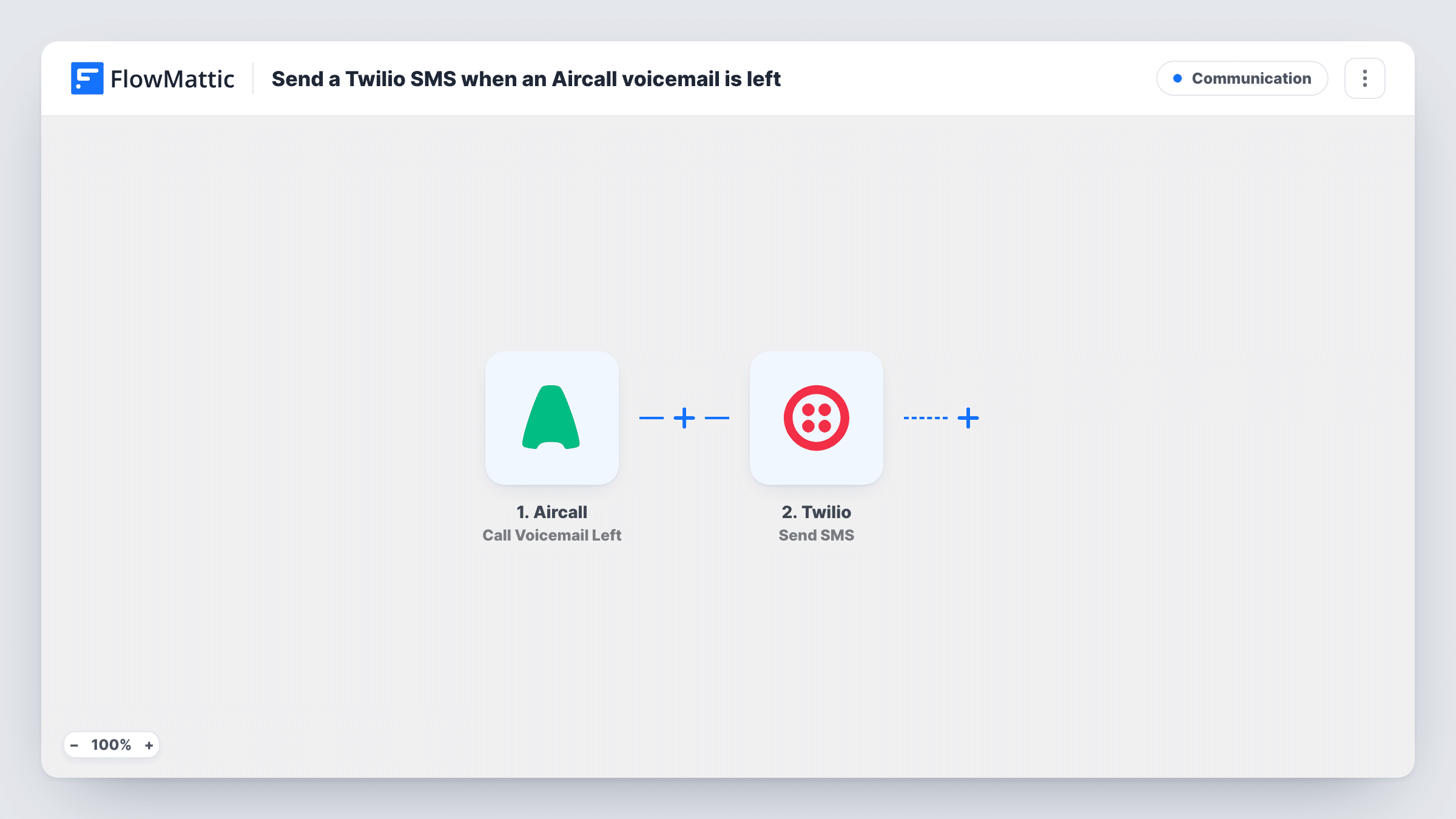
What this workflow does
Voicemails sit unheard when the person responsible is away from their desk or not logged in to Aircall. A text message reaches them on any phone. This workflow turns each new Aircall voicemail into an SMS sent from your Twilio account.
The Aircall trigger is Call Voicemail Left. Per FlowMattic's catalog, it fires about 30 seconds after a call ends when a voicemail is present, so calls that end without a message do not start a run. The call details from that event become data you can place in the text.
Next, Twilio sends the SMS. You decide which phone number gets it and write the message, mixing fixed wording with mapped Aircall values such as the number that called or the line it reached. Run one test voicemail after import to see exactly which call details Aircall passes along.
Every voicemail on the connected Aircall account starts a run, and each run sends one text. Task History lists each run with the data each step received, which helps when a text did not arrive.
After-hours line for a small office
Callers who reach your office outside opening hours leave a voicemail, and the owner gets a text with the calling number so the callback can happen first thing.
On-call phone for a support team
Point the SMS at the phone of whoever is on call this week, so a voicemail left on the support line is not missed over a weekend.
Sales line with a field rep
A rep who spends the day visiting clients gets a text for each voicemail on the sales number and can return the call between meetings.
How this workflow runs
What happens at each step once the workflow is on, and what you need before you import it.
 Aircall Call Voicemail Left
Fires when a call on your connected Aircall account ends with a voicemail. Per the catalog, the event arrives about 30 seconds after the call ends. The call details are passed on for mapping.
- Twilio Send SMS
Texts the chosen phone through Twilio, using your connected account. Set the phone number that should receive it and write the message, adding Aircall values from the trigger so the reader knows who called.
What you need
- FlowMatticCore
- Aircall AccountAccount
- Twilio AccountAccount
After importing, map your own data. To keep the template universal, not every step is pre-filled. Open each step in the builder and connect your accounts and fields (channels, lists, sheets, recipients) before you switch the workflow on.
Make it yours
Changes worth making after you import it.
- Run a test voicemail first, then map the caller's number from the Aircall data into the SMS text, so the person reading it can call back straight from the message.
- If only one Aircall line should send texts, add a Filter after the trigger that continues only when the number that took the call matches that line.
- To reach two people, add a second Twilio Send SMS step after the first one with a different recipient number, rather than sharing one phone.
Questions about this workflow
Does a missed call without a voicemail send a text?
No. The Call Voicemail Left trigger only fires when a voicemail is present, so calls that end with no message don't start the workflow.
Does the Twilio text include the voicemail recording?
Not as imported. The SMS holds the text you write plus any Aircall values you map. Run a test to see what the voicemail event carries; if it includes a link to the recording, you can map it into the message.
Which number does Twilio send the SMS from?
It sends from a phone number in your Twilio account. Connect that account when you import the workflow and pick a number that can send SMS.
Can the SMS go back to the person who left the voicemail?
You can map the caller's number as the recipient if the Aircall event includes it. Check a test run first, and only text callers who expect to hear from you this way.
More Communication workflows
Other ready-to-import templates from the same category.





Import this workflow into your WordPress site
Download the JSON, import it from the Workflows screen and connect your accounts. Every run stays on your server, with no per-task fees.
30-day money-back guarantee Unlimited workflows and runs Self-hosted