

Mirror new Talkspirit circle activity to a Discord channel
Post a message to a Discord channel each time there is new activity in a Talkspirit circle you select, so people who live in Discord can follow that circle without opening Talkspirit.
 Talkspirit
 Discord
2 steps Setup ~5 min Used on 2.7k sites Free to import
What this workflow does
Some groups split across tools: staff use Talkspirit, while volunteers, partners or a wider community gather on Discord. News posted in a Talkspirit circle then never reaches the Discord side unless someone copies it over. This workflow does the copying.
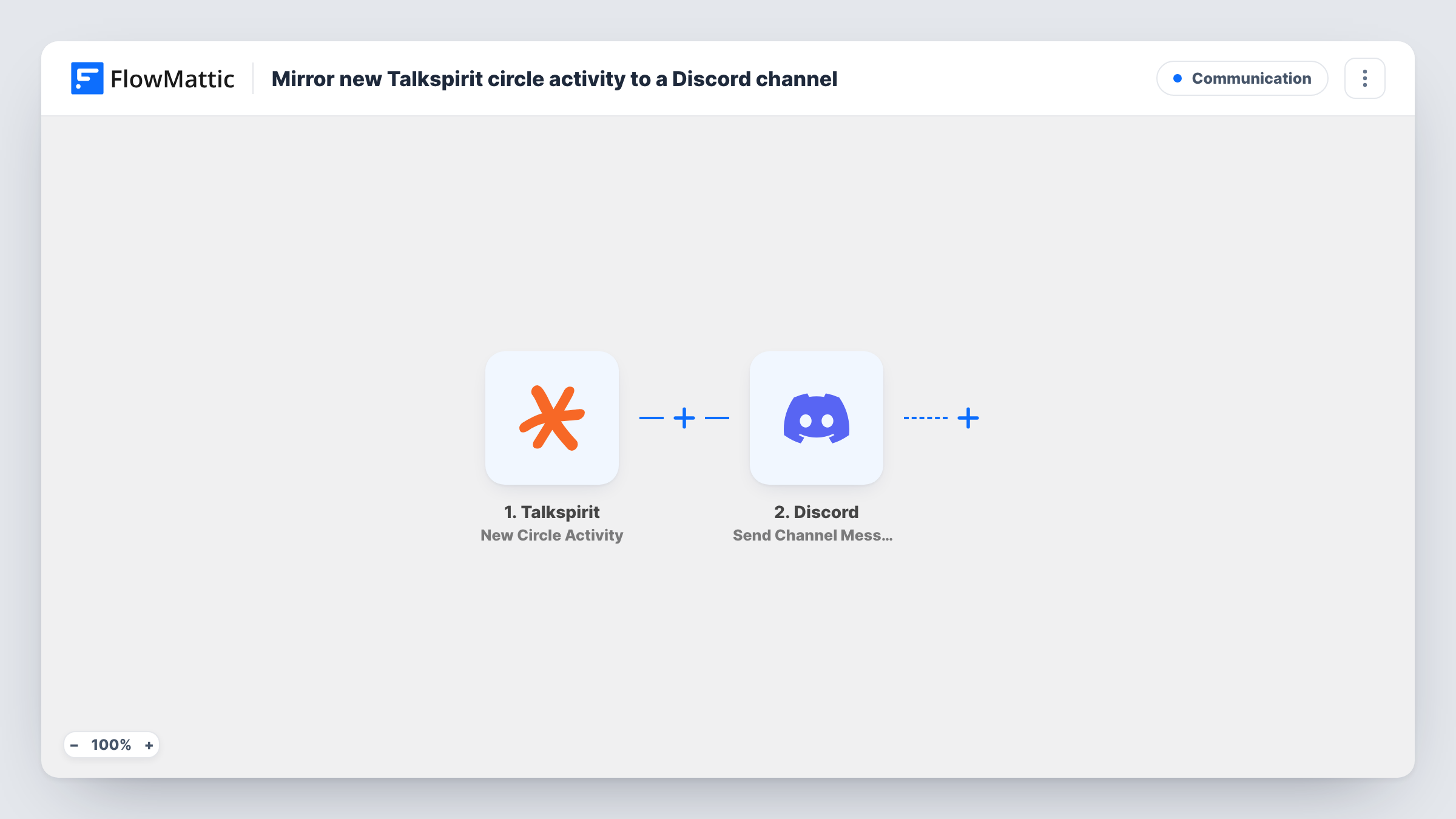
The Talkspirit trigger watches one circle you select and fires when new activity occurs in it. FlowMattic passes the activity data to Discord, where Send Channel Message posts to the #channel you choose. You write the message and place the activity details in it.
The flow runs one way. Replies in Discord stay in Discord and are not sent back to Talkspirit. Every activity in the circle produces a post, so choose a circle whose updates you are happy to share in that channel. Task History records each post.
Announcements to a volunteer server
Staff post updates in a Talkspirit circle, and volunteers who only use Discord see each one in their announcements channel.
Partner updates
A project circle in Talkspirit is mirrored to a Discord channel shared with an outside partner, so both sides see the same news.
Moving a team between tools
While a team moves from Talkspirit to Discord, activity in the old circle keeps showing up in the new channel.
How this workflow runs
What happens at each step once the workflow is on, and what you need before you import it.
 Talkspirit New Circle Activity
Fires when new activity occurs in the Talkspirit circle you select. The activity data is passed to the Discord step.
- Discord Send Channel Message
Posts a message to the Discord #channel you choose. Write the text, insert the Talkspirit activity details, and connect your Discord account.
What you need
- FlowMatticCore
- Talkspirit AccountAccount
- Discord AccountAccount
After importing, map your own data. To keep the template universal, not every step is pre-filled. Open each step in the builder and connect your accounts and fields (channels, lists, sheets, recipients) before you switch the workflow on.
Make it yours
Changes worth making after you import it.
- Create a test post in the circle after import so FlowMattic captures the activity data, then build the Discord message from it.
- Add a Filter after the trigger if only some activity should go to Discord. Use a value you see in a test run to decide what passes.
- To mirror a second circle, import the workflow again and point the copy at the other circle and a different channel.
Questions about this workflow
Do Discord replies get posted back to the Talkspirit circle?
No. The workflow only sends Talkspirit circle activity to Discord. Nothing is posted in Talkspirit.
Can one workflow mirror several Talkspirit circles?
No. Each copy of this workflow follows a single Talkspirit circle. Import the workflow again for each extra circle you want in Discord.
Is earlier Talkspirit circle activity sent to Discord?
No. Only activity that happens after you switch on the workflow is posted.
What do I need to connect Talkspirit to Discord here?
A Talkspirit account with access to the circle and a Discord connection in FlowMattic with access to the channel you pick.
More Communication workflows
Other ready-to-import templates from the same category.





Import this workflow into your WordPress site
Download the JSON, import it from the Workflows screen and connect your accounts. Every run stays on your server, with no per-task fees.
30-day money-back guarantee Unlimited workflows and runs Self-hosted