

Send a Twilio SMS follow-up after a new Calilio call is logged
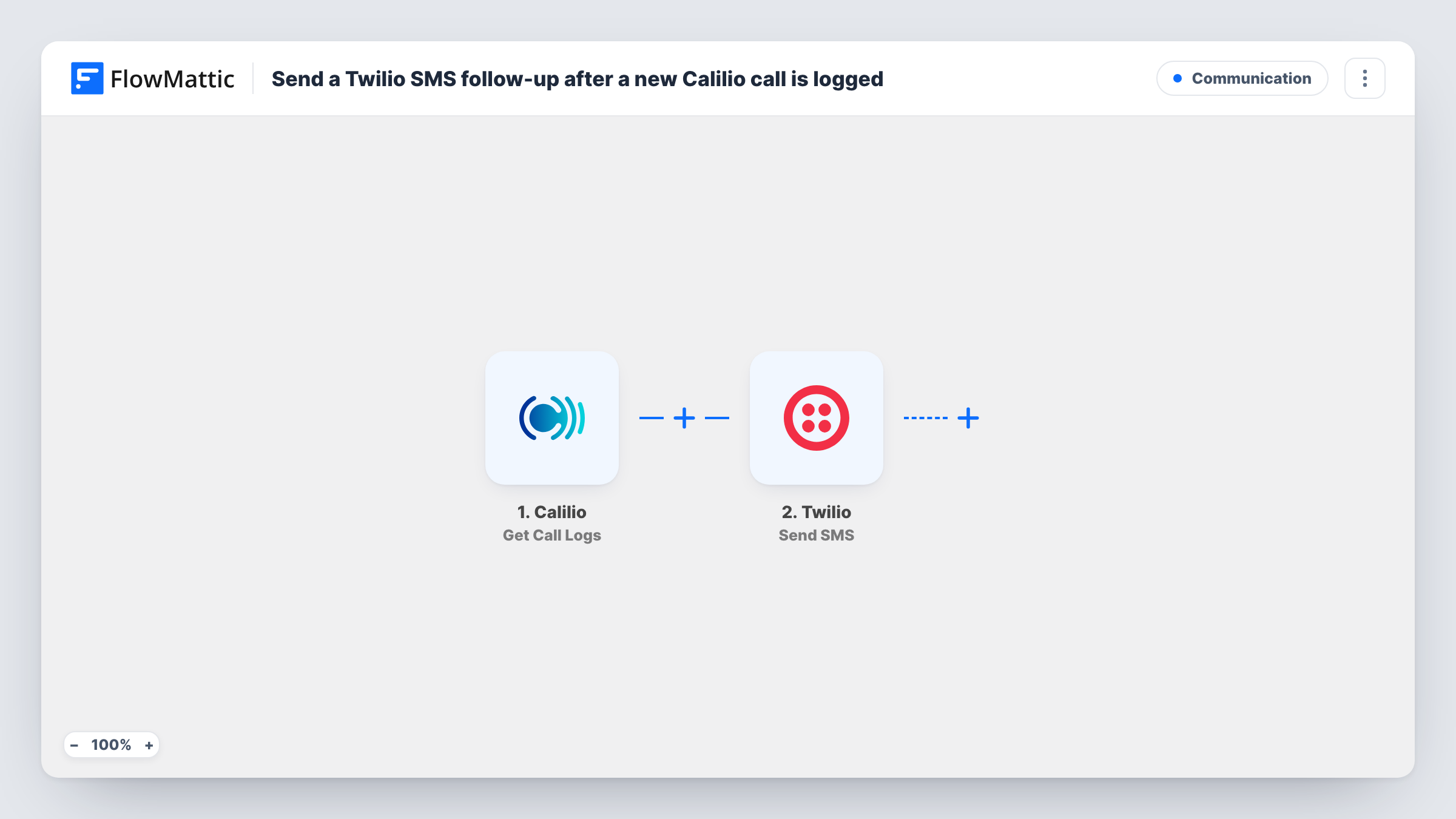
Every call log Calilio reports, incoming or outgoing, starts this workflow, which texts the other party through Twilio so they have a written follow-up of the conversation.
 Calilio
 Twilio
2 steps Setup ~5 min Used on 598 sites Free to import
What this workflow does
Calilio handles your business calls, but what was agreed on a call is easy to forget once it ends. A text straight after, with a link, a summary of next steps or a way to reach you, gives the other person something to refer back to. This workflow sends that text based on Calilio's call log.
The Calilio trigger, Get Call Logs, fires for all incoming and outgoing call logs. The call details it delivers are available to map. The Twilio step sends an SMS to the number you set, usually the other party's number from the log, with the text you write.
Because the trigger covers both directions, a call your team places gets a text just like a call you receive, unless you add a Filter. Missed calls may produce a log as well, so check what a test run shows and narrow it if you need to. Task History records every run and the reply from Twilio.
Recruitment agency after screening calls
Candidates get a text after each call with a link to upload their CV, whichever side dialled.
Support line pointing callers to help
Callers to your Calilio support number receive an SMS with your help centre address and how to reply if the issue comes back.
Real estate agent following up on viewings
After a call with a buyer, the agent's number texts them a link to the listing they discussed and a number for booking a viewing.
How this workflow runs
What happens at each step once the workflow is on, and what you need before you import it.
 Calilio Get Call Logs
Fires for every incoming and outgoing call log in Calilio. The call details, such as the numbers involved if a test run shows them, are passed on for the SMS.
- Twilio Send SMS
Texts the number you map, using your Twilio account. Map the other party's number from the call log, write the follow-up message, and connect Twilio after import.
What you need
- FlowMatticCore
- Calilio AccountAccount
- Twilio AccountAccount
After importing, map your own data. To keep the template universal, not every step is pre-filled. Open each step in the builder and connect your accounts and fields (channels, lists, sheets, recipients) before you switch the workflow on.
Make it yours
Changes worth making after you import it.
- Add a Filter after the Calilio trigger on the call direction or status a test run shows, so only the calls you want, such as answered incoming ones, get a text.
- Check that the numbers in Calilio's call log include the country code. Twilio needs a full international number to deliver an SMS.
- Pause the run with a Delay before the Twilio step if the text should arrive some time after the call ends.
Questions about this workflow
Will outgoing Calilio calls trigger a Twilio text too?
Yes. Get Call Logs fires for both incoming and outgoing calls. Add a Filter on the call direction if you only want texts for one of them.
Do I need a separate Twilio number to send the texts?
Yes. The SMS is sent through your Twilio account and a number in it, not through Calilio. Connect your Twilio account to FlowMattic after import.
Can a busy Calilio line send the same person several texts?
Yes. Every call log is its own run, so someone who calls three times gets three texts. Nothing in the template checks earlier messages.
More Communication workflows
Other ready-to-import templates from the same category.







Import this workflow into your WordPress site
Download the JSON, import it from the Workflows screen and connect your accounts. Every run stays on your server, with no per-task fees.
30-day money-back guarantee Unlimited workflows and runs Self-hosted