

When new form submission is received in AidaForm, send template message in WhatsApp using WhatsApp Cloud API
When someone submits an AidaForm form, this workflow sends them an approved WhatsApp template message through the WhatsApp Cloud API, so they hear from you on their phone as soon as the response arrives.
 AidaForm
 WhatsApp Cloud API
2 steps Setup ~5 min Used on 2.6k sites Free to import
What this workflow does
People who fill in a form often wait for an email that lands in spam or never gets opened. A WhatsApp message reaches the phone they already use. This workflow sends one each time a new AidaForm response comes in, using a message template you have set up for your WhatsApp business number.
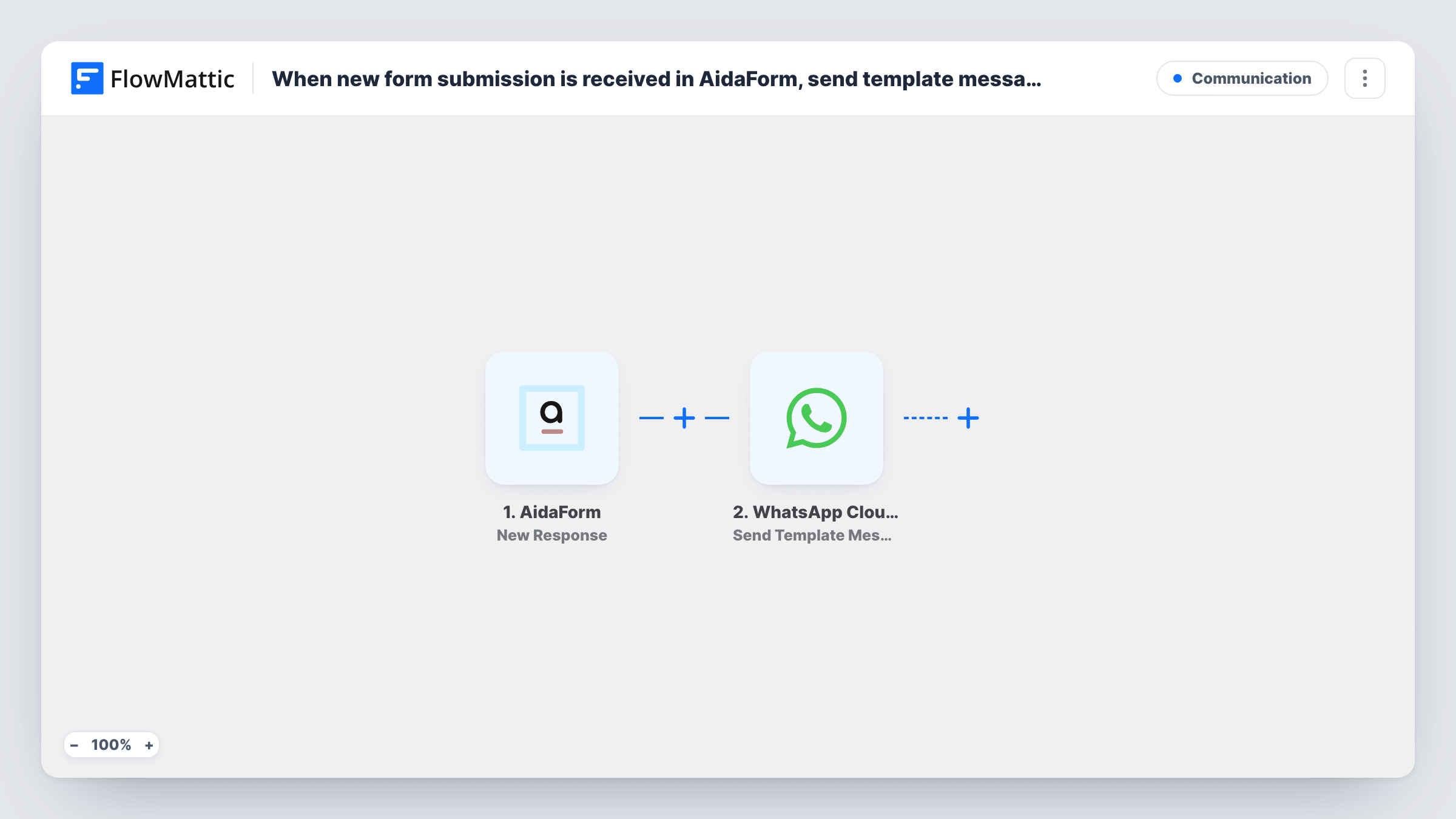
The AidaForm trigger fires when a form is submitted. FlowMattic passes the answers to the WhatsApp Cloud API step, which sends a template message. You map the phone number from the form as the recipient and choose which answers, such as a first name, fill any placeholders in the template.
Template messages are the kind WhatsApp lets a business send first, before the person has written to you. Meta has to approve each template before you can use it. Every send is logged in Task History with the response from the Cloud API, so you can see when a number or template is rejected.
Booking request confirmation
A client asks for an appointment through an AidaForm form. They get a WhatsApp template thanking them by name and saying you will confirm the time.
Event registration receipt
Registrants for a workshop fill in an AidaForm form and receive a WhatsApp template with the event name, so the details sit in their chat history.
Quote request acknowledgement
A prospect asks for a price. The WhatsApp template tells them the request arrived and gives them a chat thread they can reply in.
How this workflow runs
What happens at each step once the workflow is on, and what you need before you import it.
 AidaForm New Response
Fires when a new response is submitted to your AidaForm form. Each answer, including the phone number field, is available to map in the WhatsApp step.
- WhatsApp Cloud API Send Template Message
Uses the WhatsApp Cloud API to send one of your Meta-approved templates to the respondent. Map the form's phone number as the recipient and fill the template's placeholders with form answers.
What you need
- FlowMatticCore
- AidaForm AccountAccount
- WhatsApp Cloud API AccountAccount
After importing, map your own data. To keep the template universal, not every step is pre-filled. Open each step in the builder and connect your accounts and fields (channels, lists, sheets, recipients) before you switch the workflow on.
Make it yours
Changes worth making after you import it.
- Ask for the phone number with its country code in your AidaForm form, or add a hint under the field. WhatsApp needs the full international number to deliver.
- Add a Filter after the trigger that continues only when the phone field is not empty, so runs without a number stop before the WhatsApp step.
- Add a consent question to the form and a Filter on it, so only people who agreed to WhatsApp contact receive the template.
Questions about this workflow
Why does this AidaForm workflow use a WhatsApp template instead of a plain text message?
Plain free-form WhatsApp text only reaches someone who has messaged your business number in the last 24 hours. A form respondent usually has not done that, so an approved template is the message type that can reach them first.
Do I need a WhatsApp Business account with the Cloud API set up?
Yes. You connect your WhatsApp Cloud API account in FlowMattic, and the template you choose must already be approved for that number.
What happens if the AidaForm respondent gives a wrong phone number?
The Cloud API returns an error for that send, and Task History shows it on the WhatsApp step. The response stays in AidaForm as normal.
Can I send different templates for different AidaForm answers?
Not as imported. Swap in a Router with routes for distinct answers, such as each value of a service dropdown, and give each route its own WhatsApp step and template.
More Communication workflows
Other ready-to-import templates from the same category.




Import this workflow into your WordPress site
Download the JSON, import it from the Workflows screen and connect your accounts. Every run stays on your server, with no per-task fees.
30-day money-back guarantee Unlimited workflows and runs Self-hosted