

When an ACF field is updated in user profile, send update notification to user on WhatsApp using WhatsApp Cloud API
When a custom field on a WordPress user profile is updated through Advanced Custom Fields, this workflow sends that user an approved WhatsApp template message through the WhatsApp Cloud API.
 Advanced Custom Fields
 WhatsApp Cloud API
2 steps Setup ~5 min Used on 3.3k sites Free to import
What this workflow does
Membership sites, client portals and directories often keep extra profile data in Advanced Custom Fields: a plan level, an account status, an assigned contact. When that data changes, the user may want to know. This workflow sends them a WhatsApp message each time a custom field on their profile is updated.
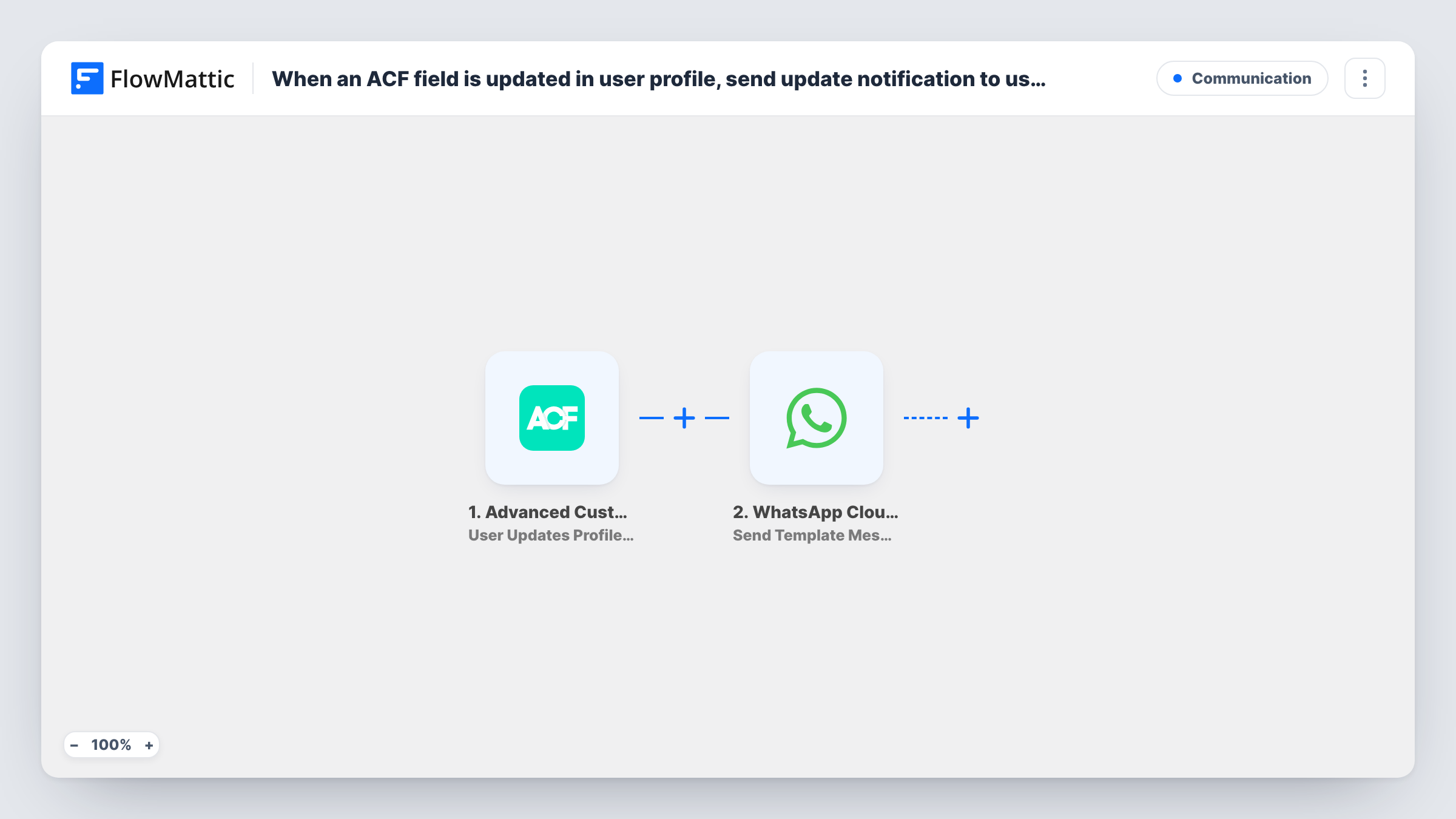
The Advanced Custom Fields trigger fires when a custom field on a user profile is updated. FlowMattic passes the user and field data to the WhatsApp Cloud API step, which sends a template message. Template messages are approved in your WhatsApp Business account ahead of time, which is what lets you message users who have not written to you first.
WhatsApp needs a phone number to deliver to, so the user's number has to come from somewhere in the trigger data, such as a phone field on the profile. Run a test profile update after import to see which values arrive, then map the number and any template variables.
Membership level changes
An admin changes a member's level field in their profile, and the member gets a WhatsApp template message telling them their access has changed.
Client portal status updates
A project status field on each client's user profile is edited by staff, and the client receives a WhatsApp update with the new status.
Directory listing approval
When an approval field on a listing owner's profile is set, the owner hears about it on WhatsApp.
How this workflow runs
What happens at each step once the workflow is on, and what you need before you import it.
 Advanced Custom Fields User Updates Profile Field
Fires when a custom field created with Advanced Custom Fields is updated on a WordPress user profile. The user's data and the field values are passed on.
- WhatsApp Cloud API Send Template Message
Sends an approved WhatsApp template message through your WhatsApp Cloud API connection. Map the user's phone number from the profile data and fill any template variables.
What you need
- FlowMatticCore
- Advanced Custom Fields PluginPlugin
- WhatsApp Cloud API AccountAccount
After importing, map your own data. To keep the template universal, not every step is pre-filled. Open each step in the builder and connect your accounts and fields (channels, lists, sheets, recipients) before you switch the workflow on.
Make it yours
Changes worth making after you import it.
- Add a Filter after the trigger that checks which field changed, so only updates to the field users care about send a message.
- Store phone numbers in full international format in the ACF field, since WhatsApp delivers by phone number.
- Put the new field value into a template variable, so the message tells the user what their profile now says.
Questions about this workflow
Why does this workflow use a WhatsApp template message?
WhatsApp only allows free-form text within 24 hours of the person messaging your business number. An approved template can be sent outside that window, so it reaches users who have never written to you.
Does every ACF profile field change send a WhatsApp message?
As imported, yes. The trigger fires when any custom field on a user profile is updated, and there is no Filter. Add one to limit messages to a particular field.
Where does the user's phone number come from?
From the trigger data, if your profiles store one, for example in an ACF phone field. Check the test run's data and map that value into the WhatsApp step.
Does a user changing their own ACF field also trigger it?
The trigger reacts to the field being updated on the profile. Test both an admin edit and a user's own edit to confirm which ones fire on your site.
More Communication workflows
Other ready-to-import templates from the same category.


Import this workflow into your WordPress site
Download the JSON, import it from the Workflows screen and connect your accounts. Every run stays on your server, with no per-task fees.
30-day money-back guarantee Unlimited workflows and runs Self-hosted