

Send an SMS via Twilio to follow up on each new Lead Prosper lead
Each lead captured through a Lead Prosper campaign gets a text message from your Twilio number, written by you and filled with the lead’s own details, so first contact happens by SMS.
 Lead Prosper
 Twilio
2 steps Setup ~5 min Used on 858 sites Free to import
What this workflow does
Leads that come through Lead Prosper still need someone to reach out. If your first contact is a text, you end up copying numbers from one screen to another. This workflow sends that first SMS for you whenever a lead arrives.
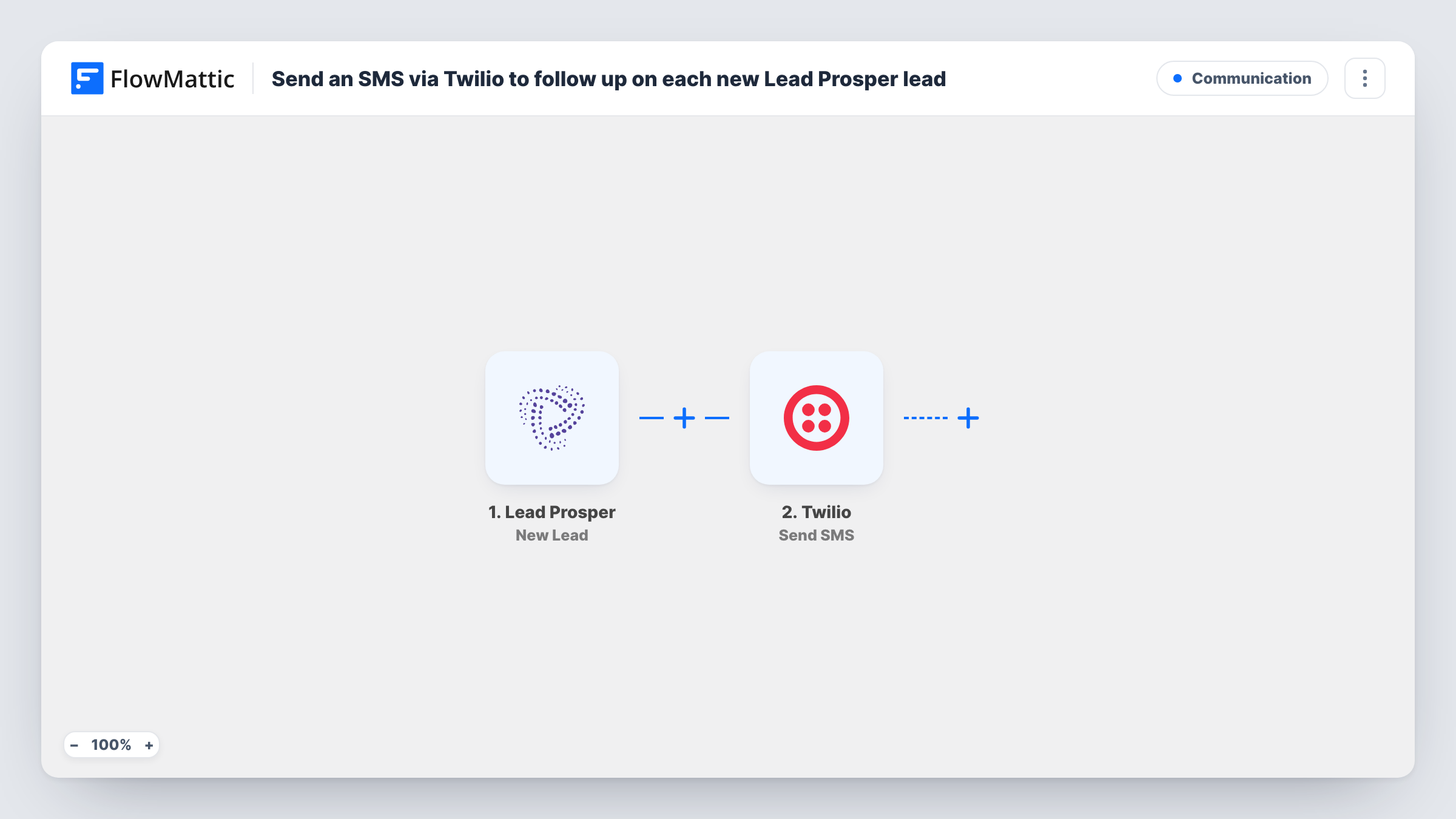
The Lead Prosper trigger fires when a new lead is captured through one of your campaigns. FlowMattic hands the lead data to Twilio, which sends an SMS to the number you map from the lead. You write the message once and insert lead values such as the first name.
Every lead runs the same step, so each one gets the same text with their own details filled in. Nothing checks the number first. If a lead has no phone or an invalid one, Twilio returns an error, which you can see on that step in Task History.
Home services quote requests
A lead asks for a quote through a Lead Prosper campaign and gets a text saying who will call and when your office is open.
Insurance or finance leads
Each lead receives an SMS from your Twilio number with a short introduction and a reply option, so the conversation can start by text.
Lead buyers testing campaigns
You receive leads from several Lead Prosper campaigns and send each a text that names the offer, using a campaign value if the lead data includes one.
How this workflow runs
What happens at each step once the workflow is on, and what you need before you import it.
 Lead Prosper New Lead
Runs when a new lead is captured through a Lead Prosper campaign. The lead's data, such as name and phone, becomes available to the Twilio step.
- Twilio Send SMS
Texts the new lead through Twilio. Map the lead's phone number as the recipient, choose your sending number, and write the message with lead values inserted.
What you need
- FlowMatticCore
- Lead Prosper AccountAccount
- Twilio AccountAccount
After importing, map your own data. To keep the template universal, not every step is pre-filled. Open each step in the builder and connect your accounts and fields (channels, lists, sheets, recipients) before you switch the workflow on.
Make it yours
Changes worth making after you import it.
- Add a Filter after the trigger so the SMS goes only when the phone field is not empty. Leads without a number then end the run quietly instead of leaving a Twilio error.
- Add a Delay before the Twilio step if you prefer the text to arrive a few minutes after the lead is captured.
- Check a test run to see how Lead Prosper sends phone numbers. Twilio expects them with the country code, so fix the format at the source if it is missing.
Questions about this workflow
Do I need my own Twilio number to text Lead Prosper leads?
Yes. The SMS is sent from a number in your Twilio account, which you connect and select in the Twilio step.
What happens when a Lead Prosper lead has no phone number?
Twilio can't send without a recipient, so that step returns an error. Task History shows it on the Twilio step for that run.
Will older Lead Prosper leads get a text?
No. A run starts only for Lead Prosper leads captured once the workflow is switched on. Leads already in Lead Prosper are not touched.
Can I send a different text for each campaign?
Not as imported. If the lead data carries a campaign value, swap in a Router with one route per campaign value, each with its own Twilio step and wording.
More Communication workflows
Other ready-to-import templates from the same category.






Import this workflow into your WordPress site
Download the JSON, import it from the Workflows screen and connect your accounts. Every run stays on your server, with no per-task fees.
30-day money-back guarantee Unlimited workflows and runs Self-hosted