

Send messages to Discord channels for new records in Airtable
Each time a new record is created in your Airtable table, FlowMattic posts a message about it to the Discord channel you choose, so your community or team sees new entries without opening Airtable.
 Airtable
 Discord
2 steps Setup ~5 min Used on 1.7k sites Free to import
What this workflow does
Plenty of teams and communities run on Airtable for the data and Discord for the talk. A new bug report, content idea or sign-up in a base often needs eyes on it, but nobody watches the table all day. This workflow announces each new record in a Discord channel where people are already chatting.
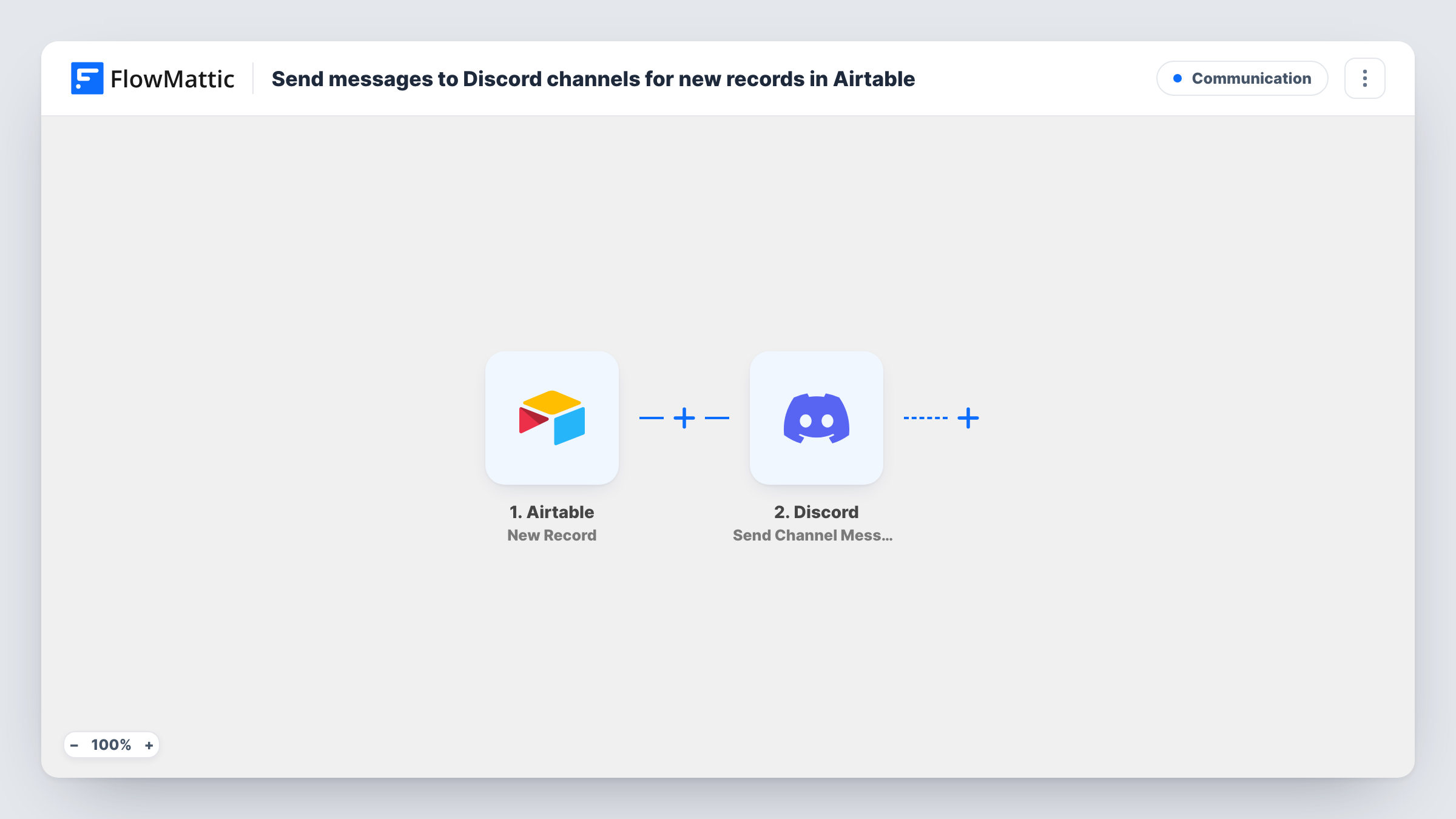
The Airtable New Record trigger fires when a record is created in the base and table you connect. Every field on that new row of the table is then available for the message. Editing a record that already exists doesn't count as a new record.
The Discord Send Channel Message step then posts to one channel. It ships unmapped, so after import you pick the channel and write the message, mapping the Airtable fields that matter, such as a name, status or link.
Every new record posts one message, so a bulk import into the table can fill the channel quickly. Add a test record and open Task History to see the fields Airtable sent and what Discord returned.
Bug reports to a dev channel
A game studio collects player bug reports in Airtable through a form, and each new report appears in #bug-triage on its Discord server.
Content calendar announcements
A newsletter team adds story ideas to an Airtable base, and the editors' Discord channel gets a message with the headline and the writer's name.
New members for a community
A club tracks applications in Airtable and posts each new applicant's name in a private moderators' channel so someone can welcome them.
How this workflow runs
What happens at each step once the workflow is on, and what you need before you import it.
 Airtable New Record
Starts a run each time someone adds a record to the Airtable table this step watches. That record's fields are handed to the Discord step.
- Discord Send Channel Message
Sends one message into a Discord channel of your choosing. The step ships unmapped: after import, pick the channel and write the text with the Airtable fields you want to show.
What you need
- FlowMatticCore
- Airtable AccountAccount
- Discord AccountAccount
After importing, map your own data. To keep the template universal, not every step is pre-filled. Open each step in the builder and connect your accounts and fields (channels, lists, sheets, recipients) before you switch the workflow on.
Make it yours
Changes worth making after you import it.
- Put a Filter between the Airtable trigger and the Discord step on a field such as Priority or Type, so only the records that need attention post. That field is an example; use one from your table.
- If the trigger data in a test run includes the record's ID or link, add it to the message so people can find the entry in Airtable from Discord.
- To send record types to different channels, replace the single Discord step with a Router after the trigger, give each route its own Discord step, and use route conditions that can't both match.
Questions about this workflow
Does editing an Airtable record post to Discord again?
No. The trigger fires when a record is created, so changes to records that already exist don't start a run.
Can the Airtable announcement in Discord tag a role or a member?
Yes, if you write the mention into the message text in Discord's own mention format. Test it in the channel first to see how it appears.
Which Airtable fields show up in the Discord message?
Only those you map into the message. Add a test record after import, look at the trigger data in Task History, and pick the fields you need.
More Communication workflows
Other ready-to-import templates from the same category.






Import this workflow into your WordPress site
Download the JSON, import it from the Workflows screen and connect your accounts. Every run stays on your server, with no per-task fees.
30-day money-back guarantee Unlimited workflows and runs Self-hosted