

Post new Talkspirit circle activity to a Slack channel
When something new happens in a Talkspirit circle you select, this workflow posts a message about it to a Slack channel, so people who live in Slack see the update.
 Talkspirit
 Slack
2 steps Setup ~5 min Used on 794 sites Free to import
What this workflow does
Teams split across tools miss things. Your company may use Talkspirit circles for projects or departments while some colleagues spend their day in Slack. This workflow carries circle activity across, so a post in Talkspirit also shows up where those people look.
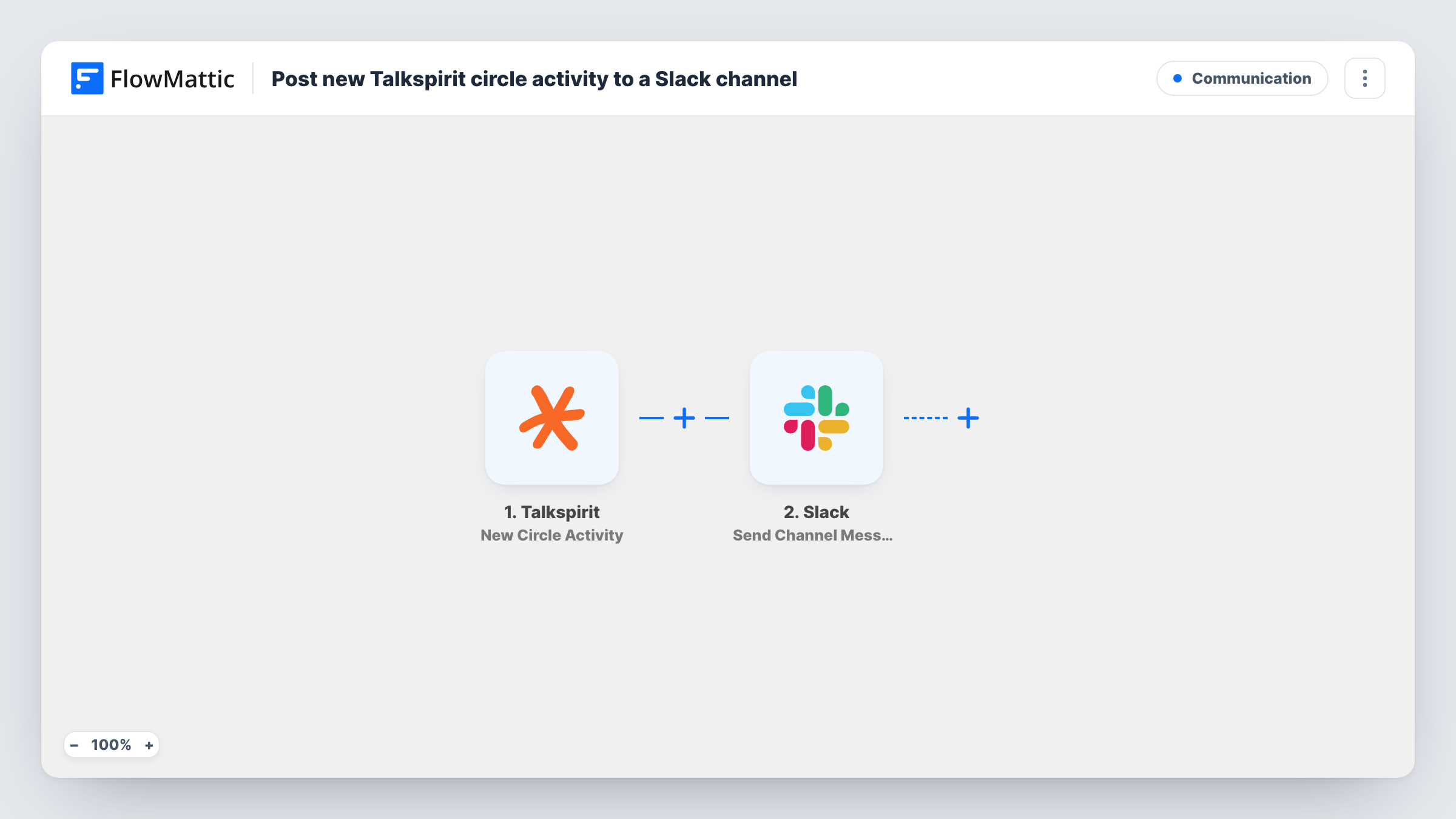
The Talkspirit trigger watches one circle that you choose and fires when a new activity occurs in it. The details of that activity are passed to Slack, where Send Channel Message posts to the channel you pick. You write the message and decide which activity details appear in it, such as who posted and what they wrote.
As imported, every new activity in the circle produces one Slack message. Busy circles can therefore produce many posts. If you only want some of them, add a Filter between the two steps. Task History lists every Talkspirit activity the workflow passed to Slack.
Announcements circle mirrored to #general
Leadership posts news in a Talkspirit circle. The same updates appear in your Slack #general channel for staff who rarely open Talkspirit.
Partner circle updates for an internal team
You share a Talkspirit circle with an outside partner. New activity there is posted in a private Slack channel so your team can discuss it.
Project circle feeding a project channel
Each project has a Talkspirit circle and a Slack channel. One copy of this workflow per project keeps the channel informed of circle posts.
How this workflow runs
What happens at each step once the workflow is on, and what you need before you import it.
 Talkspirit New Circle Activity
Watches the one Talkspirit circle you choose and starts a run for each new activity there. Its details are passed to the Slack step.
- Slack Send Channel Message
Sends your message into one Slack channel of your choosing. Write the text and map details from the Talkspirit activity into it, then check the result with a test.
What you need
- FlowMatticCore
- Talkspirit AccountAccount
- Slack AccountAccount
After importing, map your own data. To keep the template universal, not every step is pre-filled. Open each step in the builder and connect your accounts and fields (channels, lists, sheets, recipients) before you switch the workflow on.
Make it yours
Changes worth making after you import it.
- Add a Filter after the trigger if you only want certain activity in Slack, for example posts whose text contains a keyword.
- Include the author's name from the Talkspirit activity at the start of the Slack message so readers know who posted.
- To follow a second circle, clone the workflow, pick the other circle in the trigger and, if you like, a different Slack channel.
Questions about this workflow
Can replies in Slack go back to Talkspirit?
No. This template sends updates one way, from the Talkspirit circle to Slack.
Does it watch all my Talkspirit circles?
No. The trigger watches the one circle you select. Use a copy of the workflow for each additional circle.
Will older Talkspirit activity be posted to Slack?
No. Only activity that occurs after you turn the workflow on is sent to the channel.
More Communication workflows
Other ready-to-import templates from the same category.




Import this workflow into your WordPress site
Download the JSON, import it from the Workflows screen and connect your accounts. Every run stays on your server, with no per-task fees.
30-day money-back guarantee Unlimited workflows and runs Self-hosted