

Send an SMS reminder via Twilio when a Timetics booking is created
When a booking is created in Timetics, this workflow texts the attendee through Twilio with a message you write, such as the appointment time, sent right after they book.
 Timetics
 Twilio
2 steps Setup ~5 min Used on 717 sites Free to import
What this workflow does
People book a slot and then forget the details. A text message sits on their phone, where it is easy to find again on the day. This workflow sends one through Twilio as soon as a booking is made in Timetics.
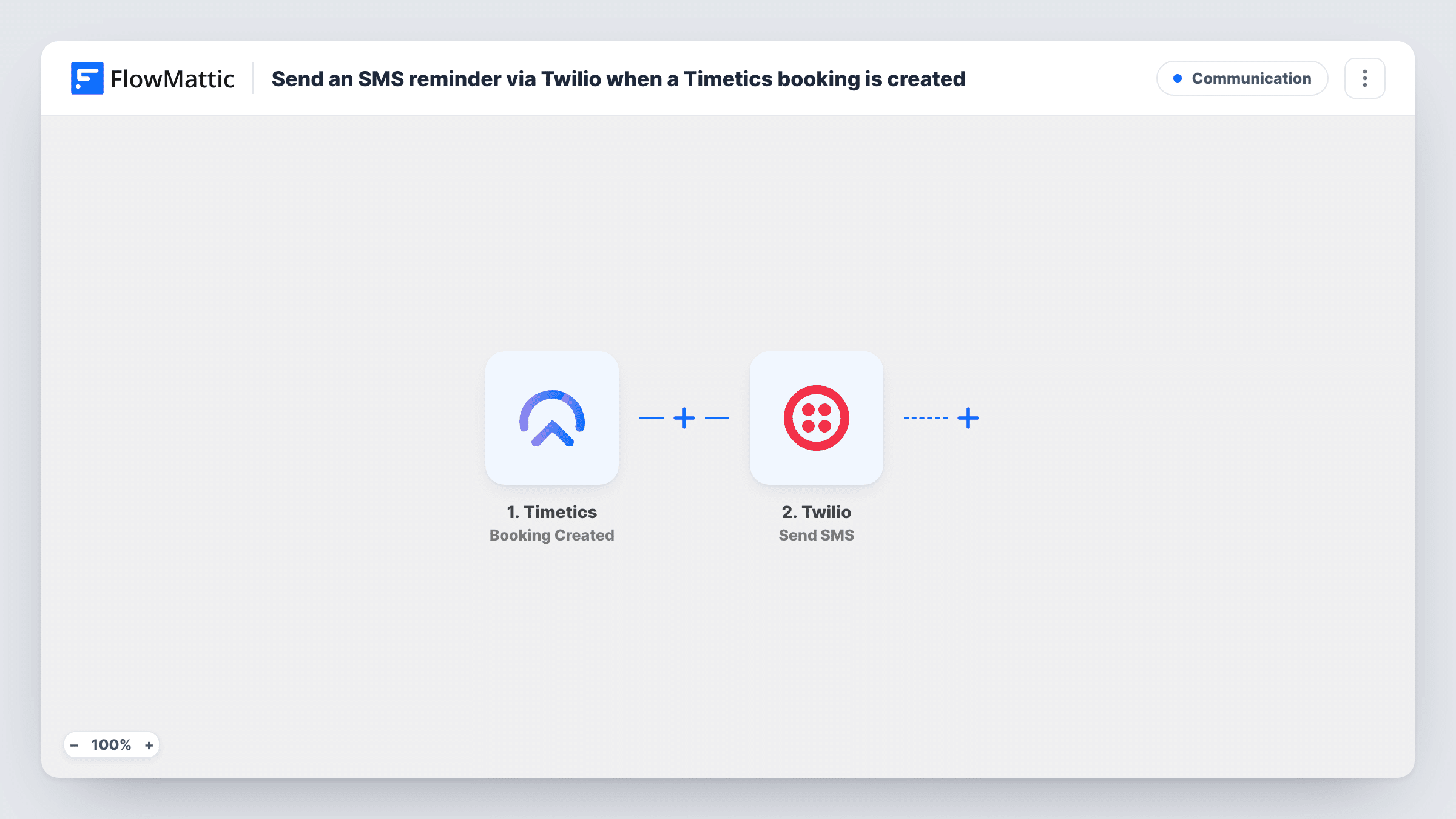
The Timetics trigger fires when a booking is created on your WordPress site. FlowMattic passes the booking data to Twilio, whose Send SMS action texts the number you map. You write the message and drop in booking values, such as the date, time and meeting name.
The text goes out at booking time, not shortly before the appointment. Think of it as a confirmation the person keeps. It also depends on a phone number: if your booking form doesn't collect one, the step has nothing to send to, and Task History will show Twilio's error for that run.
Clinic appointment confirmations
Patients book through Timetics and receive a text with the date and time straight away, which they can look back at on the day.
Tutoring sessions booked by parents
A parent books a lesson for their child and gets a text with the session time and the tutor's name, kept apart from their crowded inbox.
Alerting staff about new bookings
Map a fixed staff phone number instead of the attendee's, and the person running the service gets a text each time a new slot is taken.
How this workflow runs
What happens at each step once the workflow is on, and what you need before you import it.
 Timetics Booking Created
Starts the run each time someone books a slot in Timetics. The booking details, including whatever the attendee entered in the form, become available to map into the text.
- Twilio Send SMS
Sends a text through your Twilio account. Map the attendee's phone number, if the booking carries one, as the recipient, and write the message with booking values in it. Connect Twilio on import.
What you need
- FlowMatticCore
- Timetics AccountAccount
- Twilio AccountAccount
After importing, map your own data. To keep the template universal, not every step is pre-filled. Open each step in the builder and connect your accounts and fields (channels, lists, sheets, recipients) before you switch the workflow on.
Make it yours
Changes worth making after you import it.
- Make a test booking after import and look at the trigger data. If no phone number appears, add a phone field to your Timetics booking form before you rely on this workflow.
- Twilio usually expects numbers in international format with a country code. Ask for that format in your booking form's phone field, and check a test run to see how the number arrives.
- Keep the message short and include the business name, so the person knows who it is from when it arrives.
Questions about this workflow
Is the Twilio text sent before the Timetics appointment?
No. It goes out when the booking is created. The template has no step that waits until the appointment is near.
What happens if the Timetics booking has no phone number?
The Send SMS step has no valid recipient and Twilio returns an error, which you can see on that step in Task History. Collect a phone number in the booking form to avoid this.
Does a rescheduled booking send another text?
Not with this trigger, which only fires on Booking Created. Timetics has a Booking Updated trigger you could use in a second workflow.
Do I need a Twilio number to send these booking texts?
Yes. Send SMS goes out from your Twilio account, so you need a Twilio number or sender that can text the countries your clients are in.
More Communication workflows
Other ready-to-import templates from the same category.




Import this workflow into your WordPress site
Download the JSON, import it from the Workflows screen and connect your accounts. Every run stays on your server, with no per-task fees.
30-day money-back guarantee Unlimited workflows and runs Self-hosted