

When a chat is finished in JivoChat, send post-chat feedback request via Twilio SMS
When a JivoChat conversation is closed, this workflow sends the visitor a text message through Twilio asking how the chat went, using the phone number JivoChat has for them.
 JivoChat
 Twilio
2 steps Setup ~5 min Used on 2.6k sites Free to import
What this workflow does
Chat support ends with the conversation closing and the visitor leaving. If you want to know how it went, a short text afterwards is one way to ask. This workflow sends that text through your Twilio account each time a chat ends.
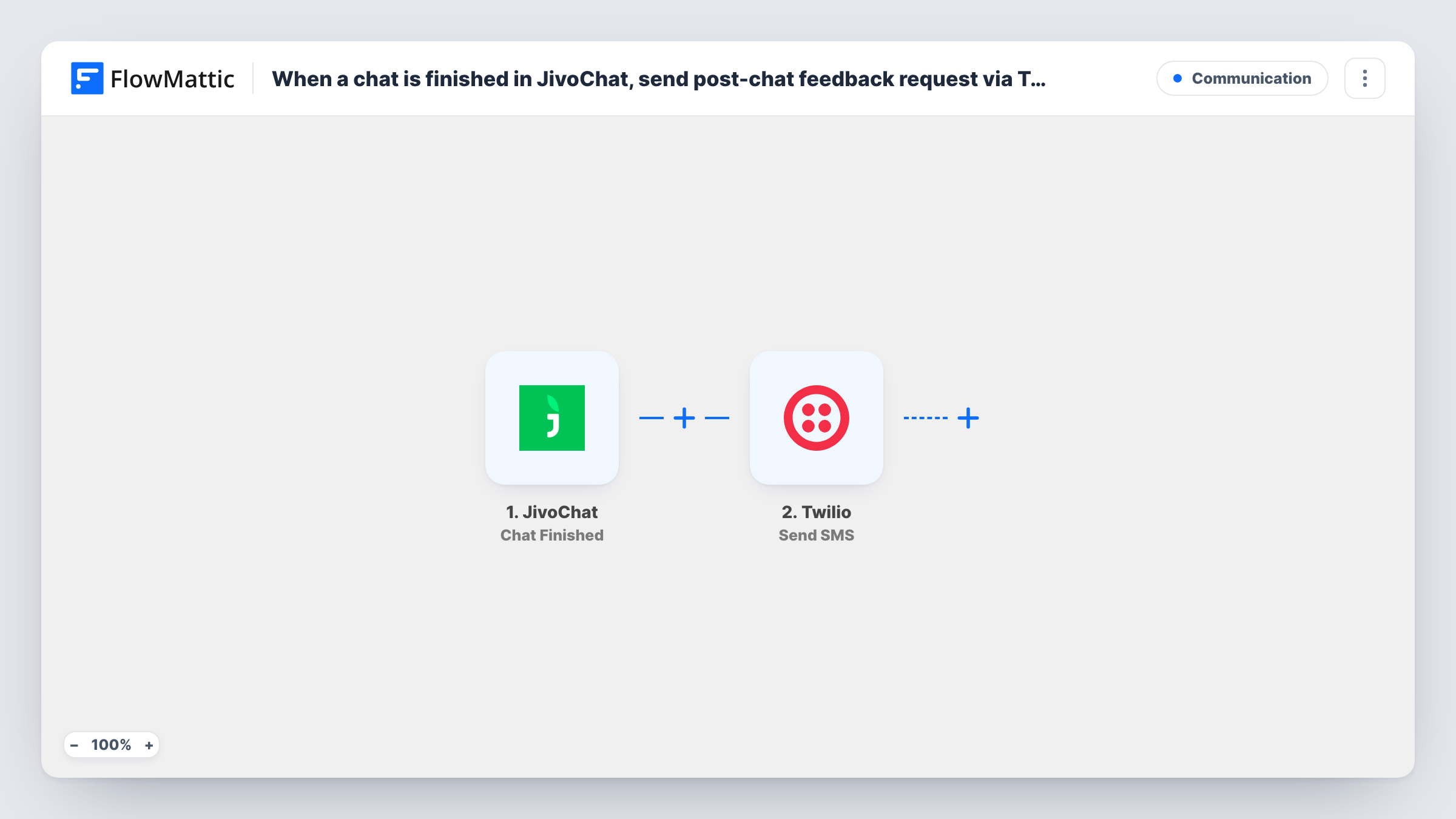
The JivoChat trigger fires when a chat is closed in the agent application. FlowMattic receives the chat data, including whatever details JivoChat holds about the visitor. The Twilio step then sends an SMS to the number you map, with the message you write, such as a request to rate the chat or a link to a short survey.
The text can only go out if JivoChat has a phone number for the visitor, for example from a contact form in the chat. Many visitors chat without leaving one. Run a test chat after import, check which fields the trigger returns, and map the phone field from there. Task History shows Twilio's response for each run.
Rating requests after sales chats
A furniture shop asks visitors for a phone number before chatting. When the chat closes, they get a text with a link to a one-question rating form.
Follow-up for service bookings
A garage takes booking questions in JivoChat. After each closed chat, the customer receives a text asking whether their question was answered.
Checking support quality across agents
A support lead sends the same feedback text after every closed chat, then compares the replies to see where answers could be clearer.
How this workflow runs
What happens at each step once the workflow is on, and what you need before you import it.
 JivoChat Chat Finished
Runs when a chat is closed in the JivoChat agent application. The chat and visitor details are passed on so you can map them into the SMS.
- Twilio Send SMS
Sends a text message through Twilio to the visitor's phone number. Map the number from the JivoChat data, write the feedback request, and connect your Twilio account.
What you need
- FlowMatticCore
- JivoChat AccountAccount
- Twilio AccountAccount
After importing, map your own data. To keep the template universal, not every step is pre-filled. Open each step in the builder and connect your accounts and fields (channels, lists, sheets, recipients) before you switch the workflow on.
Make it yours
Changes worth making after you import it.
- Add a Filter after the JivoChat trigger that continues only when the visitor's phone field is not empty, if the trigger returns one. Chats without a number then stop there instead of sending a failed SMS.
- Insert a Delay before the Twilio step so the request arrives a little while after the chat, rather than the moment it closes.
- Ask for a phone number in the contact form inside your JivoChat widget, so more closed chats reach the Twilio step with a number to text.
Questions about this workflow
Does every closed JivoChat conversation get a text?
Every closed chat starts a run, but the SMS only reaches someone when JivoChat has a valid phone number for that visitor. Without one, Twilio has nowhere to send it, and Task History shows the step's response.
Can I include the agent's name in the Twilio message?
If the JivoChat trigger data includes the agent, yes. Check a test run to see the fields it returns before you map them into the message.
Which number does the JivoChat feedback text come from?
A number on your Twilio account. You connect that account in the step, and the SMS is sent from a Twilio number you own.
Can visitors reply to the feedback SMS?
Replies go to your Twilio number, not back into this workflow or into JivoChat. Handle them in Twilio or with a separate workflow.
More Communication workflows
Other ready-to-import templates from the same category.





Import this workflow into your WordPress site
Download the JSON, import it from the Workflows screen and connect your accounts. Every run stays on your server, with no per-task fees.
30-day money-back guarantee Unlimited workflows and runs Self-hosted