

When Post Scheduled To be Published in Socialbee, Send Template Message in WhatsApp Cloud API
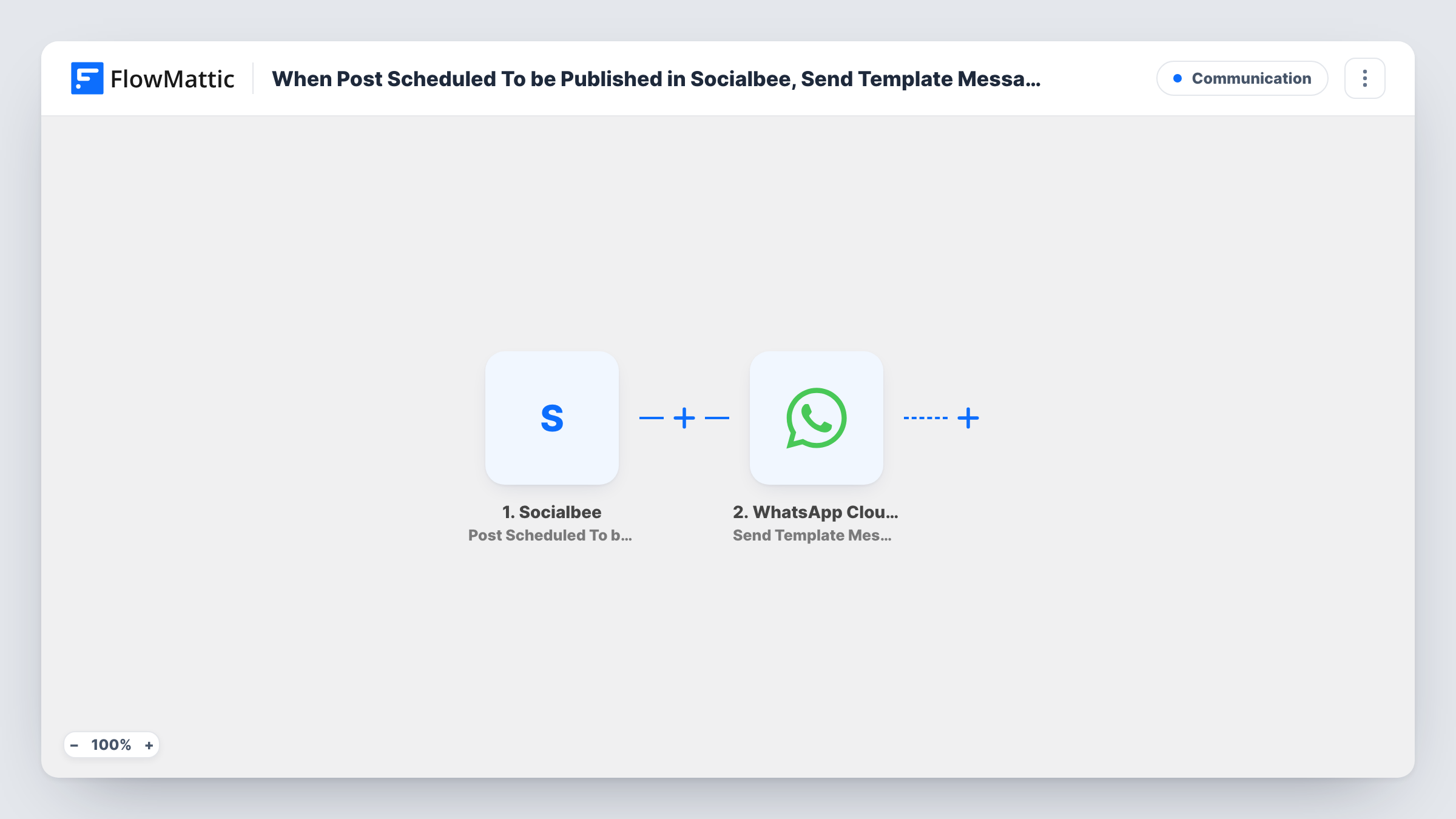
When a post is scheduled to be published in SocialBee, FlowMattic sends a WhatsApp template message from your Cloud API number, so you or your team know what is queued without opening SocialBee.
 Socialbee
 WhatsApp Cloud API
2 steps Setup ~5 min Used on 316 sites Free to import
What this workflow does
Social posts often need a second pair of eyes or a heads-up to the people mentioned in them. If your team lives in WhatsApp, a message when something is queued is easier to notice than a dashboard. This workflow sends one each time a post is scheduled in SocialBee.
The Socialbee trigger fires when a post is scheduled to be published. FlowMattic passes the post data to the WhatsApp Cloud API Send Template Message step, which sends an approved template from your WhatsApp Business number to the number you set. You can fill the template's variables with values from the post, such as its text or scheduled time, if the trigger provides them.
Every scheduled post sends one message, so a batch of posts queued at once means a batch of messages. The template has to be approved in your Meta account first. Task History shows each run and WhatsApp's response.
Approval nudge for a client
Send the client a template message with the post text each time you queue something for their account, so they can object before it goes out.
Team awareness for a social manager's queue
The marketing lead gets a WhatsApp message for every post scheduled, which gives them a running picture of what is coming.
Reminder for people featured in a post
Message a speaker or partner when a post about them is queued, so they're ready to share it when it goes live.
How this workflow runs
What happens at each step once the workflow is on, and what you need before you import it.
 Socialbee Post Scheduled To be Published
Fires when a post is scheduled to be published in SocialBee. Schedule a test post after import to see which post fields FlowMattic receives.
- WhatsApp Cloud API Send Template Message
Sends an approved WhatsApp template message from your Cloud API number. Set the recipient number, choose the template, and map post details into its variables.
What you need
- FlowMatticCore
- Socialbee AccountAccount
- WhatsApp Cloud API AccountAccount
After importing, map your own data. To keep the template universal, not every step is pre-filled. Open each step in the builder and connect your accounts and fields (channels, lists, sheets, recipients) before you switch the workflow on.
Make it yours
Changes worth making after you import it.
- Add a Filter after the trigger so only posts for one SocialBee profile or category send a message, if the trigger includes that detail.
- Create a template in Meta with variables for the post text and time, so one template works for every post the workflow announces.
- Enter the recipient number with its country code, since WhatsApp needs the full international format.
Questions about this workflow
Why does the SocialBee alert use a WhatsApp template rather than free text?
WhatsApp lets businesses start a conversation only with an approved template. Plain text is delivered only inside the 24-hour window after the recipient last messaged your number.
Who receives the WhatsApp message about the SocialBee post?
Whichever number you enter in the step, such as your own, a teammate's or a client's. The template ships without a recipient, so set it before turning the workflow on.
Does every SocialBee post send a message?
Yes. Each post scheduled for publishing starts one run, and the template has no Filter, so every one sends a WhatsApp message.
More Communication workflows
Other ready-to-import templates from the same category.




Import this workflow into your WordPress site
Download the JSON, import it from the Workflows screen and connect your accounts. Every run stays on your server, with no per-task fees.
30-day money-back guarantee Unlimited workflows and runs Self-hosted