

When new feedback is submitted, send a thank-you message via WhatsApp Cloud API
When new feedback arrives in Userback, this workflow sends a WhatsApp thank-you through the WhatsApp Cloud API. Free-form texts only reach people who wrote to your business number within the last 24 hours.
 Userback
 WhatsApp Cloud API
2 steps Setup ~5 min Used on 765 sites Free to import
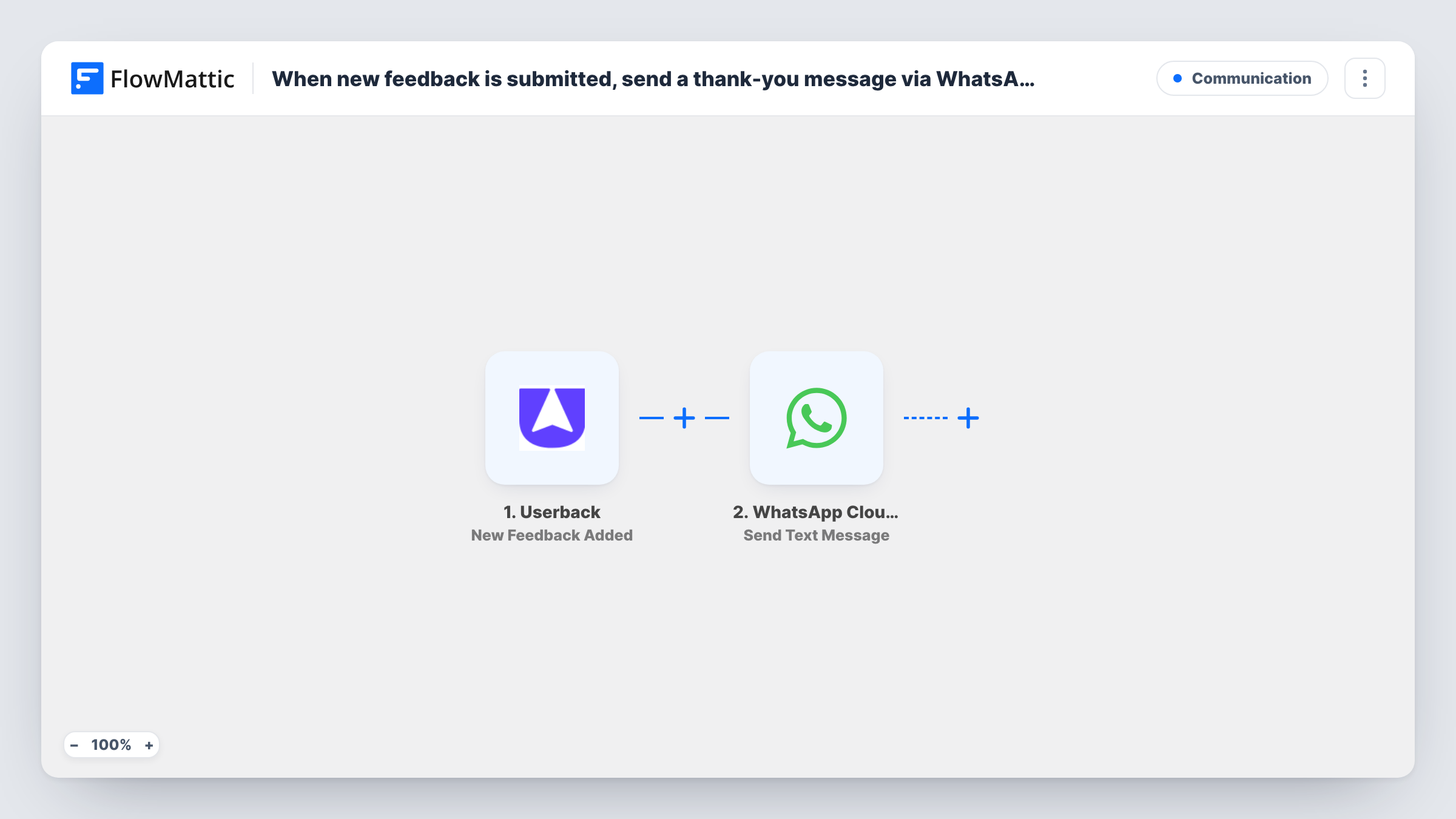
What this workflow does
People who report a bug or suggest an idea through Userback rarely hear back straight away. A quick thank-you shows the report was received. This workflow sends that thank-you over WhatsApp for each new piece of feedback.
The Userback trigger fires when new feedback is added, and the feedback's data comes into FlowMattic. The WhatsApp Cloud API step sends a text from your business number to the phone number you map, with a message you write.
Two things decide whether the message lands. First, the feedback needs a phone number to send to; check a test run to see whether yours carries one. Second, WhatsApp delivers this kind of free-form text only inside the 24-hour window after the person last messaged your business. Most people leaving feedback won't have, so switch to Send Template Message with an approved template to reach them. Task History records each send and WhatsApp's reply.
Beta testers on WhatsApp
A product team already chats with its beta testers on WhatsApp. When a tester files feedback in Userback, they get a thanks in the same conversation.
Client website review
An agency's client leaves comments on a staging site through Userback. Once the step uses an approved template, the client gets a WhatsApp note that the comment arrived.
Team alert instead of a thank-you
Set the recipient to a fixed team number, and the person who triages feedback gets a WhatsApp text whenever a new item comes in.
How this workflow runs
What happens at each step once the workflow is on, and what you need before you import it.
 Userback New Feedback Added
Starts a run each time new feedback is added in your Userback account. The feedback's data is passed on for the WhatsApp message.
- WhatsApp Cloud API Send Text Message
Sends a free-form WhatsApp text through the Cloud API to the number you map. It is only delivered if that person messaged your business number within the past 24 hours.
What you need
- FlowMatticCore
- Userback AccountAccount
- WhatsApp Cloud API AccountAccount
After importing, map your own data. To keep the template universal, not every step is pre-filled. Open each step in the builder and connect your accounts and fields (channels, lists, sheets, recipients) before you switch the workflow on.
Make it yours
Changes worth making after you import it.
- Replace this step with the WhatsApp Cloud API Send Template Message action and an approved template, so people who never wrote to your business can still receive the thank-you.
- Add a Filter after the Userback trigger that continues only when a phone number is present, so feedback without one ends the run before the WhatsApp step.
- Leave a test piece of feedback after import and read Task History to see what Userback sends and which field, if any, holds a phone number.
Questions about this workflow
Will Userback users get the WhatsApp thank-you?
Only if the feedback carries their phone number and they messaged your business within the last 24 hours. For everyone else, use an approved template message instead.
Where does the phone number for the WhatsApp message come from?
From the feedback data, if Userback includes one. Run a test after import to check. If there is none, you can only send to a fixed number, such as your own team's.
Can I thank people by email instead of WhatsApp?
Yes. Swap the WhatsApp step for an email step and map the address from the feedback data, if Userback sends one for your widget.
More Communication workflows
Other ready-to-import templates from the same category.




Import this workflow into your WordPress site
Download the JSON, import it from the Workflows screen and connect your accounts. Every run stays on your server, with no per-task fees.
30-day money-back guarantee Unlimited workflows and runs Self-hosted