

Send a Gmail follow-up email after a Join.me meeting ends
When a Join.me meeting ends, this workflow sends a follow-up email from your Gmail account, with details from the meeting placed in the message, so the thank-you or next-steps note goes out without you writing it.
 Join.me
 Gmail
2 steps Setup ~5 min Used on 1.1k sites Free to import
What this workflow does
The end of a call is when follow-ups get forgotten. You meant to send a thank-you, a summary or a link, and then the next meeting started. This workflow sends that email for you as soon as Join.me reports the meeting is over.
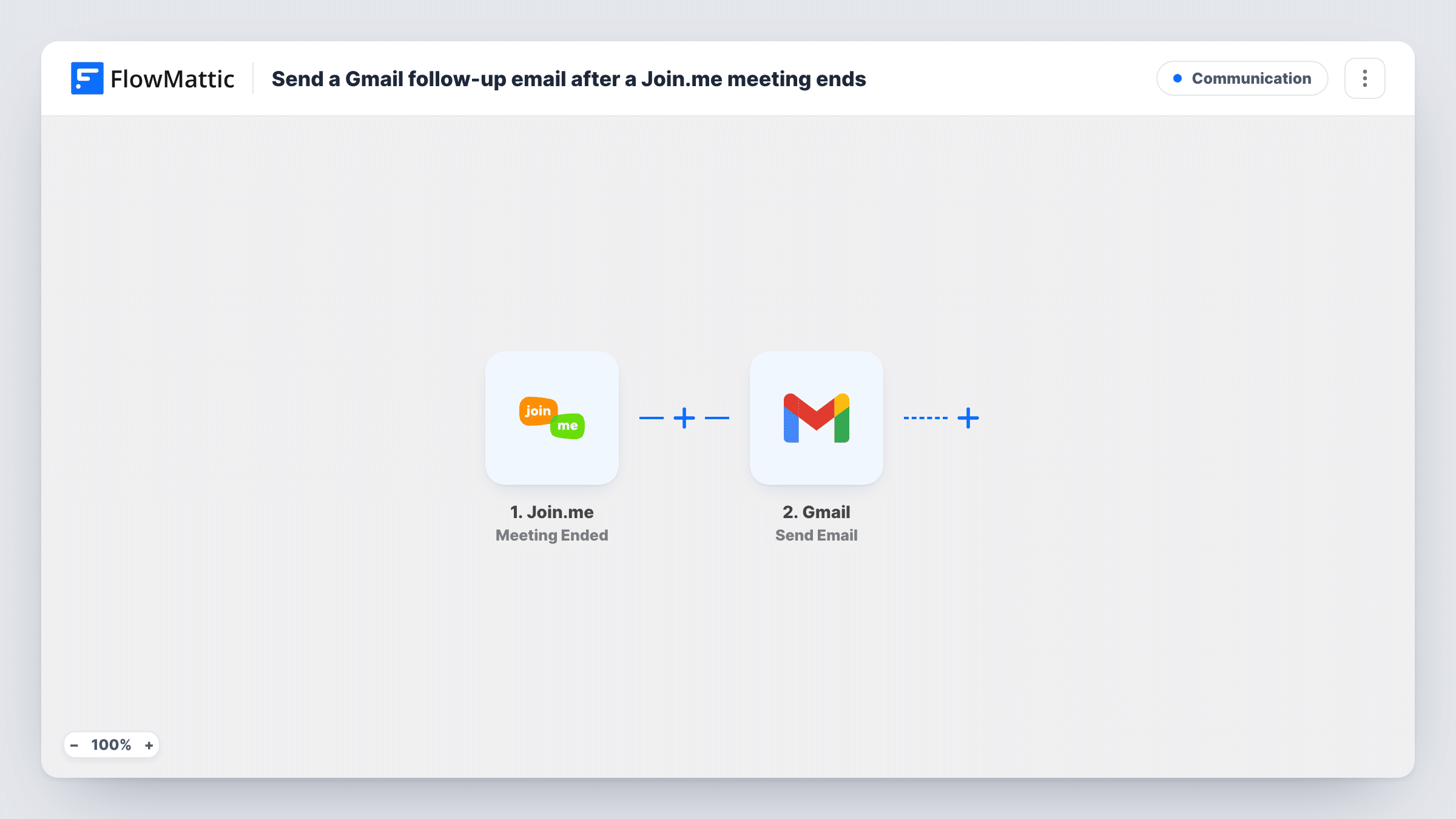
The Join.me trigger, Meeting Ended, fires when a meeting ends. FlowMattic receives the meeting details and passes them to the Gmail Send Email step. You write the subject and body once, and place meeting fields into them, such as the meeting name or time.
Who receives the email depends on what the Join.me event carries. Run a test meeting and look at the data FlowMattic received. If it includes participant email addresses, map one as the recipient. If it doesn't, send the email to a fixed address, such as your own inbox, as a reminder to follow up. Every meeting that ends sends one email.
Thank-you note after a sales demo
Each demo you run on Join.me ends with an email from your Gmail thanking the prospect and linking your pricing page, if the event gives you their address.
Reminder to write meeting notes
Send the email to yourself. Each time a Join.me meeting ends, a message lands in your inbox with the meeting name, prompting you to log notes and actions.
Standard next steps for client calls
A consultant sends the same next-steps email after each client call: how to book the next session and where to find shared files.
How this workflow runs
What happens at each step once the workflow is on, and what you need before you import it.
 Join.me Meeting Ended
Fires when a meeting ends in Join.me. The meeting details are passed on so you can use them in the email's recipient, subject and body.
- Gmail Send Email
Sends the follow-up through your linked Gmail account. Choose the recipient from the meeting data or type a fixed address, then write the subject and message.
What you need
- FlowMatticCore
- Join.me AccountAccount
- Gmail AccountAccount
After importing, map your own data. To keep the template universal, not every step is pre-filled. Open each step in the builder and connect your accounts and fields (channels, lists, sheets, recipients) before you switch the workflow on.
Make it yours
Changes worth making after you import it.
- Check a test run for participant emails before you map the recipient. If the Join.me event carries none, send the message to yourself or a team inbox instead.
- Add a Delay before the Gmail step, such as 30 minutes, so the follow-up arrives a little after the call and not at the moment it ends.
- Add a Filter after the trigger on the meeting name, if only some meetings, such as ones with 'Demo' in the name, should get a follow-up.
Questions about this workflow
Does the Join.me event include attendee email addresses?
That depends on what Join.me sends for the meeting. Run a test meeting and check the data in FlowMattic. If no participant address is there, the email can only go to a fixed address.
Does every ended Join.me meeting send an email?
Yes, as imported. Each Meeting Ended event runs the workflow once. Add a Filter after the trigger if only some meetings should get a follow-up.
Can the follow-up include notes from the meeting?
Only what the Join.me event carries. The workflow does not record or summarise the call, so write the fixed parts of the message yourself and map any meeting fields you need.
Is the message sent from my Gmail address?
Yes. Send Email uses the Gmail account connected to FlowMattic, so the follow-up comes from that address and shows in its Sent folder.
More Communication workflows
Other ready-to-import templates from the same category.


Import this workflow into your WordPress site
Download the JSON, import it from the Workflows screen and connect your accounts. Every run stays on your server, with no per-task fees.
30-day money-back guarantee Unlimited workflows and runs Self-hosted