

When a Clarityflow message is created, log it in Airtable and notify the coach in Telegram
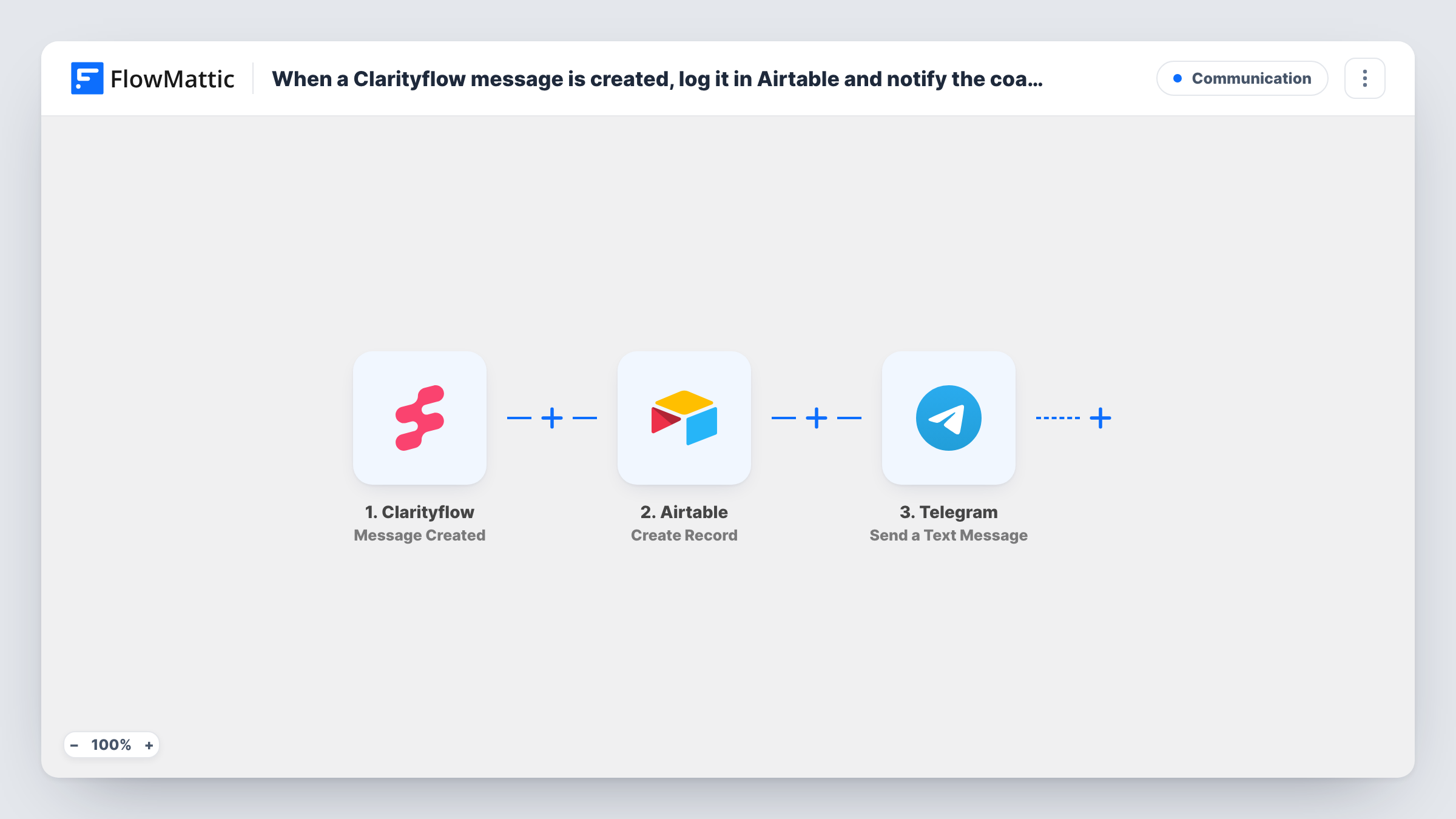
Each message created in Clarityflow is logged as an Airtable record, then a Telegram text tells the coach about it, so client conversations are tracked and noticed.
 Clarityflow
 Airtable
 Telegram
3 steps Setup ~5 min Used on 2.0k sites Free to import
What this workflow does
Coaches using Clarityflow trade voice, video and text messages with clients. When messages arrive across many conversations, it is easy to miss one or lose track of who said what. This workflow keeps a record of every message in Airtable and sends the coach a Telegram alert.
The Clarityflow trigger fires when a message is created. FlowMattic first sends the message data to Airtable, where Create Record adds a record to the base and table you pick. It then sends a text through Telegram to the chat you set up, which can include the client's name and a link to the conversation if Clarityflow sends them.
The trigger reacts to messages being created, so messages the coach sends may also run it. Run a test from both sides after import, and add a Filter on the sender between the Clarityflow trigger and the Airtable step if you only want client messages.
Solo coach on the move
A business coach gets a Telegram ping when a client leaves a message, and the Airtable log shows the history of each client's messages.
Coaching team with shared clients
A coaching company logs every message in one Airtable base and alerts a team Telegram group, so whoever is free can respond.
Reviewing client engagement
Group the Airtable records by client to see who has been active this month and who has gone quiet.
How this workflow runs
What happens at each step once the workflow is on, and what you need before you import it.
 Clarityflow Message Created
Fires when a message is created in Clarityflow. The message and conversation details are passed to the next two steps.
- Airtable Create Record
Adds an Airtable record for the message in the base and table you choose. Map the Clarityflow values into your fields, then test to confirm they land correctly.
- Telegram Send a Text Message
Sends a Telegram text, with optional markup, to the coach's chat. Write the alert with Clarityflow values such as the client's name.
What you need
- FlowMatticCore
- Clarityflow AccountAccount
- Airtable AccountAccount
- Telegram AccountAccount
After importing, map your own data. To keep the template universal, not every step is pre-filled. Open each step in the builder and connect your accounts and fields (channels, lists, sheets, recipients) before you switch the workflow on.
Make it yours
Changes worth making after you import it.
- Add a Filter on the sender between the Clarityflow trigger and the Airtable step, so messages the coach sends are neither logged nor announced.
- Store the conversation link in Airtable and in the Telegram text, if Clarityflow provides it, so the coach can open the thread in one tap.
- Add a single-select Replied field in Airtable that the coach updates by hand, to see which messages still need an answer.
Questions about this workflow
Do the coach's own Clarityflow messages run this workflow?
They may, since the trigger fires when a message is created. Send a test message as the coach and check Task History; if needed, add a Filter on the sender between the trigger and the Airtable step.
Are Clarityflow voice or video files stored in Airtable?
The Airtable record holds the values you map. If Clarityflow sends a link to the media, you can save that link; the file itself stays in Clarityflow.
Which Telegram chat gets the coach's Clarityflow alert?
The chat you set in the Send a Text Message step after connecting Telegram in FlowMattic. It can be the coach's own chat or a team group, and you write the alert text there.
More Communication workflows
Other ready-to-import templates from the same category.





Import this workflow into your WordPress site
Download the JSON, import it from the Workflows screen and connect your accounts. Every run stays on your server, with no per-task fees.
30-day money-back guarantee Unlimited workflows and runs Self-hosted