

Send a Telegram message when a Runrun.it task is delivered
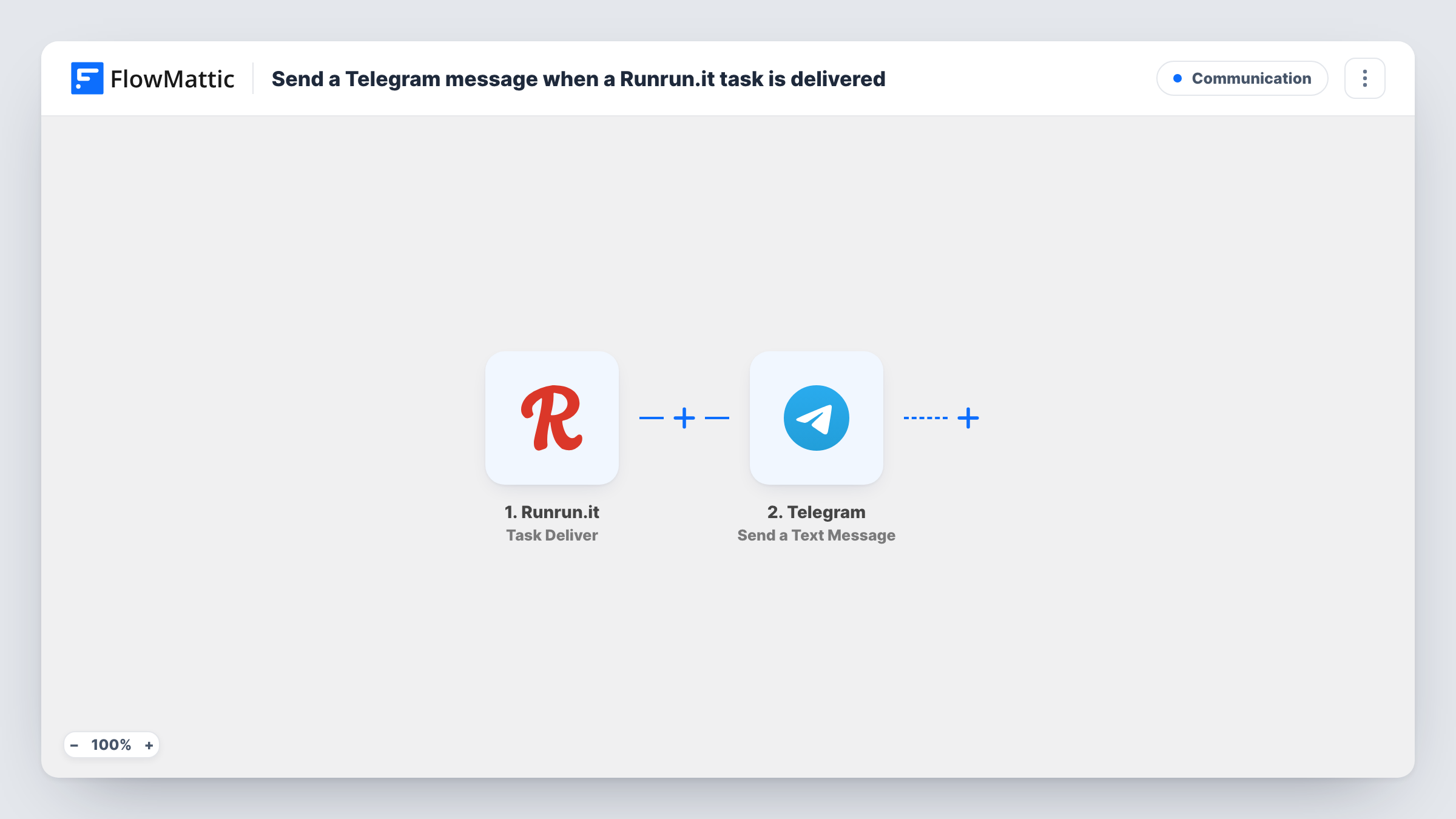
When a task is delivered in Runrun.it, this workflow sends a Telegram text message with the task details, so the people waiting on the work know it is done.
 Runrun.it
 Telegram
2 steps Setup ~5 min Used on 2.7k sites Free to import
What this workflow does
Finishing a task in Runrun.it is visible to people inside Runrun.it, but managers, clients or teammates outside it may be waiting to hear. If those people follow updates in Telegram, that is the place to tell them. This workflow posts a Telegram message each time a Runrun.it task is delivered.
The Runrun.it trigger fires when a task is delivered. FlowMattic passes the task details from that event to Telegram, where Send a Text Message posts to the chat you set up. You write the text and insert task values such as its title, and the step supports markup for bold text or links.
Every delivered task sends one message. A task that is reopened and delivered again should fire the trigger a second time, sending another message. Task History shows each run, which is useful when you first map the message.
Client updates in a Telegram group
An agency shares a Telegram group with a client, and each delivered Runrun.it task for that client posts a short done note there.
Manager's delivery feed
A team lead follows a private Telegram chat that lists every delivered task, without logging in to Runrun.it.
Handoff to the next team
QA watches a Telegram channel, and a delivered development task tells them something is ready to test.
How this workflow runs
What happens at each step once the workflow is on, and what you need before you import it.
 Runrun.it Task Deliver
Fires when a task is delivered in Runrun.it. The task's details are passed on so you can include them in the message.
- Telegram Send a Text Message
Sends a Telegram text message to the chat you set up, with optional markup. Insert Runrun.it values such as the task title, then send a test to check the result.
What you need
- FlowMatticCore
- Runrun.it AccountAccount
- Telegram AccountAccount
After importing, map your own data. To keep the template universal, not every step is pre-filled. Open each step in the builder and connect your accounts and fields (channels, lists, sheets, recipients) before you switch the workflow on.
Make it yours
Changes worth making after you import it.
- Add a Filter after the trigger if only tasks from one project or client should post to this Telegram chat.
- Use markup to bold the task title, so delivered tasks stand out in a busy chat.
- Build a matching workflow on Runrun.it's Task Reopen trigger if the chat should also hear when delivered work is reopened.
Questions about this workflow
Can the Runrun.it update go to a Telegram group instead of one person?
The message goes to whatever chat you set in the step. Groups and channels work if your connected bot can post there; send a test to confirm.
Does reopening and redelivering a task send a second Telegram message?
Expect it to. The trigger reacts to each delivery, so a task delivered twice should send two messages; Task History shows both runs.
Are tasks delivered before I import this announced?
No. Only tasks delivered while the workflow is turned on send a message.
More Communication workflows
Other ready-to-import templates from the same category.






Import this workflow into your WordPress site
Download the JSON, import it from the Workflows screen and connect your accounts. Every run stays on your server, with no per-task fees.
30-day money-back guarantee Unlimited workflows and runs Self-hosted