

Send a template message in WhatsApp using the WhatsApp Cloud API for new form submission in Bricks Form
When a visitor submits a Bricks Builder form on your site, this workflow sends them an approved WhatsApp template message through the WhatsApp Cloud API, using the phone number they entered.
 Bricks Forms
 WhatsApp Cloud API
2 steps Setup ~5 min Used on 2.1k sites Free to import
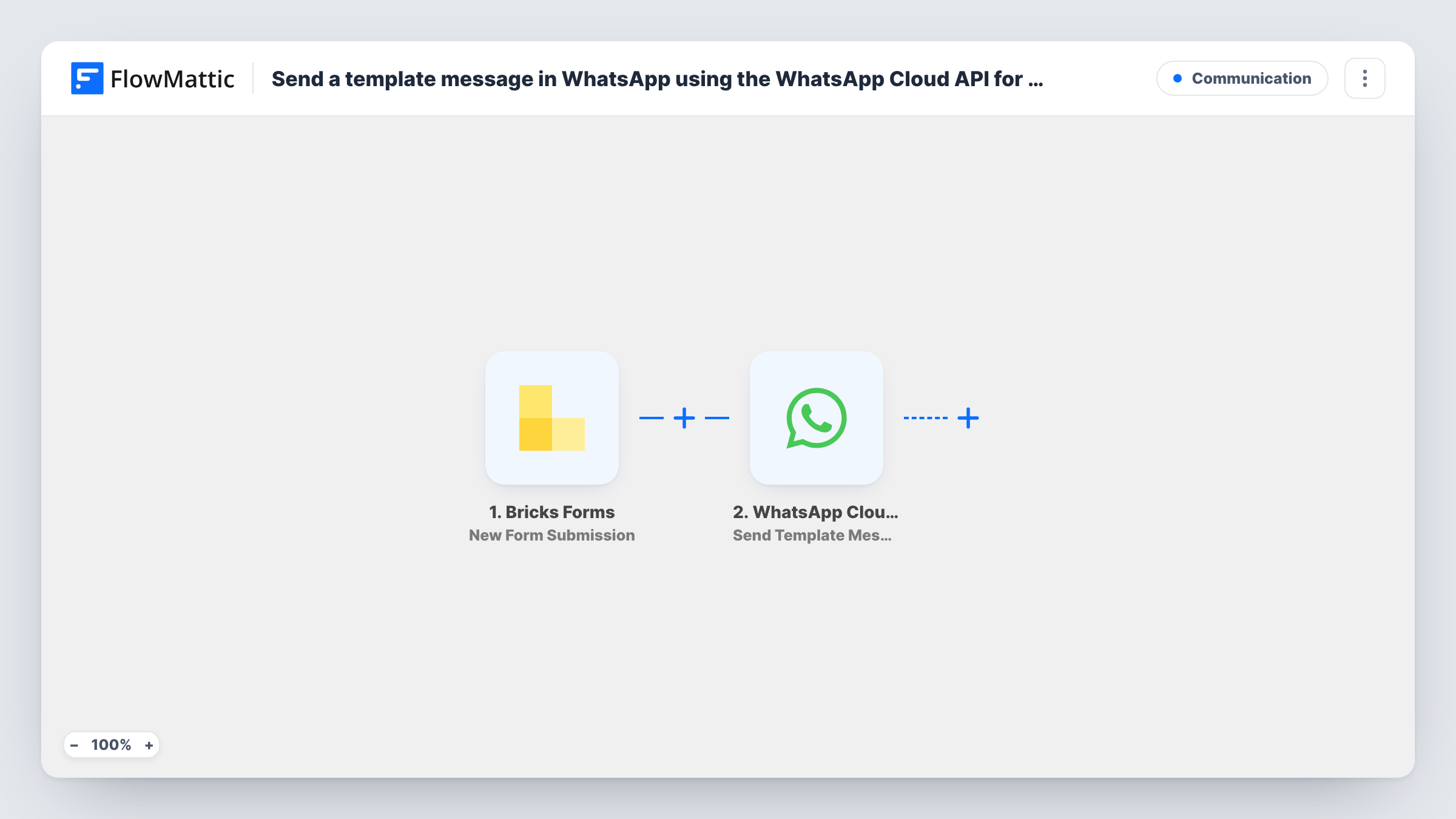
What this workflow does
People who fill in a form often check WhatsApp sooner than their email. If you already use the WhatsApp Cloud API for your business number, a template message after each form is a direct way to confirm you got their request. This workflow sends that message from your Bricks site without you opening WhatsApp.
The Bricks Forms trigger fires when a form on your site is submitted. FlowMattic passes the answers to the WhatsApp Cloud API step, whose Send Template Message action sends one of your message templates to the number you map. Map the form's phone field as the recipient, and fill any template variables from other answers, such as the person's name.
WhatsApp only sends templates that Meta has approved for your business account, so create and get approval for the template before you turn the workflow on. Template messages can be sent to people who haven't messaged you before, which suits new form contacts. The phone number has to be one WhatsApp can reach, so ask for it with the country code. Task History shows each run and the reply from the WhatsApp Cloud API.
Appointment request confirmation
A salon's Bricks booking form asks for a phone number. The client gets a WhatsApp template confirming the request was received and that the salon will reply to arrange a time.
Quote requests for a trades business
A homeowner asks for a quote through your contact form. A WhatsApp message tells them their request is in and gives them a number to message with photos.
Event registrations
Each person who registers through a Bricks form receives a WhatsApp template with the event name and date filled in from the form.
How this workflow runs
What happens at each step once the workflow is on, and what you need before you import it.
 Bricks Forms New Form Submission
Fires when a visitor submits a form built with Bricks Builder on your WordPress site. The form's answers become available to map in the WhatsApp step.
- WhatsApp Cloud API Send Template Message
Sends an approved WhatsApp template message to the number you map from the form. Connect your WhatsApp Cloud API account, pick the template, and fill its variables from the answers.
What you need
- FlowMatticCore
- Bricks Forms PluginPlugin
- WhatsApp Cloud API AccountAccount
After importing, map your own data. To keep the template universal, not every step is pre-filled. Open each step in the builder and connect your accounts and fields (channels, lists, sheets, recipients) before you switch the workflow on.
Make it yours
Changes worth making after you import it.
- Make the phone field required in your Bricks form and tell visitors to include the country code, so the WhatsApp step always has a number to send to.
- Running several Bricks forms on one site? Add a Filter after the trigger that continues only for the form that should send WhatsApp messages.
- Add a consent checkbox to the form and a Filter that continues only when it is ticked, so only people who agreed to WhatsApp contact receive the template.
Questions about this workflow
Do I need an approved WhatsApp template before using this Bricks form workflow?
Yes. Send Template Message only works with templates Meta has approved for your WhatsApp business account. Create the template and wait for approval before testing.
Why a template message and not a plain WhatsApp text?
Plain WhatsApp text only reaches someone who has messaged your business number in the last 24 hours. New form contacts usually haven't, so a template is the message type that can reach them.
What happens if a visitor enters a wrong phone number?
The WhatsApp Cloud API returns an error for that run and no message is sent. Task History shows the response, so you can see which submissions failed.
Does this work with forms built in other builders?
The trigger is for Bricks Builder forms. For another form plugin, replace the trigger with that plugin's FlowMattic trigger and remap the phone and template fields.
More Communication workflows
Other ready-to-import templates from the same category.







Import this workflow into your WordPress site
Download the JSON, import it from the Workflows screen and connect your accounts. Every run stays on your server, with no per-task fees.
30-day money-back guarantee Unlimited workflows and runs Self-hosted