

When a new lead is generated in Marquiz, send an SMS using Twilio
Text each new Marquiz lead through Twilio as soon as their quiz is submitted, using the phone number they entered and a message you write.
 Marquiz
 Twilio
2 steps Setup ~5 min Used on 615 sites Free to import
What this workflow does
Someone who just finished your quiz has given you their number and is expecting to hear back. Calling everyone by hand takes time you may not have. This workflow sends each new Marquiz lead a text through Twilio, with their result or a next step in your own words.
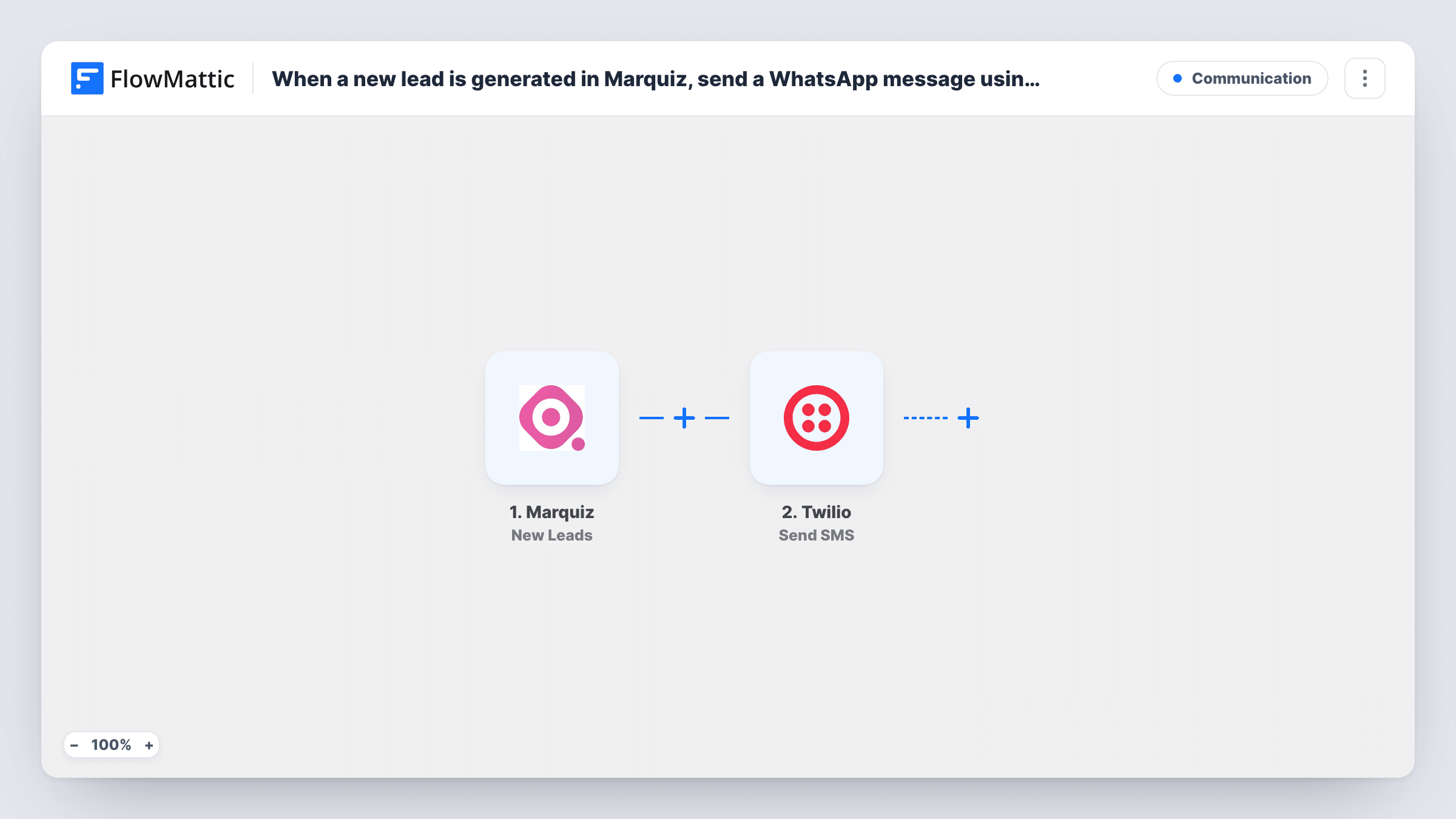
The Marquiz New Leads trigger fires when a quiz is submitted or a lead is generated. It passes the lead's contact fields and answers to FlowMattic. The Twilio Send SMS step then texts a phone number.
The template leaves the SMS step empty. After import, connect your Twilio account, map the phone number the lead entered in your quiz into the recipient, and write the message. You can include their name or a quiz answer, for example the package the quiz recommended. Your quiz needs a phone field for this to work; a lead without a number gives Twilio nowhere to send.
Many countries have rules about marketing texts. Make sure your quiz tells people they will get an SMS, and use a Twilio number that can send to the countries your leads are in. Task History shows each send and Twilio's reply.
Instant quote follow-up
A moving company's cost quiz ends with a phone field, and each lead gets a text confirming their estimate request and when a mover will call.
Booking prompt for a clinic
A beauty clinic's skin-type quiz texts each lead a short note with the treatment the quiz suggested and how to book it.
Event registration by quiz
A fitness studio uses a Marquiz quiz to sign people up for a trial class and texts them the class time right after they finish.
How this workflow runs
What happens at each step once the workflow is on, and what you need before you import it.
 Marquiz New Leads
Starts when a quiz is submitted or a lead is generated in Marquiz. The lead's name, phone number and answers are passed on for the SMS.
- Twilio Send SMS
Texts the number you map, from your Twilio account. The step ships unmapped: connect Twilio, map the lead's phone number as the recipient and write the message, adding their name or quiz result if you like.
What you need
- FlowMatticCore
- Marquiz AccountAccount
- Twilio AccountAccount
After importing, map your own data. To keep the template universal, not every step is pre-filled. Open each step in the builder and connect your accounts and fields (channels, lists, sheets, recipients) before you switch the workflow on.
Make it yours
Changes worth making after you import it.
- Ask for the phone number with the country code in your Marquiz quiz, since Twilio needs the full international format to deliver the text.
- Put a Filter between the Marquiz trigger and the Twilio step that continues only when the phone field is not empty, so Twilio is only asked to send when there is a number.
- Keep the SMS short and say who it's from in the first words, since the lead may not have your number saved.
Questions about this workflow
Does my Marquiz quiz need a phone field?
Yes. The Twilio step texts the number you map from the lead, so the quiz must collect one. Without it, there is nothing to send to.
Who receives the Twilio SMS, the lead or my team?
Whoever's number you map. The template is meant to text the lead, but you can enter your own number instead to get a text alert for each new lead.
Can I include the Marquiz quiz result in the text?
Yes, if Marquiz sends it with the lead. Submit a test quiz, check the trigger data in FlowMattic, and map the result into the message.
Is a Twilio account required to send these messages?
Yes. Messages go out from a phone number on your Twilio account, which you connect in FlowMattic after import.
More Communication workflows
Other ready-to-import templates from the same category.





Import this workflow into your WordPress site
Download the JSON, import it from the Workflows screen and connect your accounts. Every run stays on your server, with no per-task fees.
30-day money-back guarantee Unlimited workflows and runs Self-hosted