

Share new Inoreader articles to a Discord channel for the team
When Inoreader sends an article to FlowMattic’s webhook, the workflow posts it to a Discord channel you choose, so your team sees shared reading in chat instead of in a separate feed reader.
 Inoreader
 Discord
2 steps Setup ~5 min Used on 2.2k sites Free to import
What this workflow does
A team that follows news, competitors or research in Inoreader often wants the good finds where everyone talks. Copying links into Discord by hand only happens when someone remembers. This workflow posts articles to a Discord channel as Inoreader sends them.
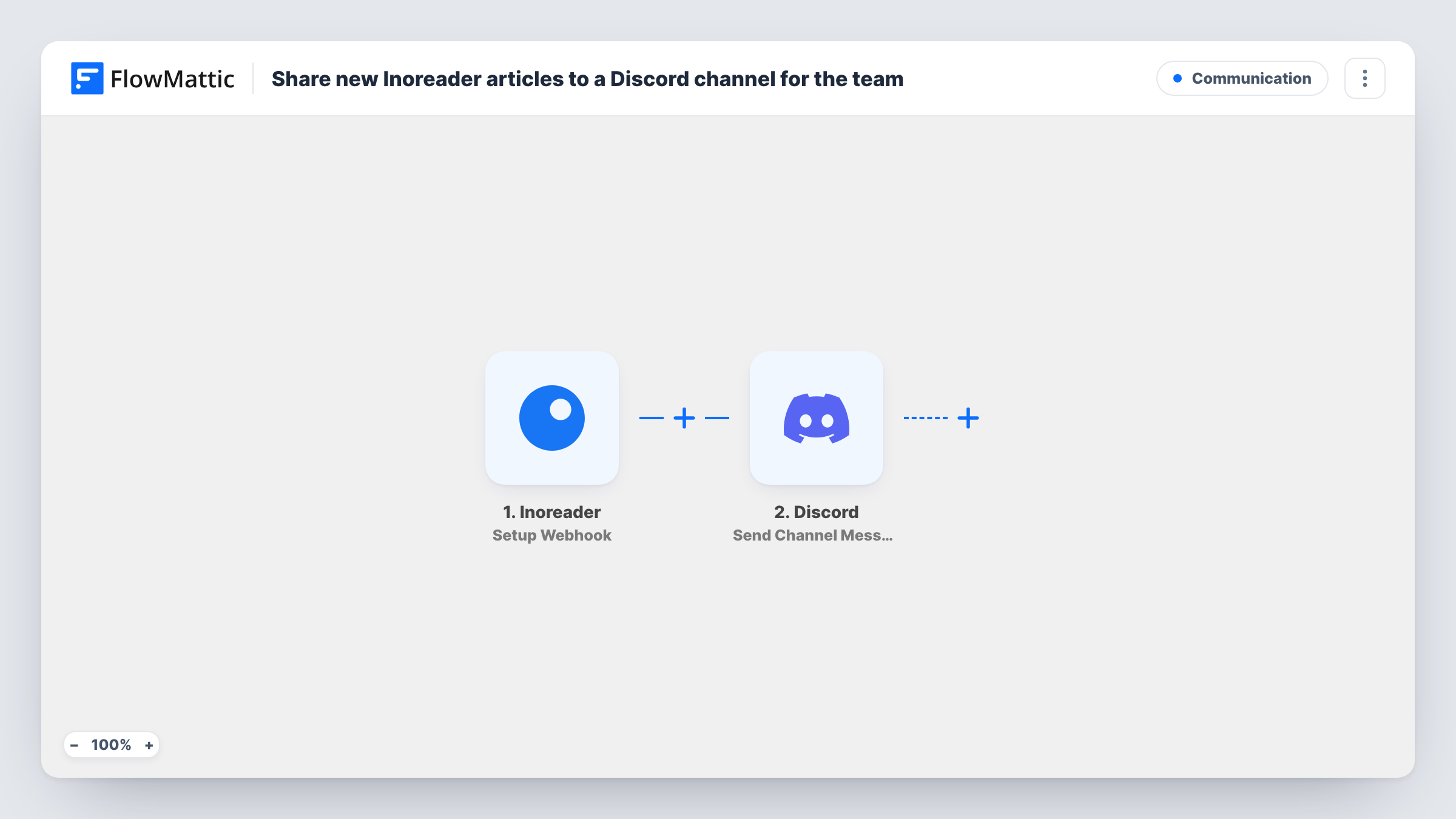
The Inoreader trigger is Setup Webhook, which starts a run each time Inoreader posts data to the URL FlowMattic gives you. You decide in Inoreader which articles go there, so the workflow sees only what you send it. FlowMattic then passes the article data to Discord, where Send Channel Message posts a message to the channel you choose, with the title and link you map.
Nothing arrives until Inoreader is set up to call the webhook, so plan that step before you import. Each article Inoreader sends becomes one Discord message. Task History lists every run with the data Inoreader sent.
Competitor news for a product team
Articles from feeds that track competitors go to a #market-news channel, where the product team reads and discusses them.
Research digest for a lab or agency
Papers and posts you choose in Inoreader reach a Discord channel so colleagues can react and reply in threads.
Community content sharing
A community manager sends articles from chosen feeds to a public Discord channel, giving members reading on the server's topic.
How this workflow runs
What happens at each step once the workflow is on, and what you need before you import it.
 Inoreader Setup Webhook
Starts a run whenever Inoreader posts article data to the webhook URL this trigger gives you. Set Inoreader to send the articles you want, then send a test to capture the fields.
- Discord Send Channel Message
Shares the article in a Discord channel. Connect Discord and write the message, mapping the article's title, link and any summary Inoreader includes.
What you need
- FlowMatticCore
- Inoreader AccountAccount
- Discord AccountAccount
After importing, map your own data. To keep the template universal, not every step is pre-filled. Open each step in the builder and connect your accounts and fields (channels, lists, sheets, recipients) before you switch the workflow on.
Make it yours
Changes worth making after you import it.
- Put the article link on its own line in the Discord message, so Discord can show its link preview under the text.
- If Inoreader sends more articles than the channel needs, add a Filter after the trigger on the feed name or a keyword in the title from the article data.
- Use a separate channel for these posts so team discussion doesn't get buried under the article feed.
Questions about this workflow
How does Inoreader know to send articles to FlowMattic?
You set Inoreader to post to the webhook URL the trigger shows after import. Until Inoreader calls that URL, the workflow has nothing to post. Send a test article to confirm the setup.
Which Inoreader articles end up in Discord?
Only those Inoreader sends to the webhook. The workflow posts each one it receives, so narrow the selection in Inoreader or add a Filter after the trigger.
Can the Discord message include the article summary?
Yes, if the data from Inoreader includes it. Check a test run to see which fields arrive, then map them into the message.
Does this post to several Discord channels?
Not as imported. Send Channel Message posts to one channel. Add a second Discord step for another channel, or a Router if different articles belong in different channels.
More Communication workflows
Other ready-to-import templates from the same category.





Import this workflow into your WordPress site
Download the JSON, import it from the Workflows screen and connect your accounts. Every run stays on your server, with no per-task fees.
30-day money-back guarantee Unlimited workflows and runs Self-hosted