

When a new lesson is completed in Tutor LMS, generate image in DocsFold
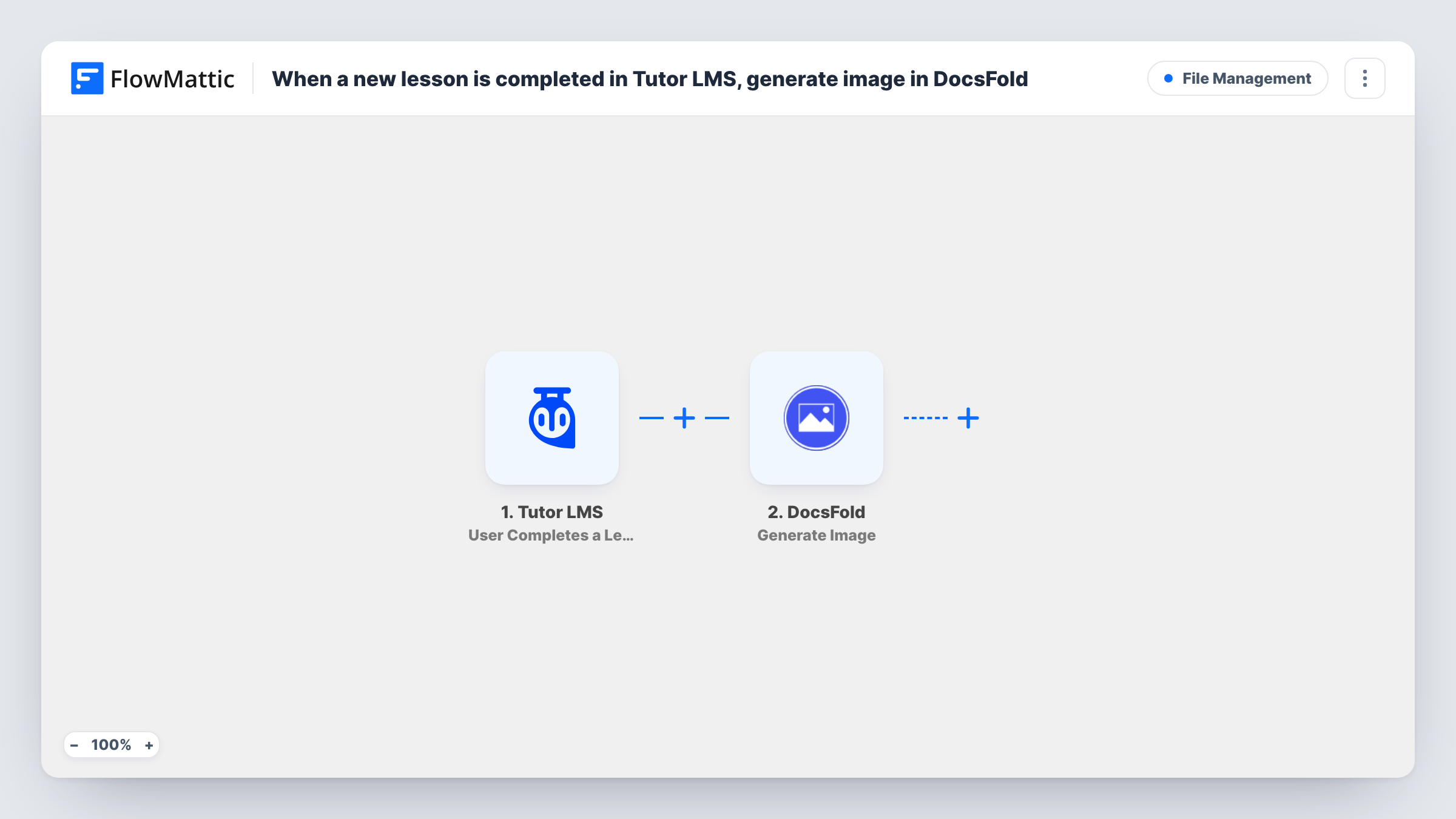
When a student completes a lesson in Tutor LMS, this workflow asks DocsFold to generate an image from one of your templates, filled with details such as the student’s name and the lesson title.
 Tutor LMS
 DocsFold
2 steps Setup ~5 min Used on 937 sites Free to import
What this workflow does
Small milestones keep learners going, and a personalised image is an easy way to mark one. Making those images by hand for every completed lesson isn't realistic. This workflow creates one each time a student finishes a lesson on your Tutor LMS site.
The Tutor LMS trigger fires when a user completes a lesson. FlowMattic passes the student and lesson data to DocsFold, whose Generate Image action builds an image from a template in your DocsFold account. You map values from Tutor LMS, such as the learner's name and the lesson title, into the template.
As imported, the workflow stops once the image is generated. It does not email the image to the student or post it anywhere. Add a step after DocsFold to deliver it, using the image data that DocsFold returns. Task History shows each run and the DocsFold response.
Shareable progress badges
Each finished lesson produces a branded image with the student's name. Add an email step to send it so learners can share their progress.
A gallery of milestones for a cohort
Generated images for every completed lesson give a course coordinator material for a progress wall or end-of-course recap.
Lesson certificates for short courses
For courses where each lesson stands alone, the generated image works as a simple completion card for that lesson.
How this workflow runs
What happens at each step once the workflow is on, and what you need before you import it.
 Tutor LMS User Completes a Lesson
Fires when a user completes a lesson in Tutor LMS on your site. The learner and lesson details are passed on for mapping into DocsFold.
- DocsFold Generate Image
Generates an image in DocsFold from the template you choose, filled with the Tutor LMS values you map. Connect your DocsFold account and test with a real lesson completion.
What you need
- FlowMatticCore
- Tutor LMS PluginPlugin
- DocsFold AccountAccount
After importing, map your own data. To keep the template universal, not every step is pre-filled. Open each step in the builder and connect your accounts and fields (channels, lists, sheets, recipients) before you switch the workflow on.
Make it yours
Changes worth making after you import it.
- Add an email step after DocsFold and map the generated image into it so each student receives their image.
- Add a Filter after the trigger if only certain lessons, such as the last lesson in each module, should produce an image.
- Complete one lesson with a test account after import so FlowMattic captures the Tutor LMS fields, then map them into your DocsFold template.
Questions about this workflow
Does the student receive the DocsFold image automatically?
No. The workflow only generates the image. Add an email or messaging step after DocsFold to send it to the student.
Do I need a DocsFold image template before importing?
Yes. The Generate Image step builds the image from a template in your DocsFold account, so design it first with places for the values you plan to map.
Will every Tutor LMS lesson completion create an image?
Yes, as imported. Each completed lesson starts a run. Use a Filter after the trigger to limit it to particular lessons or courses.
More File Management workflows
Other ready-to-import templates from the same category.






Import this workflow into your WordPress site
Download the JSON, import it from the Workflows screen and connect your accounts. Every run stays on your server, with no per-task fees.
30-day money-back guarantee Unlimited workflows and runs Self-hosted