

When a new message is posted in Discord, extract images in Image Extractor
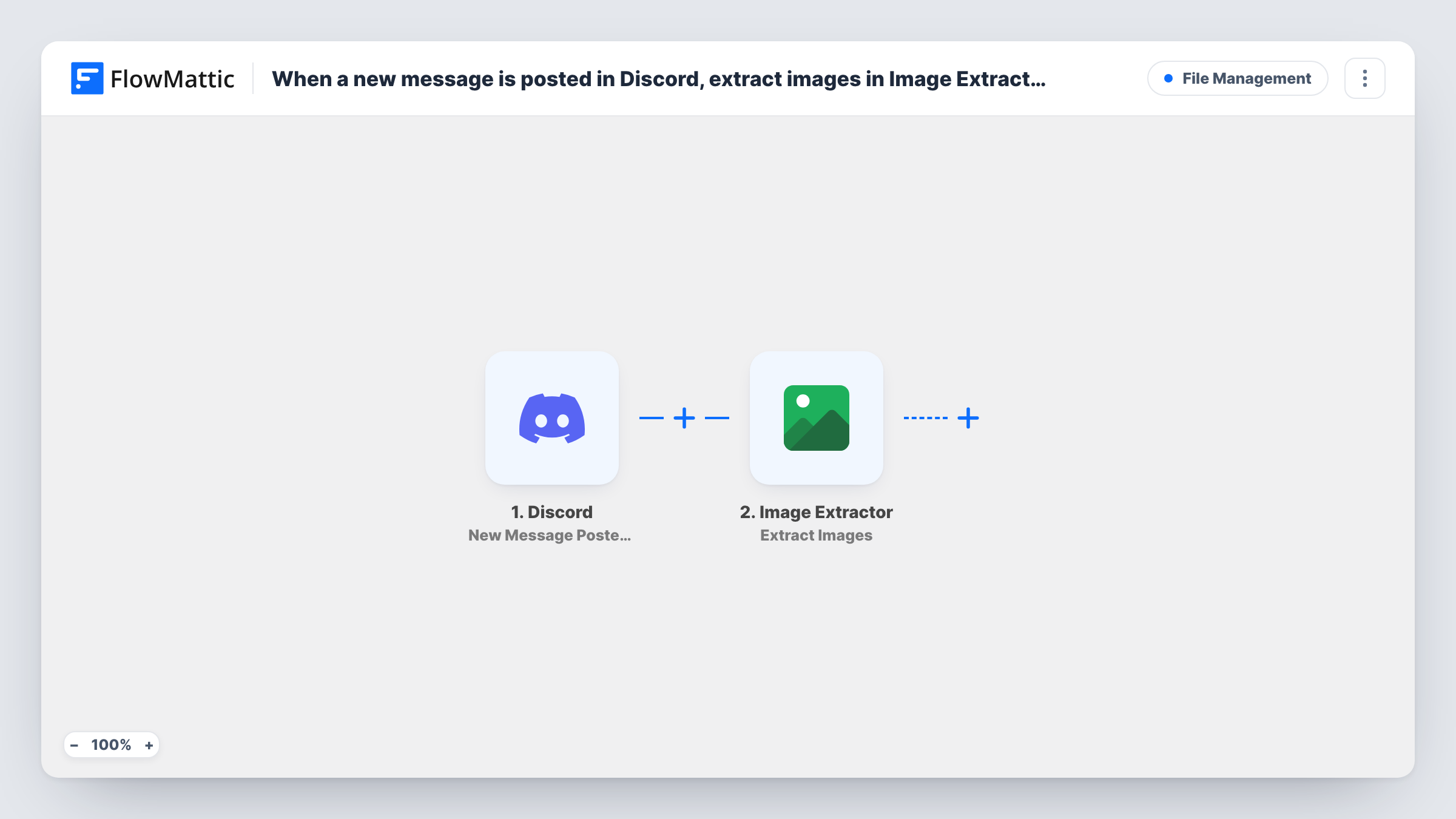
When a message is posted in a chosen Discord channel, this workflow sends the URL from it to Image Extractor, which collects the images found at that address, ready for a next step you add.
 Discord
 Image Extractor
2 steps Setup ~5 min Used on 2.9k sites Free to import
What this workflow does
Teams share links in Discord all day: competitor pages, product listings, inspiration boards. Saving the pictures from those pages by hand is slow. This workflow passes each posted link to an image extraction service.
The Discord trigger fires when a new message is posted to the text channel you choose. FlowMattic passes the message to Image Extractor, which extracts images from one or more URLs. You map the message content, or the link inside it, as the URL to process. The extraction result is then available in FlowMattic.
As imported, the workflow stops after extraction, so nothing is saved anywhere yet. Add a step to store or forward the results. It also runs for every message in the channel, so a channel used only for sharing links works best.
Design team mood board channel
Designers drop links to pages they like into a Discord channel, and Image Extractor collects the images from each page.
E-commerce research on competitor listings
Team members post product page links, and the images on those pages are extracted for a side-by-side review.
Content team gathering references
Writers share article links in a channel, and the images on each article are pulled out for the content brief.
How this workflow runs
What happens at each step once the workflow is on, and what you need before you import it.
 Discord New Message Posted to Channel
Runs when a new message is posted to the Discord text channel you pick. The message content is passed on for the extraction step.
- Image Extractor Extract Images
Sends the URL from the Discord message to Image Extractor, which extracts the images found at it. Map the message content as the URL and connect your account.
What you need
- FlowMatticCore
- Discord AccountAccount
- Image Extractor AccountAccount
After importing, map your own data. To keep the template universal, not every step is pre-filled. Open each step in the builder and connect your accounts and fields (channels, lists, sheets, recipients) before you switch the workflow on.
Make it yours
Changes worth making after you import it.
- Add a Filter after the trigger that continues only when the message contains http, so chat messages without a link do not reach Image Extractor.
- Add a Google Sheets or Discord step after extraction to store or post the results. Check Task History after a test to see what Image Extractor returns.
- Point the trigger at a dedicated links channel, so general conversation never starts the workflow.
Questions about this workflow
Does Image Extractor read images attached directly to the Discord message?
The action extracts images from URLs. Map a link from the message as its input. Test with an attachment after import if you want to see what the Discord event provides for it.
Where do the extracted images go?
Nowhere yet. The template ends with the Image Extractor step, so add a step that saves or sends the results.
What happens when a Discord message has no link?
Image Extractor has no URL to work with, and Task History shows the error for that run. A Filter that checks for a link avoids this.
Do I need an Image Extractor account for this Discord workflow?
Yes. Extraction runs through your Image Extractor account, which you connect in FlowMattic when you import.
More File Management workflows
Other ready-to-import templates from the same category.






Import this workflow into your WordPress site
Download the JSON, import it from the Workflows screen and connect your accounts. Every run stays on your server, with no per-task fees.
30-day money-back guarantee Unlimited workflows and runs Self-hosted