

When WP All Import imports an image, upload the image to Google Drive
Each time WP All Import brings an image into your WordPress site, this workflow uploads that image to a Google Drive folder, giving you a copy of imported media outside WordPress.
 WP All Import
 Google Drive
2 steps Setup ~5 min Used on 3.2k sites Free to import
What this workflow does
Bulk imports pull hundreds of images into your media library at once: product photos from a supplier feed, listing pictures, gallery shots. If you also want those files in Google Drive, for a designer, a backup or a client folder, downloading them one by one is slow. This workflow sends each imported image to Drive as part of the import itself.
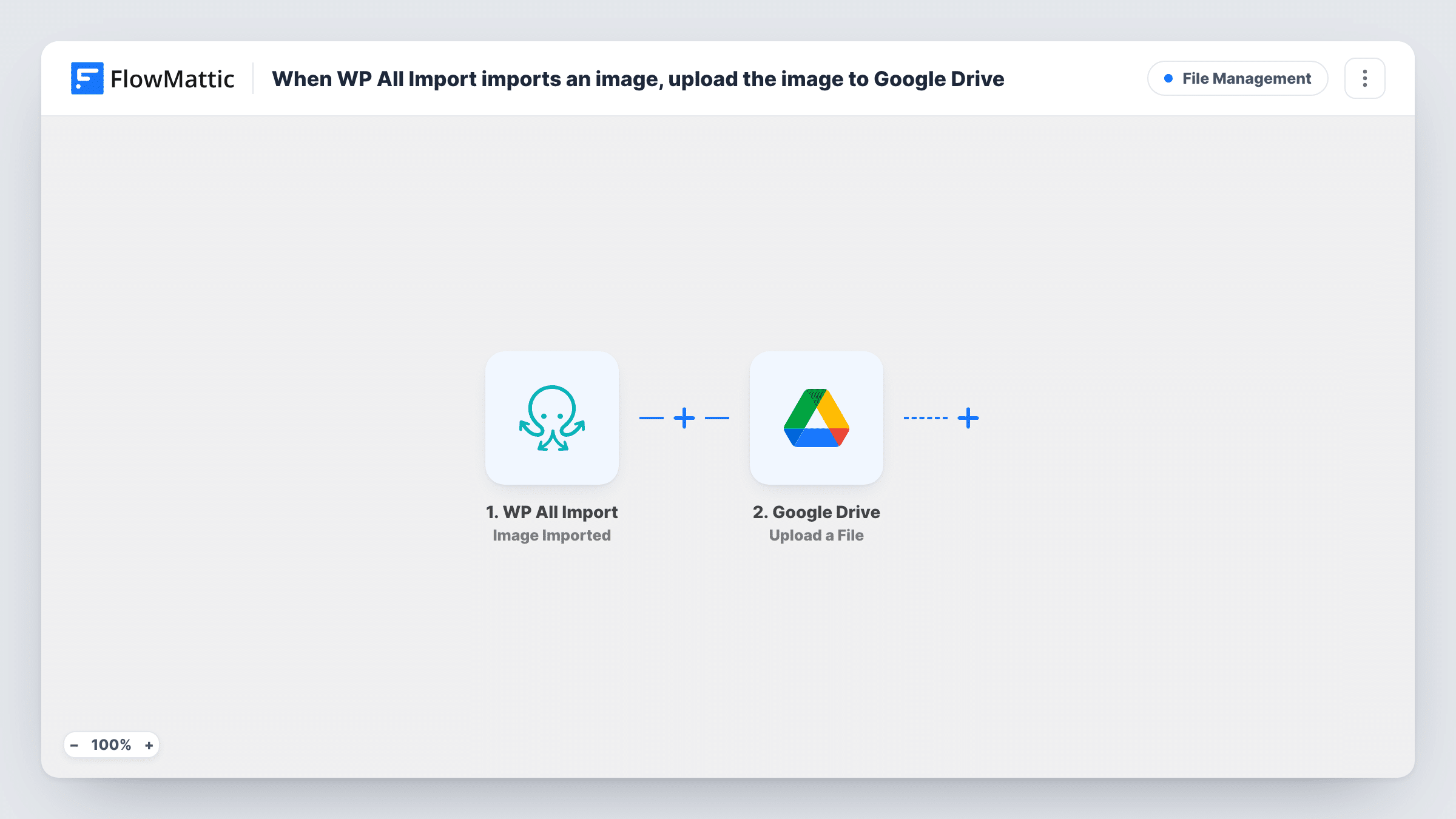
The WP All Import trigger fires each time the plugin imports an image during an import run. FlowMattic passes the details of that image to the next step. The Google Drive step uploads the file to the folder you select in your connected Drive account.
There is one run per image, so a large import creates many runs in Task History, one for each file. The workflow only copies files. Your media library, the import settings and the posts the images belong to stay as they are.
Supplier product photos for a WooCommerce store
You import a supplier's CSV with product images each week. Every photo WP All Import pulls in also lands in a shared Drive folder your marketing team uses for ads.
Real estate listing images
A property feed brings in listing photos through WP All Import. A copy of each picture goes to Drive so agents can grab them for brochures without a WordPress login.
Keeping media from a site migration
While moving content from an old site with WP All Import, each image it brings across is also uploaded to Drive as an off-site copy.
How this workflow runs
What happens at each step once the workflow is on, and what you need before you import it.
 WP All Import Image Imported
Fires each time WP All Import imports an image into your WordPress site during an import run. The image's details are passed on so the Google Drive step can use them.
- Google Drive Upload a File
Uploads the imported image to the Google Drive folder you choose. Connect your Google account on import, pick the folder, and map the image from the trigger data. Run a test import first to see what the trigger hands over.
What you need
- FlowMatticCore
- WP All Import PluginPlugin
- Google Drive AccountAccount
After importing, map your own data. To keep the template universal, not every step is pre-filled. Open each step in the builder and connect your accounts and fields (channels, lists, sheets, recipients) before you switch the workflow on.
Make it yours
Changes worth making after you import it.
- Run a small test import of one or two records after you set up the workflow, so FlowMattic captures real image data you can map in the Google Drive step.
- Create a dedicated Drive folder for each import, such as one per supplier, and point the upload step at it so files from different feeds don't mix.
- Add a Filter after the trigger if you only want some images uploaded, for example images whose file name or URL contains a certain word.
Questions about this workflow
Are images already in my WordPress media library uploaded to Google Drive?
No. The trigger fires when WP All Import imports an image, so only images imported after you turn the workflow on are sent to Drive.
What happens if WP All Import imports the same image again?
The trigger fires each time the plugin imports an image, so a re-import starts a new run and Drive gets another copy. Google Drive allows files with the same name in one folder.
Does the workflow change the imported posts or products?
No. It only reads the image details from WP All Import and uploads the file to Drive. Your import settings and the records it creates are left alone.
Do I need WP All Import on the same site as FlowMattic?
Yes. The trigger listens to WP All Import on the WordPress site where FlowMattic runs, and you connect a Google account for the Drive step.
More File Management workflows
Other ready-to-import templates from the same category.





Import this workflow into your WordPress site
Download the JSON, import it from the Workflows screen and connect your accounts. Every run stays on your server, with no per-task fees.
30-day money-back guarantee Unlimited workflows and runs Self-hosted