

Add Gravity Forms responses to Box as text files
Each Gravity Forms submission is written into a new plain text (.txt) file in Box, giving you one readable file per response stored in your cloud storage.
 Gravity Forms
 Box
Box2 steps Setup ~5 min Used on 2.8k sites Free to import
What this workflow does
Gravity Forms keeps entries in your WordPress database, which is fine until someone without a site login needs to read them, or you want a copy outside WordPress. This workflow writes every response to Box as its own text file, so each entry can be opened, shared and kept with your other documents.
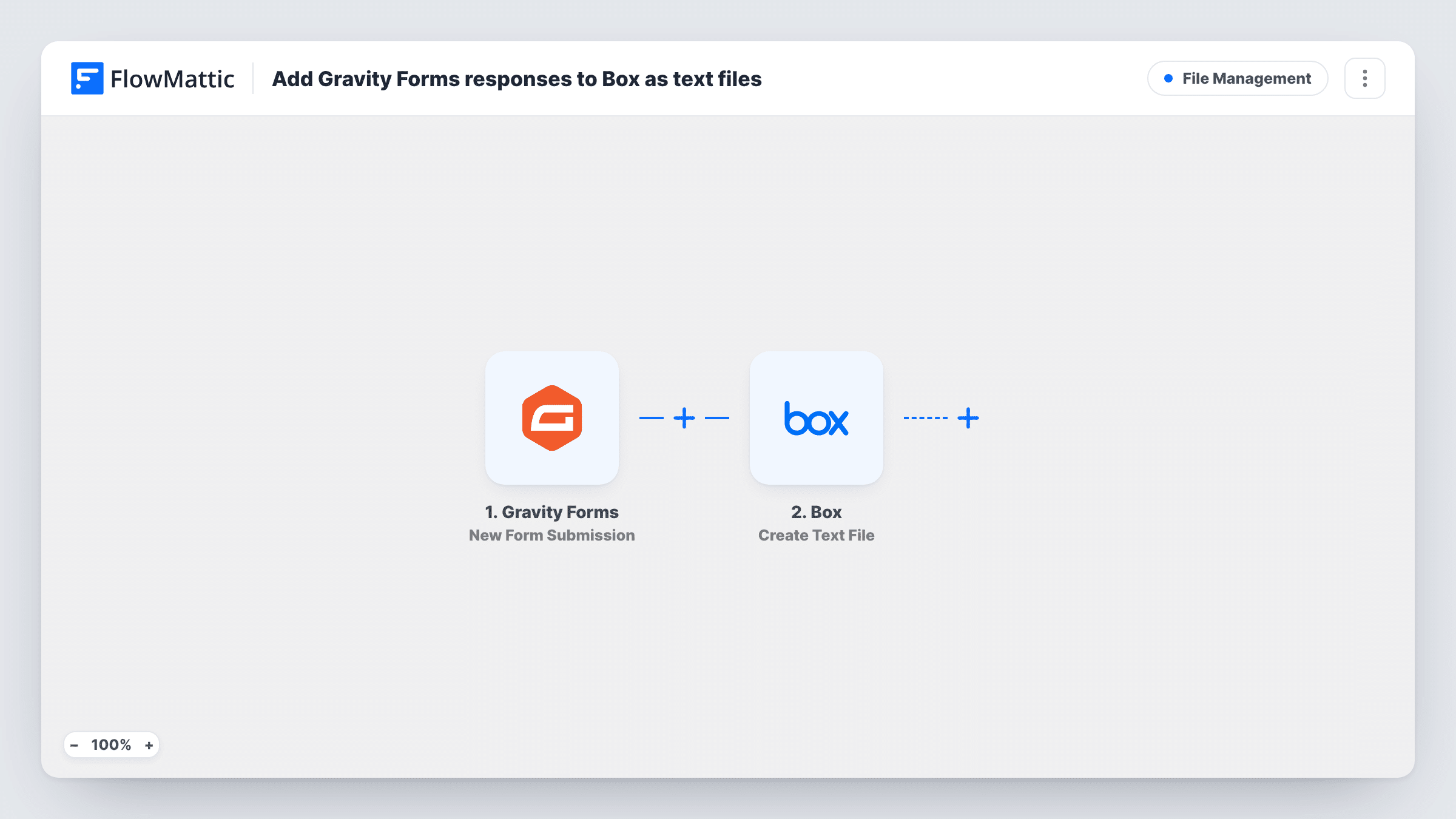
The Gravity Forms trigger runs when a visitor submits a form on your site. FlowMattic then uses the Create Text File action in Box, which makes a new .txt file from plain text you specify. You lay out that text yourself by mapping form fields into it, for example a line for each answer with its label in front.
Each submission produces a separate file. Gravity Forms still stores the entry and sends its notifications as usual, because the workflow only reads the submission. Task History shows the text that was sent to Box for each run.
Application forms reviewed by a committee
Grant or membership applications become individual text files in a shared Box folder that reviewers open without WordPress access.
Client intake records for a practice
Each intake form answer set is kept as a text file in Box alongside the client's other documents.
Keeping a copy of entries outside WordPress
A plain file per submission gives you a second copy of every response in cloud storage, separate from the site database.
How this workflow runs
What happens at each step once the workflow is on, and what you need before you import it.
 Gravity Forms New Form Submission
Starts a run for each Gravity Forms entry a visitor sends from your site. Every field from the entry becomes available for the text you build in the Box step.
- Box Create Text File
Creates a new .txt file in Box from the plain text you set up. Connect your Box account and map the form fields into the file content, with labels so each answer is easy to read.
What you need
- FlowMatticCore
- Gravity Forms PluginPlugin
- Box AccountAccount
After importing, map your own data. To keep the template universal, not every step is pre-filled. Open each step in the builder and connect your accounts and fields (channels, lists, sheets, recipients) before you switch the workflow on.
Make it yours
Changes worth making after you import it.
- Include the entry date and the submitter's name in the file name if the Box step lets you map it, so files sort clearly in the folder. A test submission shows what you can set.
- Running several forms? Add a Filter after the trigger that continues only for the form you want archived, so other forms don't create files.
- Need someone told about each new file? Add a step after Box that emails your team or posts to Slack with the submitter's details.
Questions about this workflow
Are Gravity Forms file uploads copied to Box too?
No. The Box step creates a text file from the content you map. If you map an upload field, you get its value as text, not the uploaded file itself.
Does the text file include every Gravity Forms field automatically?
No. The file holds only the text you build in the Box step, so map each field you want to keep and test with a full submission.
Will old Gravity Forms entries be added to Box?
No. Only submissions made after you turn the workflow on create files.
Can I save the responses as PDF or Word files instead?
Not with this step. Create Text File makes plain .txt files only.
More File Management workflows
Other ready-to-import templates from the same category.






Import this workflow into your WordPress site
Download the JSON, import it from the Workflows screen and connect your accounts. Every run stays on your server, with no per-task fees.
30-day money-back guarantee Unlimited workflows and runs Self-hosted