

Upload the finished Rendi output to Google Drive after an FFmpeg command completes
When a Rendi FFmpeg command completes, this workflow uploads the output file to the Google Drive folder you choose, so processed video and audio land where your team already keeps files.
 Rendi
Rendi
 Google Drive
2 steps Setup ~5 min Used on 3.4k sites Free to import
What this workflow does
Rendi runs your FFmpeg commands for you, but getting each output into your own storage is still a separate job. If your team reviews and shares media in Google Drive, someone has to download each output and upload it again. This workflow moves the file for you each time a command finishes.
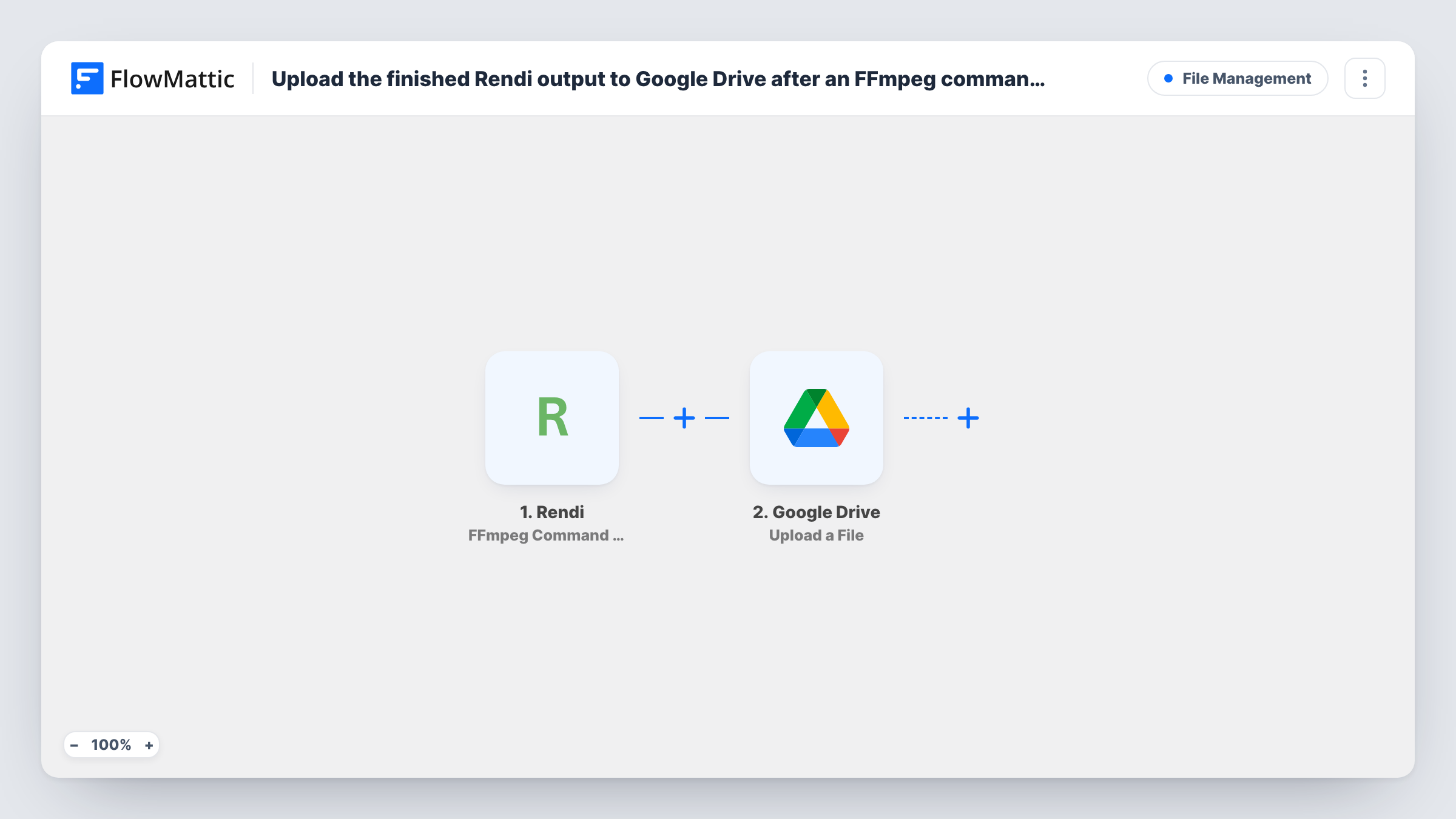
Each time an FFmpeg command finishes on Rendi, the trigger picks it up. Its data, including details about the output, is passed to the next step. The Google Drive step then uploads a file to the folder you select. You map the output file from the Rendi data into that step after a test run shows you what the trigger sends.
Every completed command runs the workflow, because nothing in the template checks the result first. Task History lists each run, so you can see which file went to Drive and spot an upload that returned an error.
Social clips for a marketing team
You trim and resize video clips with Rendi commands, and each finished clip appears in a shared Drive folder the social media team works from.
Podcast audio conversion
A Rendi command converts a recorded episode to the format your host needs, and the converted file is uploaded to the Drive folder where you keep published episodes.
Client video deliveries
An agency renders watermarked previews with FFmpeg on Rendi and keeps each one in a Drive folder that is already shared with the client.
How this workflow runs
What happens at each step once the workflow is on, and what you need before you import it.
 Rendi FFmpeg Command Completed
Fires when an FFmpeg command you ran on Rendi completes. The data Rendi sends about that command and its output is available to map in the Google Drive step.
- Google Drive Upload a File
Uploads a file to the Google Drive folder you choose. Map the output file from the Rendi trigger data into this step and connect your Google account on import.
What you need
- FlowMatticCore
- Rendi AccountAccount
- Google Drive AccountAccount
After importing, map your own data. To keep the template universal, not every step is pre-filled. Open each step in the builder and connect your accounts and fields (channels, lists, sheets, recipients) before you switch the workflow on.
Make it yours
Changes worth making after you import it.
- Run a Rendi command once after import so FlowMattic captures the trigger data. You can then see which field holds the output file and map it in the Drive step.
- If the trigger data shows a status for the command, add a Filter after the trigger that continues only for successful runs, so Drive receives finished files only.
- Add a Google Sheets step after the upload to log the command and the Drive file details, giving you a list of every processed file.
Questions about this workflow
Do I need my own Rendi account?
Yes. The trigger listens for commands run in your Rendi account, which you connect when you set up the workflow.
Which Google Drive folder does the Rendi output go to?
It goes to the folder set in the Upload a File step. Every completed command uploads there until you change it.
Does this run FFmpeg commands for me?
No. You start commands in Rendi as you do now. The workflow only reacts when a command completes and moves the result to Drive.
What if a Rendi command fails?
The trigger fires on completion, and the template does not check the outcome. Look at a test run to see what Rendi sends, and add a Filter if you only want successful outputs uploaded.
More File Management workflows
Other ready-to-import templates from the same category.






Import this workflow into your WordPress site
Download the JSON, import it from the Workflows screen and connect your accounts. Every run stays on your server, with no per-task fees.
30-day money-back guarantee Unlimited workflows and runs Self-hosted