

When a new notification occurs in Robotalp, create a ticket in Freshdesk
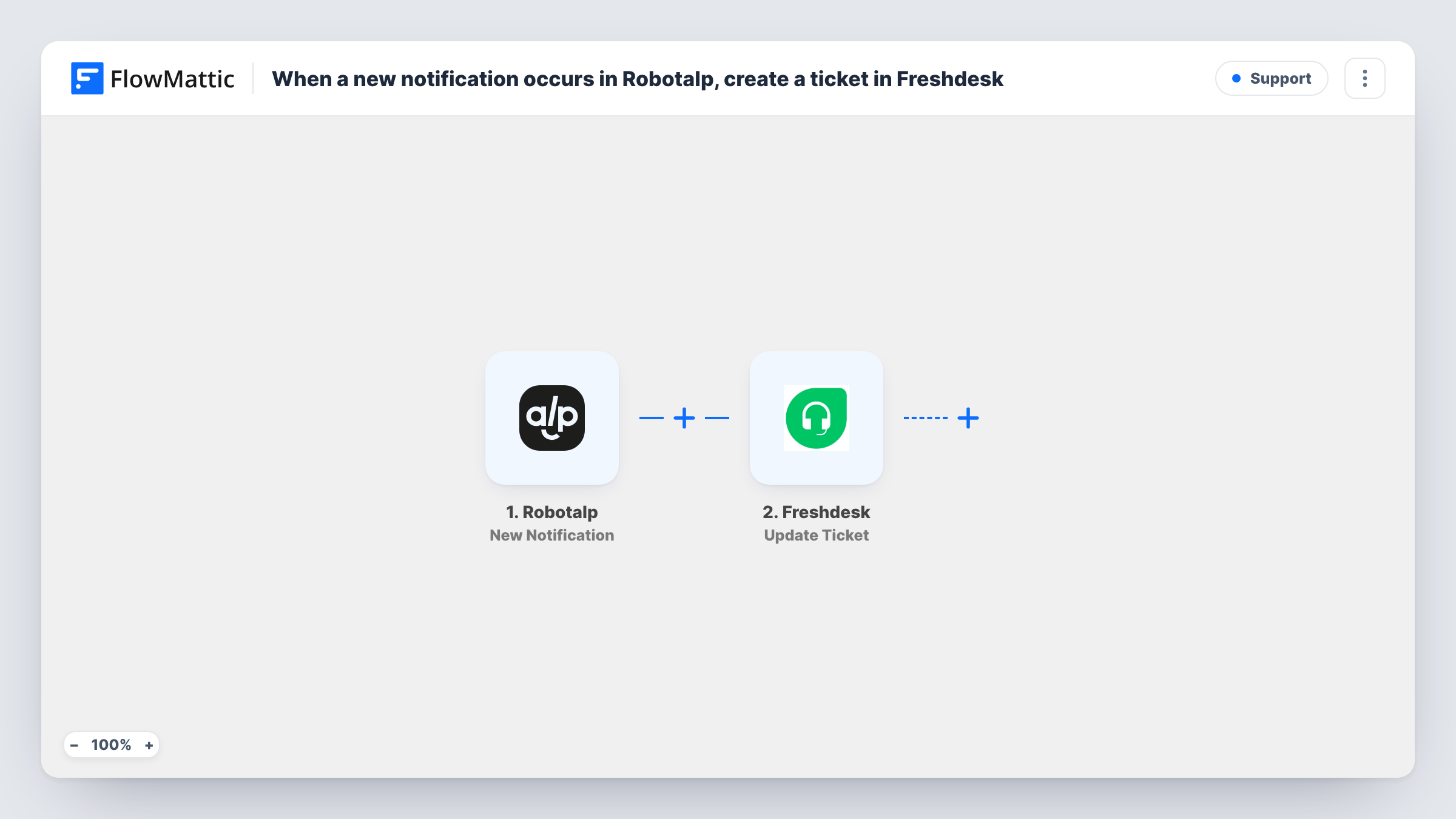
Each new Robotalp notification sends a POST request from FlowMattic to the Freshdesk API to open a support ticket, so monitoring alerts land in your help desk queue where your team already tracks work.
 Robotalp
 API by FlowMattic
2 steps Setup ~5 min Used on 3.0k sites Free to import
What this workflow does
Monitoring alerts are easy to miss when they arrive as one more email. If your team works from Freshdesk, a ticket gives each alert an owner, a status and a history. This workflow turns every Robotalp notification into a Freshdesk ticket.
The Robotalp trigger fires when a new notification occurs, such as a monitor reporting a problem, and passes the notification details on. FlowMattic's Freshdesk integration offers triggers but no actions, so the ticket is created with API by FlowMattic, which sends a POST request to Freshdesk's API.
This step ships unmapped, so the whole request is yours to fill in once the workflow is imported. Use Freshdesk's API documentation for the ticket endpoint on your Freshdesk domain, the authentication it expects with your API key, and the fields a new ticket needs. Then map the Robotalp notification details you see in a test run into the ticket's subject and description.
Every notification creates a ticket, including ones that report a site coming back up, if Robotalp sends those. Send a test alert and open Task History to see what Robotalp passed and what Freshdesk returned.
Agency hosting many client sites
An agency monitors client websites in Robotalp, and each alert becomes a Freshdesk ticket the on-call developer picks up and closes when the site is fixed.
Store owner with a small support team
A shop's checkout page is watched in Robotalp, and outages appear in the same Freshdesk queue as customer questions so nothing gets lost over a weekend.
Record of incidents for reporting
An IT team keeps every Robotalp alert as a Freshdesk ticket so it can count incidents per month and review how quickly each was resolved.
How this workflow runs
What happens at each step once the workflow is on, and what you need before you import it.
 Robotalp New Notification
Fires when a new notification occurs in Robotalp. The notification's details are passed to the next step so you can use them in the ticket.
- API by FlowMattic POST
Turns the Robotalp alert into a Freshdesk ticket through a POST request to Freshdesk's API. Nothing is filled in: add the endpoint URL, authentication and request body from Freshdesk's API documentation, and map the Robotalp details into the ticket fields.
What you need
- FlowMatticCore
- Robotalp AccountAccount
After importing, map your own data. To keep the template universal, not every step is pre-filled. Open each step in the builder and connect your accounts and fields (channels, lists, sheets, recipients) before you switch the workflow on.
Make it yours
Changes worth making after you import it.
- Map the notification field that names the affected site or monitor into the ticket subject, if Robotalp sends one, so agents can tell which site is affected from the Freshdesk ticket list.
- If Robotalp also sends recovery notices, put a Filter between the Robotalp trigger and the API step on a field that tells them apart, so only problems open a ticket. Check a test run for that field.
- Set a fixed priority or tag in the request body for monitoring tickets, so you can build a Freshdesk view that lists only alerts.
Questions about this workflow
Why does this Freshdesk workflow use API by FlowMattic instead of a Freshdesk step?
FlowMattic's Freshdesk integration has triggers but no actions, so creating a ticket needs a direct call to Freshdesk's API through the API step.
What do I need from Freshdesk before setting this up?
Your Freshdesk domain and an API key, plus the ticket fields your help desk requires. Freshdesk's API documentation describes the request and how to authenticate.
Will a Robotalp recovery notice open a second Freshdesk ticket?
If Robotalp sends one as a new notification, yes. Every notification starts a run. Use a Filter between the trigger and the API step to stop the ones you don't want.
Where can I see Freshdesk's reply to each Robotalp alert?
Open Task History. The API step shows the response Freshdesk returned, including any error message if the request was wrong.
More Support workflows
Other ready-to-import templates from the same category.






Import this workflow into your WordPress site
Download the JSON, import it from the Workflows screen and connect your accounts. Every run stays on your server, with no per-task fees.
30-day money-back guarantee Unlimited workflows and runs Self-hosted