

Create a ClickUp task when a new Dixa conversation is created
Every conversation created in Dixa becomes a new task in ClickUp, so support requests that need follow-up work show up in your team’s task list without copying.
 Dixa
Dixa
 ClickUp
2 steps Setup ~5 min Used on 481 sites Free to import
What this workflow does
Support conversations often lead to work outside the inbox: a bug to fix, a refund to process, a document to send. When that work is planned in ClickUp, agents have to open a task for it by hand. This workflow creates a ClickUp task as each new Dixa conversation begins.
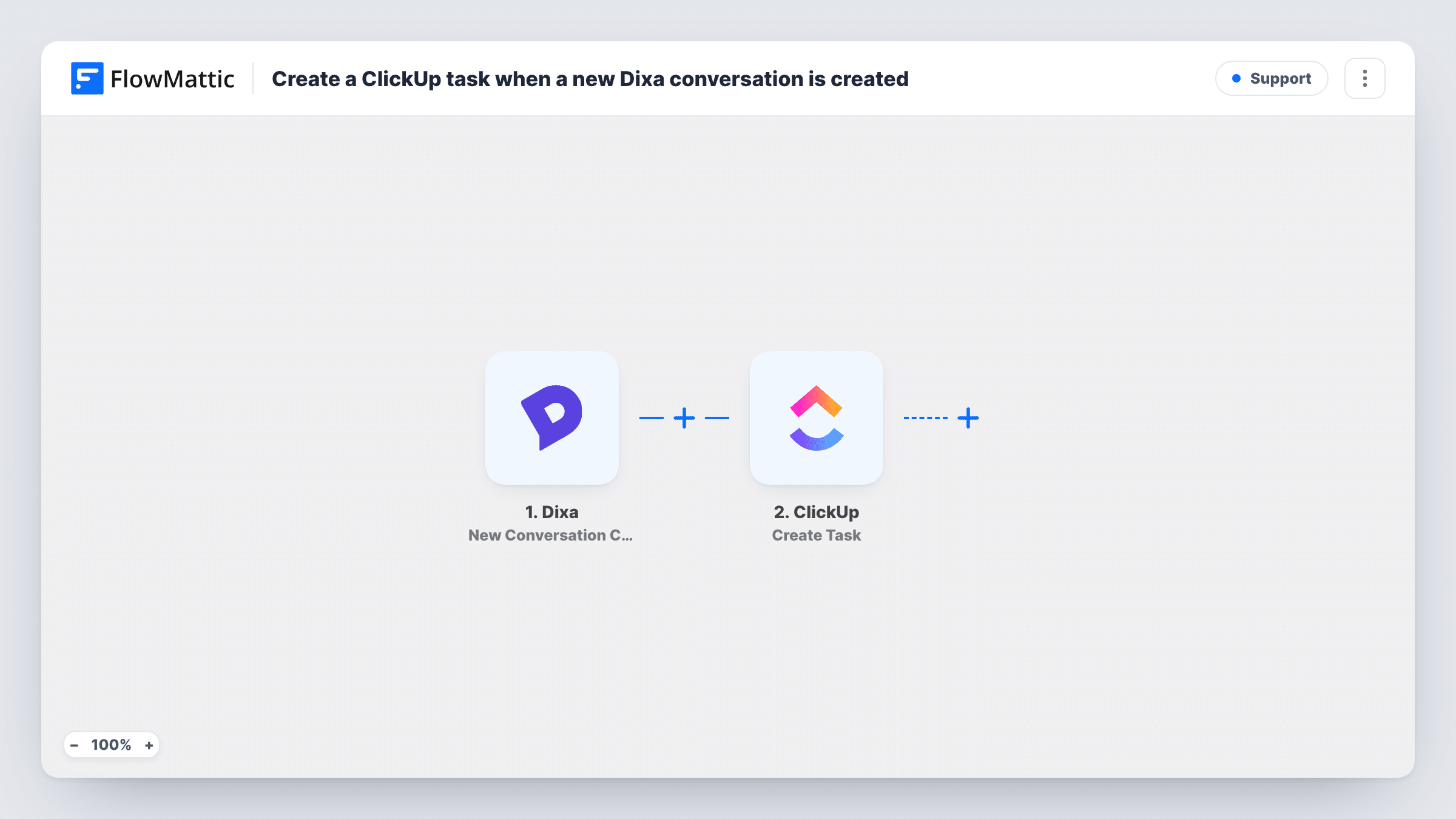
A run begins each time a new conversation is created in Dixa. FlowMattic passes the conversation details to ClickUp, where Create Task adds a task in the place you choose. Map conversation values such as the subject or the customer's details into the task name and description.
As imported, every new conversation creates a task, including quick questions that are answered in one reply. If that is too many, a Filter after the trigger can limit tasks to conversations from a certain channel or queue. The tips cover that change.
Escalation queue for a small support team
With a Filter on one Dixa channel, conversations from that channel get a ClickUp task so the second-line team can pick them up.
Tracking every customer request
A team that wants a task per request keeps the template as it is, and closes the ClickUp task when the conversation is resolved.
Handing requests to account managers
Each new conversation lands as a ClickUp task in the account management list, where the right manager takes it.
How this workflow runs
What happens at each step once the workflow is on, and what you need before you import it.
 Dixa New Conversation Created
Fires when a conversation is created inside Dixa. The conversation's details are passed on for the ClickUp task.
- ClickUp Create Task
Opens a ClickUp task for the new conversation. Choose where it goes and map Dixa values into the name and description, then test with a real conversation.
What you need
- FlowMatticCore
- Dixa AccountAccount
- ClickUp AccountAccount
After importing, map your own data. To keep the template universal, not every step is pre-filled. Open each step in the builder and connect your accounts and fields (channels, lists, sheets, recipients) before you switch the workflow on.
Make it yours
Changes worth making after you import it.
- Add a Filter after the trigger so only conversations from one channel or queue create tasks.
- Put the Dixa conversation ID or link in the task description, if the trigger sends one, so the assignee can jump back to the conversation.
- Build a second workflow on Dixa's Conversation Closed trigger to post a note when the conversation ends, so the task owner knows.
Questions about this workflow
Does every new Dixa conversation create a ClickUp task?
Yes, as imported. There is no Filter, so each conversation created in Dixa produces one task.
Is the ClickUp task closed when the Dixa conversation is closed?
No. The workflow only creates tasks when conversations are created; it never changes them afterwards.
Are messages added later to the Dixa conversation copied to ClickUp?
No. Only the details available when the conversation was created are mapped. Dixa has a separate Conversation Message Added trigger you could use in another workflow.
More Support workflows
Other ready-to-import templates from the same category.






Import this workflow into your WordPress site
Download the JSON, import it from the Workflows screen and connect your accounts. Every run stays on your server, with no per-task fees.
30-day money-back guarantee Unlimited workflows and runs Self-hosted