

When a new row is added in Airtable, create a new blank Google Slides presentation
Each new record in your Airtable table creates a new blank Google Slides presentation, so every project, client or topic you add to Airtable starts with an empty deck of its own in Google Drive.
 Airtable
 Google Slides
2 steps Setup ~5 min Used on 2.2k sites Free to import
What this workflow does
Some teams give every client, project or pitch its own deck. When those items are tracked in Airtable, creating the matching presentation is a manual step that is easy to skip. This workflow creates a blank presentation in Google Slides each time a record is added.
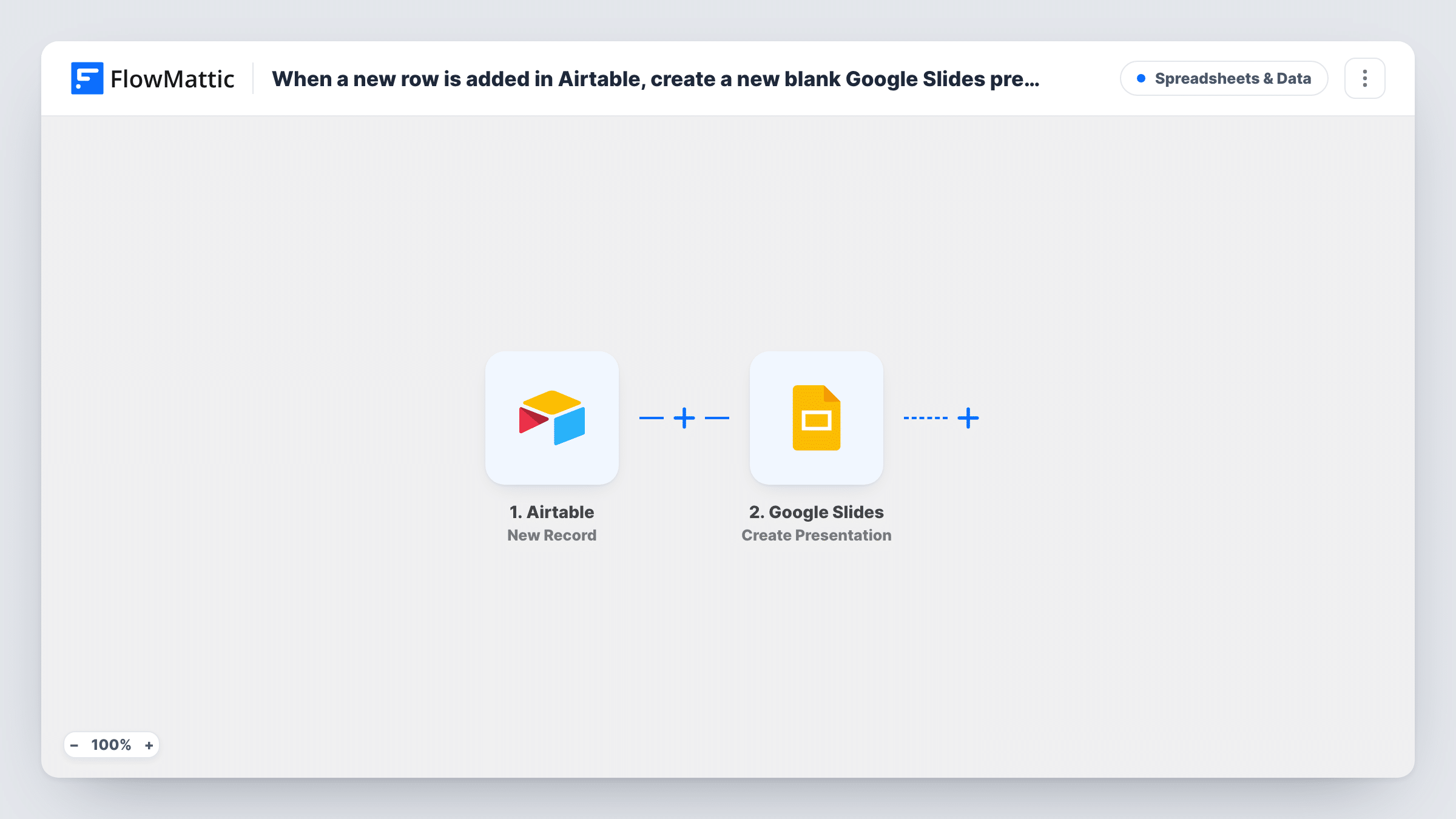
The Airtable trigger, New Record, fires when a new record is created in the base and table you pick. The record's fields become values you can map. The Google Slides step runs Create Presentation, which makes a new blank presentation in the Google account you connect.
Blank means blank. No slides are filled with the record's data, and the presentation isn't linked back to Airtable. Check the step after import to see what you can map, such as a title taken from the record's name. To add content, put more Google Slides steps after this one, such as Create Slide or Insert Text. If you want a branded starting point instead, the same app offers Create Presentation From Template. You can review each run in Task History.
A deck per new client
An agency adds each new client to Airtable, and a blank presentation is waiting in Google Drive for the kickoff slides.
Weekly report decks
A team lead creates one Airtable record per week of reporting, and each one gets its own empty presentation to fill in.
Talks for an events calendar
Speakers' sessions are planned in Airtable, and each session record gets a blank deck the speaker can build in.
How this workflow runs
What happens at each step once the workflow is on, and what you need before you import it.
 Airtable New Record
Starts a run for every record added to the Airtable table you select. The record's field values are passed on and can be mapped in the Google Slides step.
- Google Slides Create Presentation
Creates a new blank Google Slides presentation in the Google account you connect. Map any value the step offers, such as a title from the Airtable record, after import.
What you need
- FlowMatticCore
- Airtable AccountAccount
- Google Slides AccountAccount
After importing, map your own data. To keep the template universal, not every step is pre-filled. Open each step in the builder and connect your accounts and fields (channels, lists, sheets, recipients) before you switch the workflow on.
Make it yours
Changes worth making after you import it.
- Swap the step for Google Slides' Create Presentation From Template if you want each deck to start from your branded layout instead of an empty file.
- Add an Insert Text step after Create Presentation to place values from the Airtable record, such as the client name, on the first slide.
- Add a Filter after the trigger so only records of one type, for example a Status of Pitch, create a deck.
Questions about this workflow
Does the Google Slides presentation include my Airtable data?
No. Create Presentation makes a blank deck. Add Insert Text or other Google Slides steps after it to put record values on slides.
Is the presentation link saved back to the Airtable record?
Not as imported. You can add an Airtable update step after it, since the trigger supplies that same record, and map what the Google Slides step returns, such as the presentation ID, into a field. A test run shows the values.
Do Airtable records that already exist get a deck?
No. Only records created after you turn the workflow on start a run.
Where is the new presentation saved?
In the Drive of whichever Google account the Slides step uses. Open Google Slides or Drive with that account to find it.
More Spreadsheets & Data workflows
Other ready-to-import templates from the same category.





Import this workflow into your WordPress site
Download the JSON, import it from the Workflows screen and connect your accounts. Every run stays on your server, with no per-task fees.
30-day money-back guarantee Unlimited workflows and runs Self-hosted