

When a new submission is received in Piotnet Forms, generate image in DocsFold
Every Piotnet Forms entry is sent to DocsFold to generate an image from one of your templates, filled with the details the visitor submitted, such as a name on a certificate or badge.
 Piotnet Forms
 DocsFold
2 steps Setup ~5 min Used on 2.5k sites Free to import
What this workflow does
Personal graphics, like a certificate with someone's name, a speaker card or a share image with a quote, take time to make one by one in a design tool. If the details already arrive through a form on your site, you can have the image made from a template instead. This workflow does that for each entry.
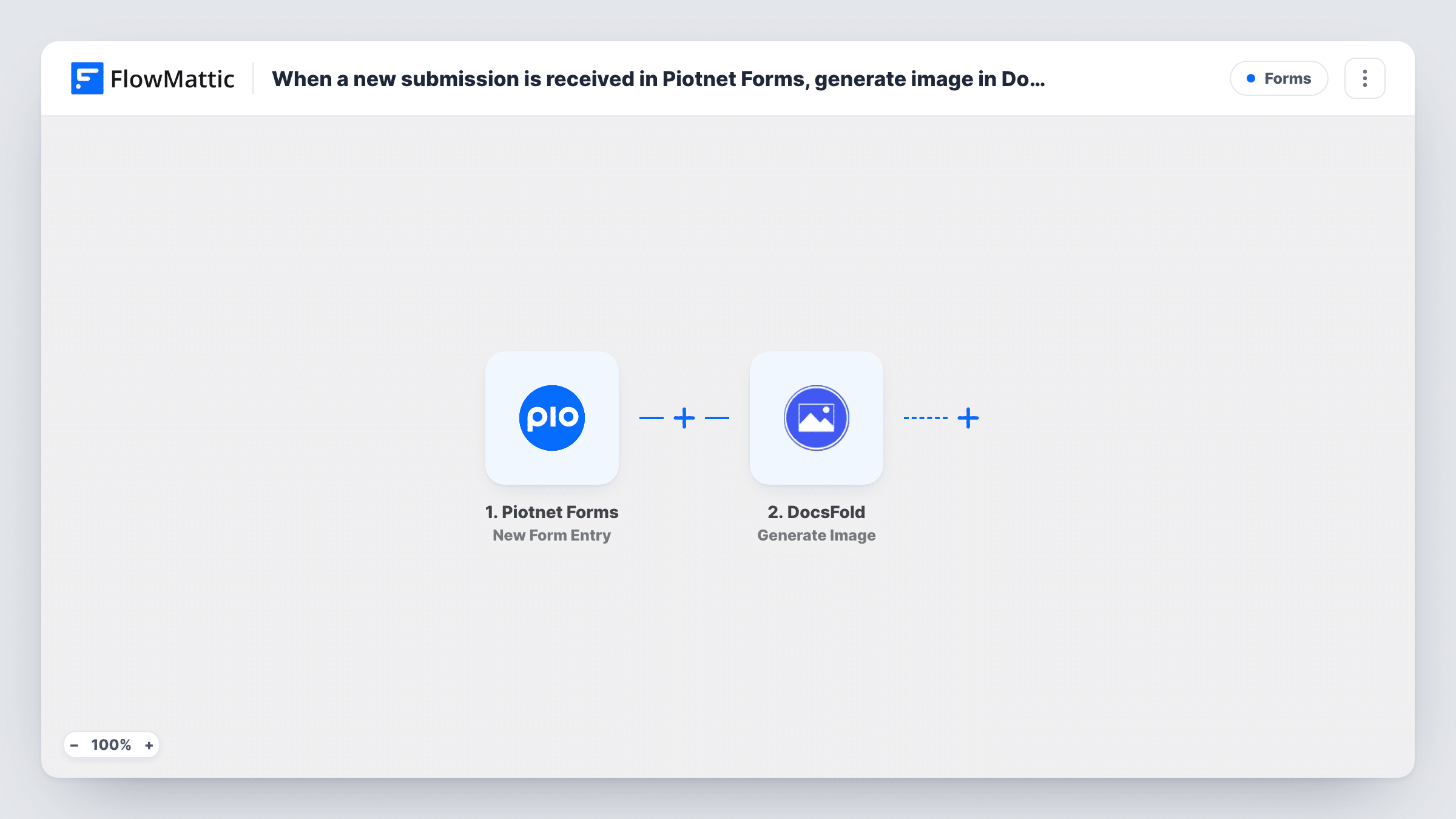
The Piotnet Forms trigger runs on each new form entry and passes the submitted fields to FlowMattic. The DocsFold Generate Image action then creates an image from a template in your DocsFold account, with the form answers mapped into it.
Generating the image is the last thing this template does. The DocsFold response is available as data, so to email the image, save it or post it, add another step after DocsFold and map the result into it. Check what DocsFold returns with a test run, and use Task History to follow each entry.
Course completion certificates
A learner fills in a short Piotnet form at the end of a course, and DocsFold produces a certificate image with their name and the course title.
Event speaker cards
Speakers submit their name, talk title and headshot link, and DocsFold creates a promo image for each one from your event template.
Shareable quote images
Customers send a testimonial through the form, giving you a branded quote graphic from DocsFold for your social channels.
How this workflow runs
What happens at each step once the workflow is on, and what you need before you import it.
 Piotnet Forms New Form Entry
Runs when a new entry is submitted through a Piotnet Forms form. The submitted fields are passed on to fill the DocsFold template.
- DocsFold Generate Image
Generates an image in DocsFold from the template you pick. Map the Piotnet form fields to the template's dynamic parts, then run a test to see what DocsFold returns for the finished image.
What you need
- FlowMatticCore
- Piotnet Forms PluginPlugin
- DocsFold AccountAccount
After importing, map your own data. To keep the template universal, not every step is pre-filled. Open each step in the builder and connect your accounts and fields (channels, lists, sheets, recipients) before you switch the workflow on.
Make it yours
Changes worth making after you import it.
- Add a Gmail or other email step after DocsFold and map the generated image from its response, so each person receives their certificate or card by email.
- Build the DocsFold template first and name its dynamic parts clearly. Mapping Piotnet fields to them is then quick when you set up the Generate Image step.
- Add a Filter after the trigger with a condition on a form field if only some entries, such as completed courses, should produce an image.
Questions about this workflow
Where does the generated DocsFold image go?
As imported, nowhere beyond DocsFold's response. Add a step after DocsFold, such as an email or a Google Drive upload, to deliver or store it.
Do I need a DocsFold template ready before importing?
Yes. Generate Image works from a template in your DocsFold account, so create it first and connect DocsFold when you set up the step.
Does Piotnet Forms still save the entry and send its emails?
Yes. The workflow starts after the entry is submitted and does not change how your Piotnet form handles it.
Can DocsFold make a PDF from the Piotnet entry instead?
This template uses Generate Image. DocsFold also creates PDFs from templates, so look at the DocsFold actions in FlowMattic and swap the step if a PDF suits you better.
More Forms workflows
Other ready-to-import templates from the same category.






Import this workflow into your WordPress site
Download the JSON, import it from the Workflows screen and connect your accounts. Every run stays on your server, with no per-task fees.
30-day money-back guarantee Unlimited workflows and runs Self-hosted