

When a new subscriber is added in Mailchimp, create event in AddEvent
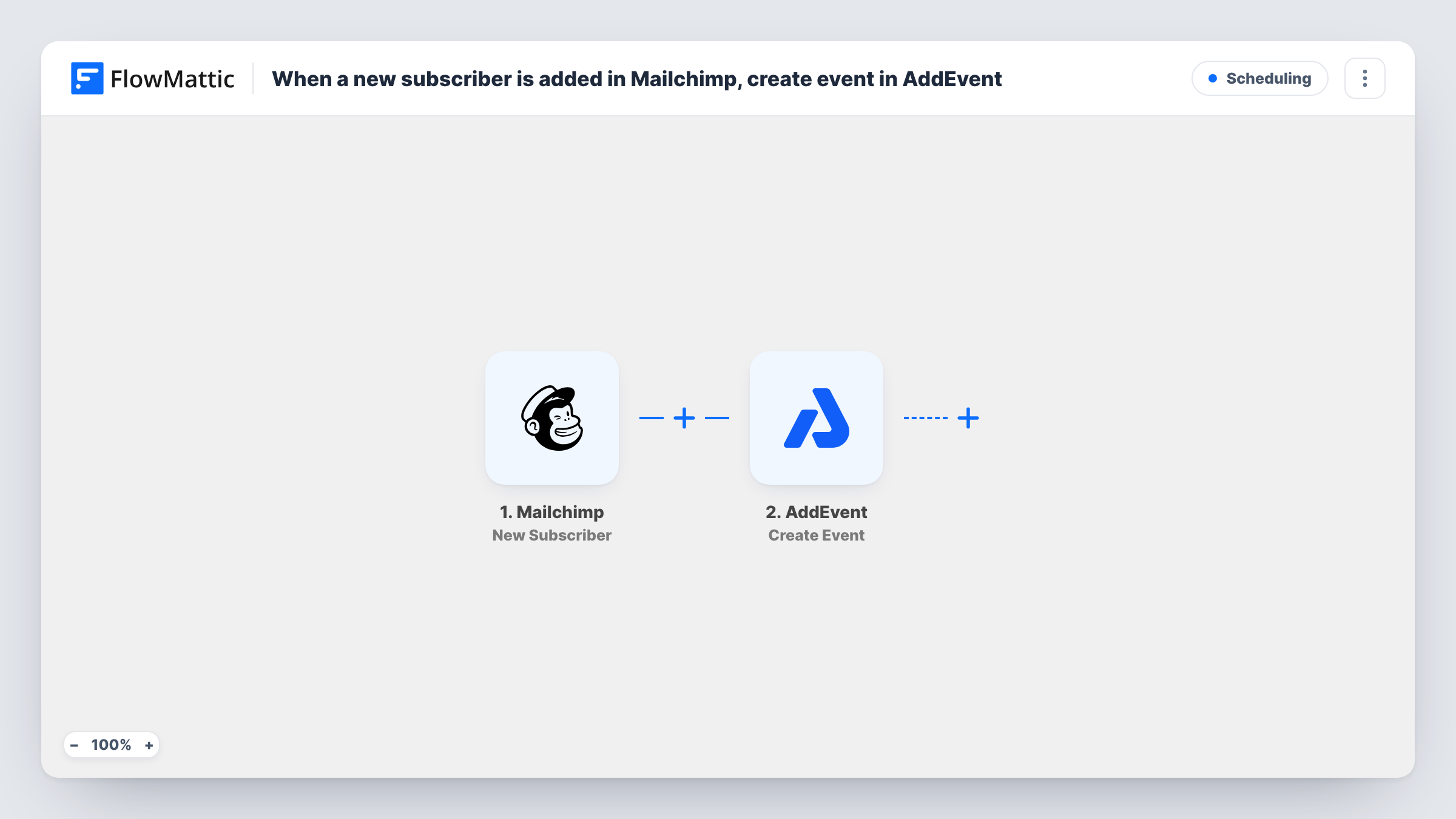
When someone new subscribes to your Mailchimp list, this workflow creates an event in AddEvent using their details, such as a welcome call or onboarding session per subscriber.
 Mailchimp
 AddEvent
2 steps Setup ~5 min Used on 2.9k sites Free to import
What this workflow does
Some lists lead to a meeting: a new subscriber is booked for an intro call, an onboarding slot or a reminder to reach out. Copying each new name from Mailchimp into a calendar tool takes time and gets missed. This workflow creates the AddEvent event for you each time someone subscribes.
The Mailchimp trigger fires when a new subscriber is added to your list. Their details, such as email address and name, become data you can map. The second step creates a new event in AddEvent, and you choose what goes into it, for instance the subscriber's name in the event title.
Note that this creates one event for every new subscriber. That suits a list where each person gets their own session or follow-up. If you want a single shared event that subscribers join, this template is not the right fit as imported. Task History lists every run so you can check which subscribers produced events.
Onboarding calls for new clients
Clients join a Mailchimp list when they sign up. Each one gets an onboarding event in AddEvent named after them, so your calendar shows who needs a call.
Follow-up reminders for a coach
A coach collects subscribers from a free guide. Every new subscriber adds an event that reminds the coach to reach out personally.
Trial check-in sessions
People subscribe to a trial list. The workflow creates a check-in event for each one, giving your team a dated slot to contact them.
How this workflow runs
What happens at each step once the workflow is on, and what you need before you import it.
 Mailchimp New Subscriber
Fires when a new subscriber is added to your Mailchimp list. The subscriber's details are passed to the AddEvent step for mapping.
- AddEvent Create Event
Creates a new event in AddEvent for each subscriber. Map the subscriber's name or email into the event details, and run a test to confirm how the event appears.
What you need
- FlowMatticCore
- Mailchimp AccountAccount
- AddEvent AccountAccount
After importing, map your own data. To keep the template universal, not every step is pre-filled. Open each step in the builder and connect your accounts and fields (channels, lists, sheets, recipients) before you switch the workflow on.
Make it yours
Changes worth making after you import it.
- Add a Filter after the trigger so only subscribers with a certain tag or field value get an event, if not everyone on the list needs one.
- Put the subscriber's email address in the event description so whoever opens the event knows who to contact.
- Subscribe a test address after import so FlowMattic captures the Mailchimp fields, then map them in the AddEvent step before going live.
Questions about this workflow
Does every Mailchimp subscriber get a separate AddEvent event?
Yes. Without a Filter, each new subscriber runs the workflow once and creates one new event. Add a Filter if only some of them should.
Does the subscriber receive a calendar invitation?
This template only creates the event in AddEvent. It does not send anything to the subscriber, so add an email step if you want to tell them about it.
Will people already on my Mailchimp list get events?
No. The trigger reacts to subscribers added after you turn the workflow on, so your existing audience is not processed.
More Scheduling workflows
Other ready-to-import templates from the same category.






Import this workflow into your WordPress site
Download the JSON, import it from the Workflows screen and connect your accounts. Every run stays on your server, with no per-task fees.
30-day money-back guarantee Unlimited workflows and runs Self-hosted