

When a new subscription is created inside Stripe, send the subscription details to their WhatsApp using WA.Team
When a customer signs up for a new plan in Stripe, this workflow sends them a WhatsApp template message through WA.Team with their subscription details, such as the plan they chose.
 Stripe
 WhatsApp by WA.Team
2 steps Setup ~5 min Used on 1.4k sites Free to import
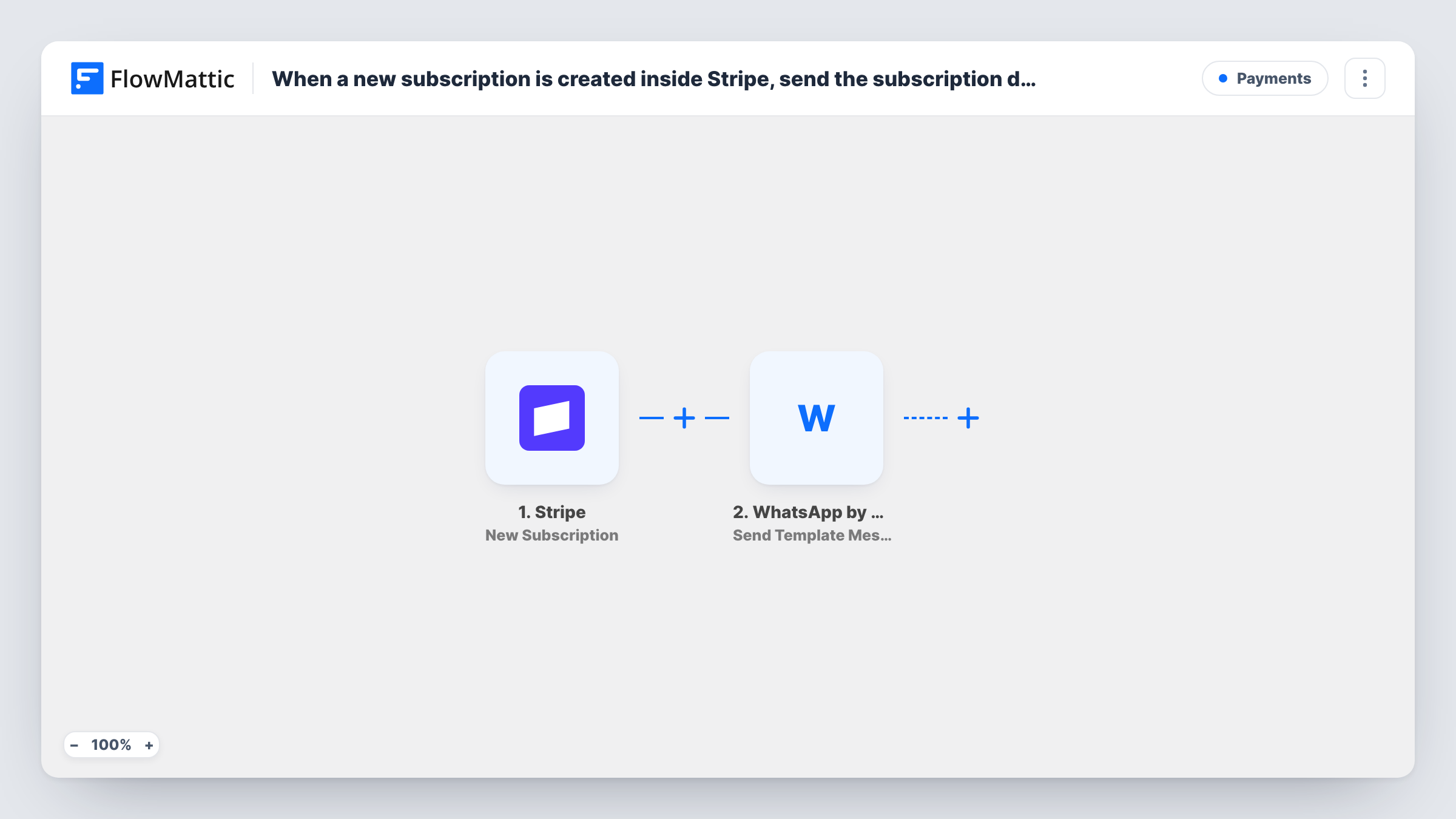
What this workflow does
Stripe confirms a new subscription by email, but many customers read WhatsApp first. If you already talk to customers there, a short message when they subscribe confirms the plan in the place they check. This workflow sends it for each new subscription.
The Stripe New Subscription trigger fires whenever a customer is signed up for a new plan. The subscription data is passed to WhatsApp by WA.Team, whose Send Template Message action sends one of your approved WhatsApp templates to the number you map, with subscription values in its placeholders.
One thing to check before going live: a Stripe subscription event may name the customer only by a customer ID, without a phone number. Run a test signup and look at the trigger data. If no phone arrives, add Stripe's Find Customer by ID step between the two steps, pass it the customer ID, and map the phone from its result. Customers without a phone on their Stripe record won't get a message, and Task History shows the failed send.
Membership site confirmations
A member joins your monthly plan through Stripe and gets a WhatsApp message naming the plan, sent from the business number they already chat with.
Coaching or tutoring subscriptions
A new client starts a weekly coaching plan, and a WhatsApp template confirms the subscription and tells them how to book the first session.
Software plans with phone onboarding
A SaaS team that onboards over WhatsApp messages each new Stripe subscriber so the conversation thread starts on day one.
How this workflow runs
What happens at each step once the workflow is on, and what you need before you import it.
 Stripe New Subscription
Fires whenever a customer is signed up for a new plan in Stripe. The subscription data, such as the plan and the customer ID, is passed on for the WhatsApp message.
- WhatsApp by WA.Team Send Template Message
Sends an approved WhatsApp template through your WA.Team account. Map the customer's phone number and fill the template's placeholders with Stripe values, then check the result with a test signup.
What you need
- FlowMatticCore
- Stripe AccountAccount
- WhatsApp by WA.Team AccountAccount
After importing, map your own data. To keep the template universal, not every step is pre-filled. Open each step in the builder and connect your accounts and fields (channels, lists, sheets, recipients) before you switch the workflow on.
Make it yours
Changes worth making after you import it.
- If the trigger data holds only a customer ID, add Stripe's Find Customer by ID action after the trigger and map the phone and name from its result into the WA.Team step.
- Collect phone numbers at checkout with the country code included, so the WA.Team step receives a number WhatsApp can deliver to.
- Add a Filter after the customer lookup that continues only when the phone is not empty. Customers without a number then end the run quietly instead of logging a failed send.
Questions about this workflow
Why does the WA.Team step use Send Template Message for Stripe subscribers?
Outside the 24-hour window that opens when someone writes to your business number, WhatsApp accepts only approved templates. A person who just subscribed through Stripe usually hasn't messaged you, so a template is the type that can reach them.
Does the Stripe New Subscription event include the customer's phone?
Not always. Subscription events may identify the customer only by ID. Check a test run, and if the phone is missing, add Stripe's Find Customer by ID step and map the number from its result.
Do I need a WA.Team account for this workflow?
Yes. The message goes out through your WhatsApp by WA.Team account, which you connect on import, and the template you use must already be approved for your number.
Will customers be messaged again when their subscription renews?
No. The trigger fires when a customer signs up for a new plan, not on renewal payments. A second subscription for the same customer would start another run.
More Payments workflows
Other ready-to-import templates from the same category.







Import this workflow into your WordPress site
Download the JSON, import it from the Workflows screen and connect your accounts. Every run stays on your server, with no per-task fees.
30-day money-back guarantee Unlimited workflows and runs Self-hosted