

When someone buys you a coffee, verify the user's profile in Voxel
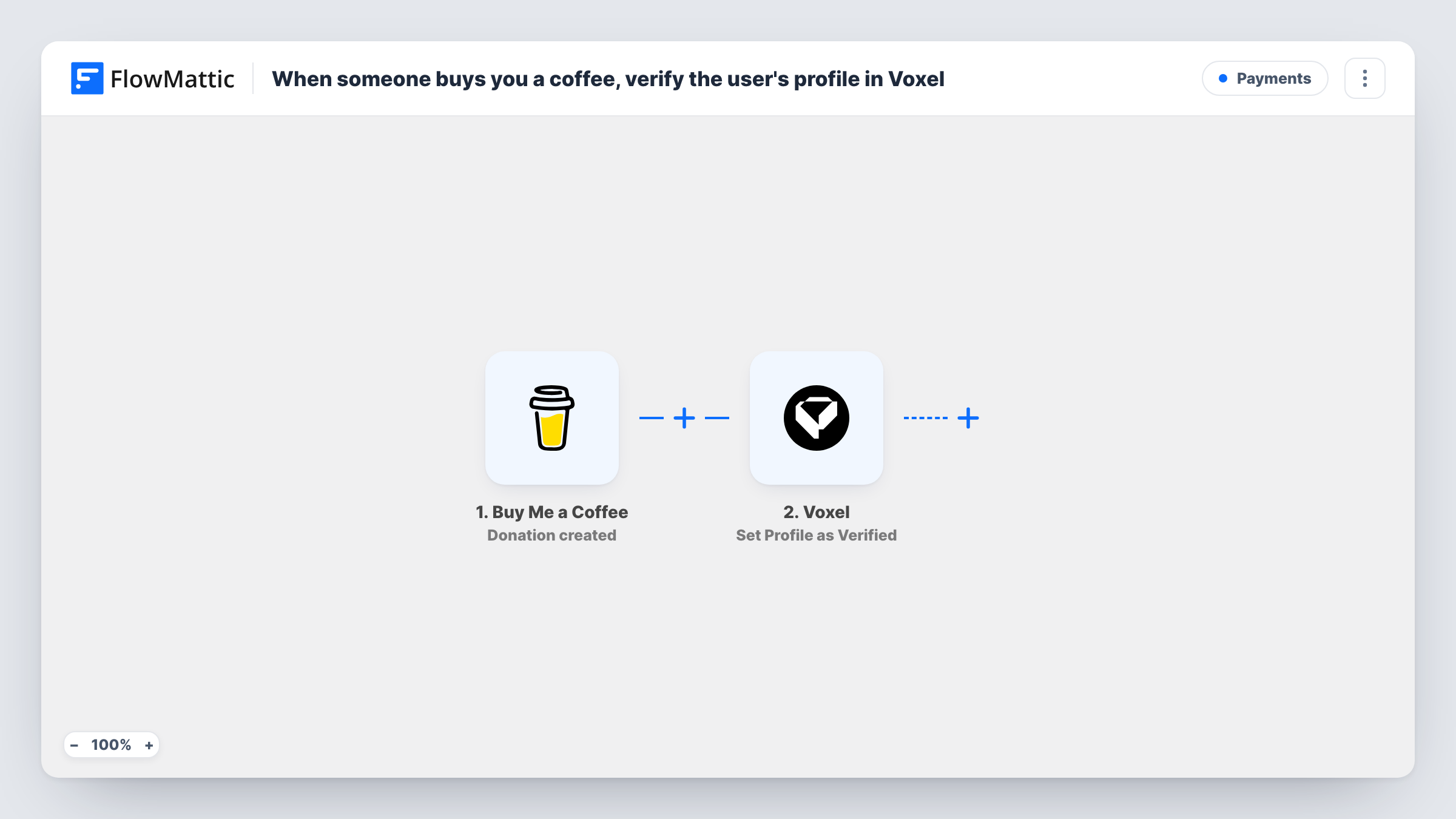
When someone buys you a coffee on Buy Me a Coffee, FlowMattic looks up the Voxel member with the supporter’s email and marks that member’s profile as verified.
 Buy Me a Coffee
 Voxel
Voxel3 steps Setup ~5 min Used on 2.3k sites Free to import
What this workflow does
Directory and community sites built with Voxel often use the verified badge to mark people the owner trusts. If supporting you on Buy Me a Coffee is how members earn that badge, this workflow applies it for you whenever a donation arrives, instead of you matching names by hand.
The Buy Me a Coffee trigger fires when Buy Me a Coffee sends its Donation created webhook. The supporter's details, including the email they paid with, come with it. Every donation starts a run, whatever the amount.
The first Voxel step, Get member by email, looks up the member and their fields by that email. The second step sets the member's profile as verified. Both Voxel steps arrive empty, so after import you map the supporter's email into the lookup, then map the member it returns into Set Profile as Verified.
The match only works when the supporter paid with the same email they use on your Voxel site. A donor with no Voxel account has no profile to verify. Test with a donation from an email you know is a member, and check Task History for what each Voxel step returned.
Verified badge for supporters
A local business directory gives members who buy the owner a coffee a verified badge on their profile, as a thank-you for backing the site.
Trust marker in a creator community
A Voxel community for illustrators marks supporters' profiles as verified, so other members can see who helps fund the platform.
No manual checking of donor lists
A site owner who used to compare Buy Me a Coffee receipts against member emails lets the workflow do the lookup and the verification.
How this workflow runs
What happens at each step once the workflow is on, and what you need before you import it.
 Buy Me a Coffee Donation created
Starts a run for each new coffee a supporter buys you. The supporter's name, email and donation details are passed to the Voxel steps.
 Voxel Get member by email
Looks up the Voxel member whose email matches the supporter. The step ships unmapped: after import, map the supporter's email from the donation so Voxel returns that member and their fields.
- Voxel Set Profile as Verified
Marks the member's Voxel profile as verified. Map the member found in the previous step into this action after import, then test with a known member to see the result in Task History.
What you need
- FlowMatticCore
- Buy Me a Coffee AccountAccount
- Voxel AccountAccount
After importing, map your own data. To keep the template universal, not every step is pre-filled. Open each step in the builder and connect your accounts and fields (channels, lists, sheets, recipients) before you switch the workflow on.
Make it yours
Changes worth making after you import it.
- Put a Filter between the Get member by email step and the Set Profile as Verified step that continues only when a member was found, so donors without a Voxel account stop before the verification.
- If only larger donations should earn the badge, add a Filter between the Buy Me a Coffee trigger and the Voxel lookup on the donation amount, using a number you choose. Number checks compare whole numbers, so decimals are cut off.
- Ask supporters on your Buy Me a Coffee page to pay with the email they use on your Voxel site, so the lookup can find them.
- Add Voxel's Send direct message action after Set Profile as Verified, so the member hears that their profile now carries the verified badge.
Questions about this workflow
What happens if the supporter isn't a member of my Voxel site?
Get member by email finds no member, so there is no profile to verify. Task History shows that run and what Voxel returned.
Does every Buy Me a Coffee donation verify a profile?
Every donation starts a run, whatever the amount. Add a Filter on the amount between the trigger and the Voxel steps if you want a minimum.
Is the verified badge removed if a donation is refunded?
No. The workflow reacts to new donations only, and FlowMattic's Voxel integration has no action that removes verification, so take the badge off in Voxel yourself if a supporter's donation is refunded.
Which fields do I map in the two Voxel steps?
Both are empty in the template. Map the supporter's email into Get member by email, and map the member it returns into Set Profile as Verified, then run a test donation.
More Payments workflows
Other ready-to-import templates from the same category.




Import this workflow into your WordPress site
Download the JSON, import it from the Workflows screen and connect your accounts. Every run stays on your server, with no per-task fees.
30-day money-back guarantee Unlimited workflows and runs Self-hosted