

Send a Twilio SMS receipt when a CCAvenue recurring payment succeeds
When a CCAvenue recurring payment completes, this workflow texts the customer an SMS receipt through Twilio, confirming that their subscription payment went through.
 CCAvenue
 Twilio
2 steps Setup ~5 min Used on 3.4k sites Free to import
What this workflow does
Subscribers like to know a renewal has been charged, and a short text is hard to miss. If you bill recurring payments through CCAvenue, this workflow sends a receipt by SMS each time one completes, without anyone on your team sending it.
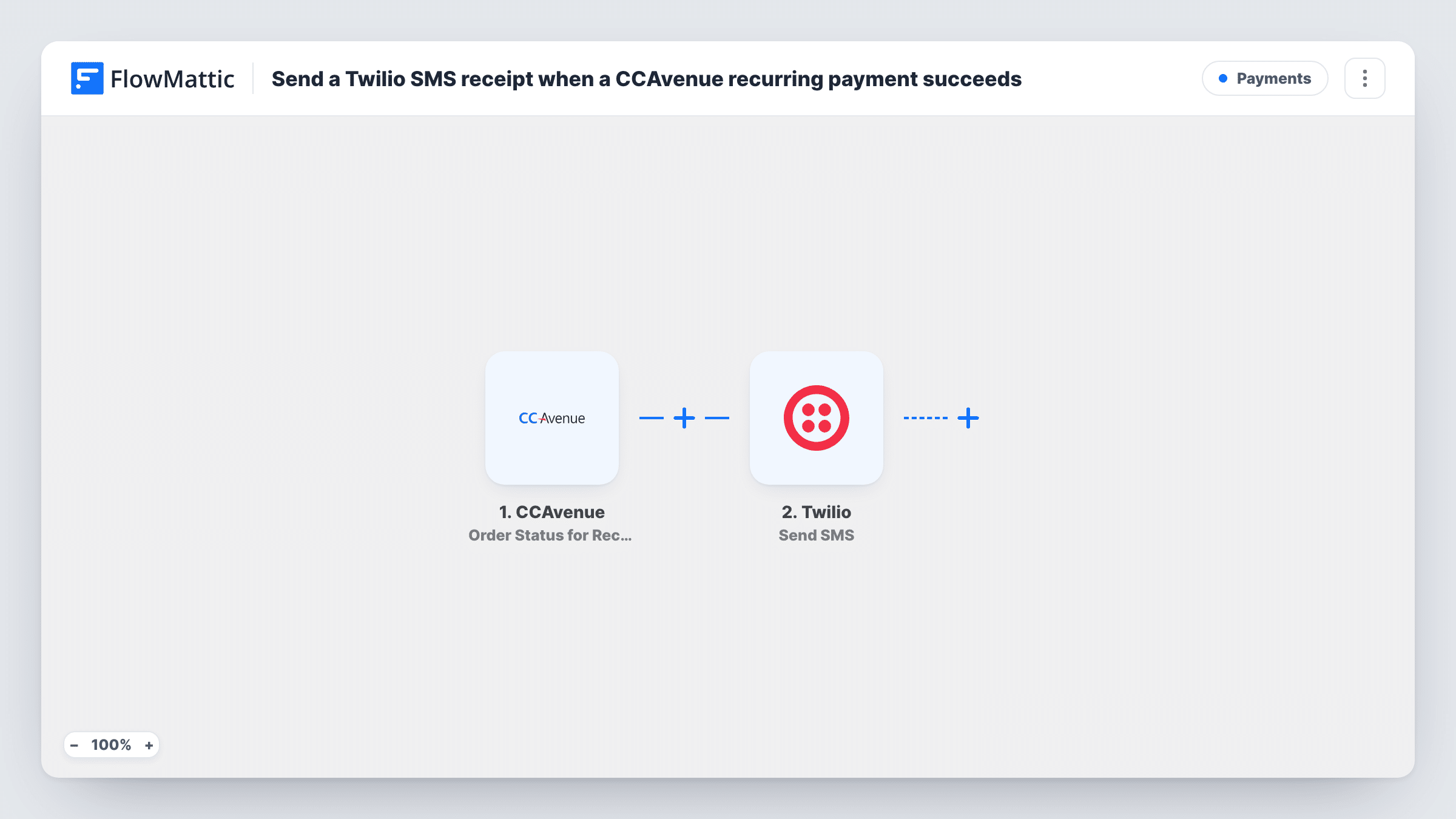
The CCAvenue trigger is Order Status for Recurring Payments, which fires on completion of a recurring payment. FlowMattic passes the payment data to the Twilio step, which sends an SMS to a number. You map the customer's phone number from the CCAvenue data as the recipient and write the receipt text, with values such as the amount and order reference mapped in.
Check a test payment in Task History to confirm the event carries the customer's phone number and the status you expect. If your CCAvenue setup also reports unsuccessful recurring attempts through this trigger, add a Filter so only successful ones get a receipt.
Monthly membership renewals
A gym or club bills members monthly through CCAvenue. Each completed renewal sends the member a text confirming the payment.
Software subscriptions in India
A SaaS business charging recurring fees through CCAvenue texts customers a short receipt after each billing cycle, alongside any email invoice.
Instalment plans
A customer paying a course fee in instalments gets an SMS each time an instalment is collected, showing the amount you mapped into the message.
How this workflow runs
What happens at each step once the workflow is on, and what you need before you import it.
 CCAvenue Order Status for Recurring Payments
Fires on completion of a recurring payment in CCAvenue. The payment's details, including any customer contact values CCAvenue sends, are passed to Twilio.
- Twilio Send SMS
Texts the customer from your connected Twilio account. Map the customer's phone number from the CCAvenue data as the recipient and write the receipt text with the payment values you want.
What you need
- FlowMatticCore
- CCAvenue AccountAccount
- Twilio AccountAccount
After importing, map your own data. To keep the template universal, not every step is pre-filled. Open each step in the builder and connect your accounts and fields (channels, lists, sheets, recipients) before you switch the workflow on.
Make it yours
Changes worth making after you import it.
- Add a Filter after the trigger that continues only when the order status value shows success. Look at a test run to find the exact value CCAvenue sends.
- Make sure the phone numbers you map include the country code, since Twilio sends to numbers in international format.
- Keep the receipt short: the amount, the date and a reference the customer can quote. Long messages can be split into several SMS parts.
Questions about this workflow
Does every CCAvenue recurring payment trigger an SMS?
Every one the trigger reports. It fires on completion of a recurring payment, and nothing in the template filters further, so add a Filter on status if you only want successful payments.
Which CCAvenue value becomes the SMS recipient's phone number?
The phone number in the CCAvenue payment data, if the event carries one. You map it into the Twilio step, then check a test run that it arrives in a format Twilio accepts.
Do I need my own Twilio number to send the receipts?
You need a Twilio account connected in FlowMattic, with a number or sender set up in Twilio that can send SMS to your customers' country.
More Payments workflows
Other ready-to-import templates from the same category.






Import this workflow into your WordPress site
Download the JSON, import it from the Workflows screen and connect your accounts. Every run stays on your server, with no per-task fees.
30-day money-back guarantee Unlimited workflows and runs Self-hosted