

When a pledge is updated in Patreon, post a notification in a specific Slack channel
Each time a pledge is updated on your Patreon page, FlowMattic posts a message to the Slack channel you pick, so your team sees changes in patron support without checking Patreon.
 Patreon
 Slack
2 steps Setup ~5 min Used on 2.9k sites Free to import
What this workflow does
When patrons change what they pledge, the people running your Patreon usually want to know. A drop might call for a personal message, and a move up is worth a thank-you. Checking Patreon for those changes is easy to put off. This workflow brings them into Slack, where your team already talks.
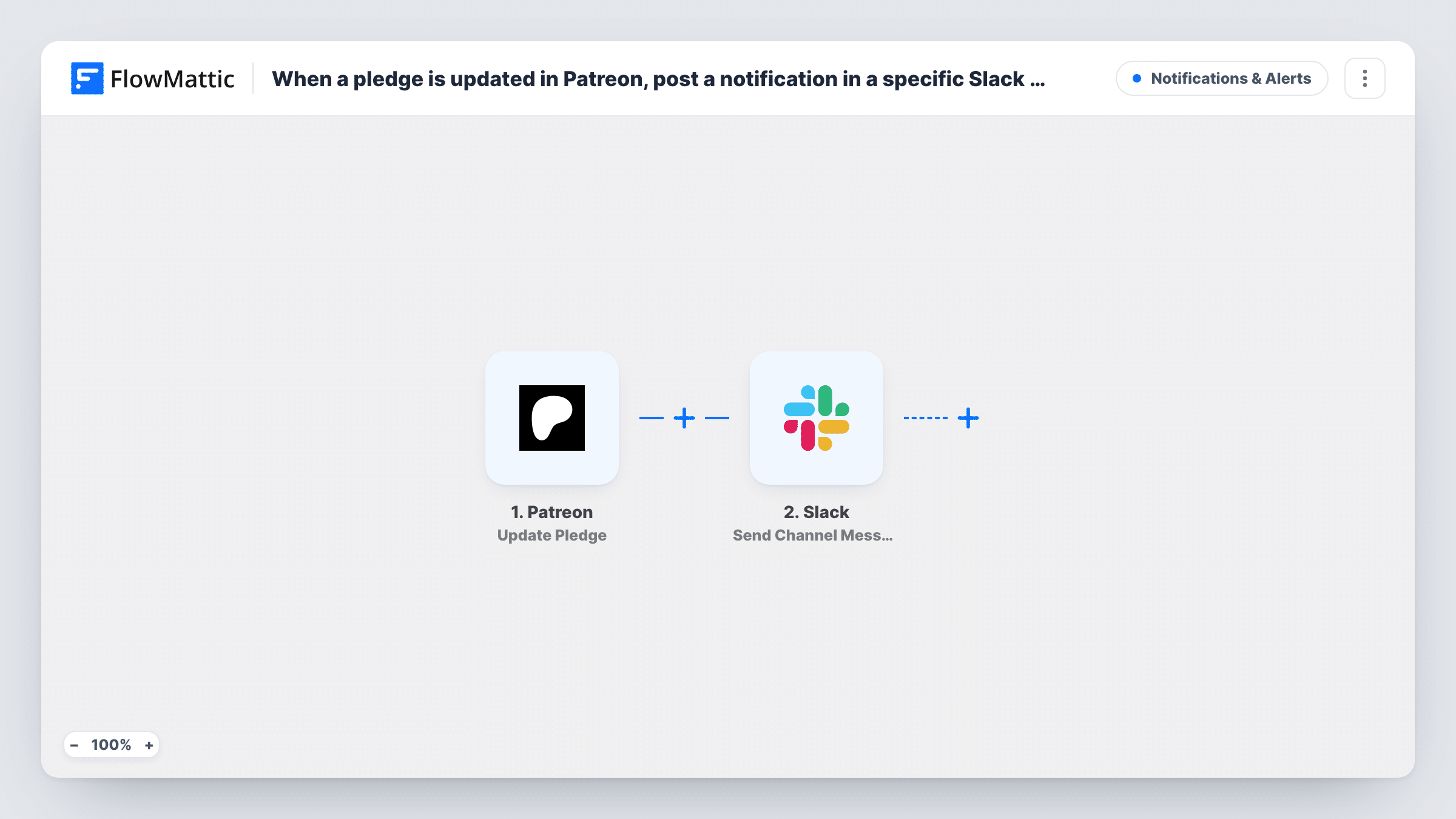
The Patreon trigger runs when a pledge is updated on your campaign. FlowMattic receives the pledge data from that event and passes it to the Slack Send Channel Message action. You pick one channel and write the message, adding the pledge details you care about.
Every pledge update sends one message, whatever the change was. Nothing in Patreon is touched; the workflow only reads the event. If you want to see what was posted for a given update, Task History keeps a record of each run.
Creator and assistant sharing patron care
An assistant watches the Slack channel and sends a personal note when a patron's pledge changes, without needing to log in to Patreon each day.
Podcast team tracking support
A podcast's producers see pledge updates in their shared Slack channel and talk through what the changes mean for the next season.
Community moderators granting access
Moderators who manage roles in your community see the pledge change in Slack and adjust the patron's access to match.
How this workflow runs
What happens at each step once the workflow is on, and what you need before you import it.
 Patreon Update Pledge
Runs when a pledge on your Patreon campaign is updated. The pledge data from Patreon is available to drop into the Slack message.
- Slack Send Channel Message
Posts the alert in one Slack channel. Connect your workspace, choose the channel, and write a message that includes the Patreon pledge details your team should see.
What you need
- FlowMatticCore
- Patreon AccountAccount
- Slack AccountAccount
After importing, map your own data. To keep the template universal, not every step is pre-filled. Open each step in the builder and connect your accounts and fields (channels, lists, sheets, recipients) before you switch the workflow on.
Make it yours
Changes worth making after you import it.
- Run the trigger once after import, using a real or test pledge change, so FlowMattic shows which pledge details Patreon sends before you write the message.
- Add a Filter after the trigger with a condition on a pledge detail if only certain changes, such as pledges at one tier, should reach the channel.
- Want new pledges too? Build a second workflow with Patreon's Create Pledge trigger and a Slack step, and point both workflows at the same channel.
Questions about this workflow
Does this workflow post when someone makes a new Patreon pledge?
It is built on the Update Pledge trigger, which covers changes to an existing pledge. For new pledges, use a separate workflow that starts with the Create Pledge trigger.
Can the Slack message show the patron's name and pledge?
If the Patreon event includes them, yes. Test the trigger after import to see the exact data, then place those values in the message text.
Will patrons see the Slack alert?
No. The message goes to a channel in your own Slack workspace. Patrons are not notified and their pledge is not changed.
Can pledge updates go to more than one Slack channel?
Add another Send Channel Message step after the first one and pick a different channel in it.
More Notifications & Alerts workflows
Other ready-to-import templates from the same category.






Import this workflow into your WordPress site
Download the JSON, import it from the Workflows screen and connect your accounts. Every run stays on your server, with no per-task fees.
30-day money-back guarantee Unlimited workflows and runs Self-hosted