

When a poll is submitted by user in WP-Polls, apply tags using WP Fusion
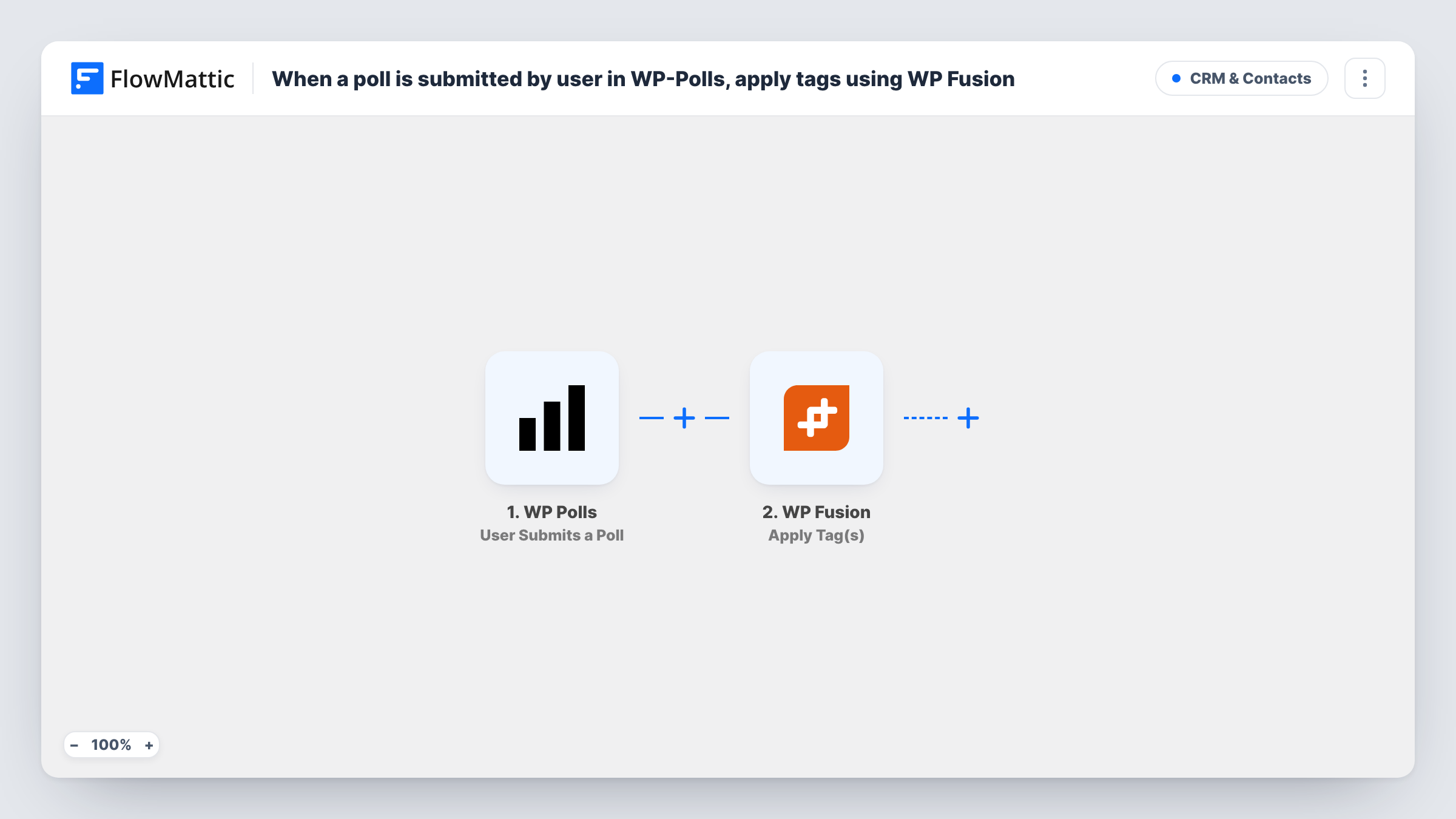
Each time a user submits a WP-Polls poll on your site, WP Fusion applies the tags you choose to that user’s contact, so poll answers can shape what your CRM sends them next.
 WP Polls
 WP Fusion
2 steps Setup ~5 min Used on 3.0k sites Free to import
What this workflow does
A poll tells you what a visitor cares about, but the answer usually stays inside WordPress. If you already sync users to a CRM with WP Fusion, this workflow turns a poll submission into tags on that person's contact, which your CRM can use for segments and follow-up emails.
The WP-Polls trigger fires when a user submits a poll. FlowMattic passes the submission on, so you can see which poll was answered and by whom. Send a test vote after import to see exactly which details arrive.
The WP Fusion Apply Tag(s) step applies one or more tags to a contact. It ships unmapped: after import you map the voter from the poll submission and choose the tags. WP Fusion works with WordPress users, so the tags can only land on someone it can match to a contact. Guest votes carry no user, so set the poll to accept votes from registered users if every vote should be tagged.
As imported, every submission applies the same tags, whatever answer was picked. To tag by answer, add a Filter or a Router as the tips explain. Test with a logged-in account you know and check Task History and the contact in your CRM.
Interest tags for members
A membership site runs a poll on its dashboard asking which topic members want next, and every member who answers gets a "poll-respondent" tag in the CRM for a follow-up email.
Product feedback segment
A software company polls logged-in customers about a planned feature and tags each voter, so the product team can email that group when the feature ships.
Course preference survey
An online school asks students which format they prefer, and with a Filter on the answer, students who pick video get a matching tag synced to the CRM through WP Fusion.
How this workflow runs
What happens at each step once the workflow is on, and what you need before you import it.
 WP Polls User Submits a Poll
Starts the workflow when a user submits a WP-Polls poll on your site. The submission is passed on so you can identify the voter and, if you add a check, the answer they chose.
- WP Fusion Apply Tag(s)
Applies one or more tags to the voter's contact through WP Fusion. The step ships unmapped: map the voter from the poll submission and pick the tags, then test with a logged-in user you know.
What you need
- FlowMatticCore
- WP-Polls PluginPlugin
- WP Fusion PluginPlugin
After importing, map your own data. To keep the template universal, not every step is pre-filled. Open each step in the builder and connect your accounts and fields (channels, lists, sheets, recipients) before you switch the workflow on.
Make it yours
Changes worth making after you import it.
- To tag only voters who chose one answer, put a Filter between the WP-Polls trigger and the WP Fusion step that checks the submitted answer. The answer value is an example for you to set.
- For a different tag per answer, put a Router between the WP-Polls trigger and the WP Fusion step, give each route its own Apply Tag(s) step, and use answer conditions that can't both match.
- Use tag names that include the poll's subject, such as "poll-pricing-yes", so the tag still makes sense in your CRM months later.
Questions about this workflow
Are guest votes in WP-Polls tagged too?
Only voters WP Fusion can match to a contact get tags. A guest vote carries no WordPress user, so restrict the poll to registered users if you want every vote to reach WP Fusion.
Does the WP Fusion tag depend on the answer chosen?
Not as imported. Every poll submission applies the tags you set in the step. Add a Filter or Router on the answer between the trigger and the WP Fusion step to tag by choice.
Do I need WP Fusion connected to a CRM first?
Yes. Apply Tag(s) works through WP Fusion, so the plugin must already be set up with your CRM on the same site. The tags appear wherever WP Fusion syncs them.
More CRM & Contacts workflows
Other ready-to-import templates from the same category.




Import this workflow into your WordPress site
Download the JSON, import it from the Workflows screen and connect your accounts. Every run stays on your server, with no per-task fees.
30-day money-back guarantee Unlimited workflows and runs Self-hosted