

When a quiz is submitted in Forminator, add the submission details to Google Spreadsheet
Every Forminator quiz someone completes on your site is added as a row in Google Sheets, so you can review answers and results in a spreadsheet you can sort, chart and share.
 Forminator
 Google Sheets
2 steps Setup ~5 min Used on 3.3k sites Free to import
What this workflow does
You might use Forminator quizzes to test what learners know, recommend a product or simply entertain visitors. Looking at the results inside WordPress one entry at a time is less useful when you want totals, trends or a list to share with a colleague. This workflow sends each quiz submission to a spreadsheet.
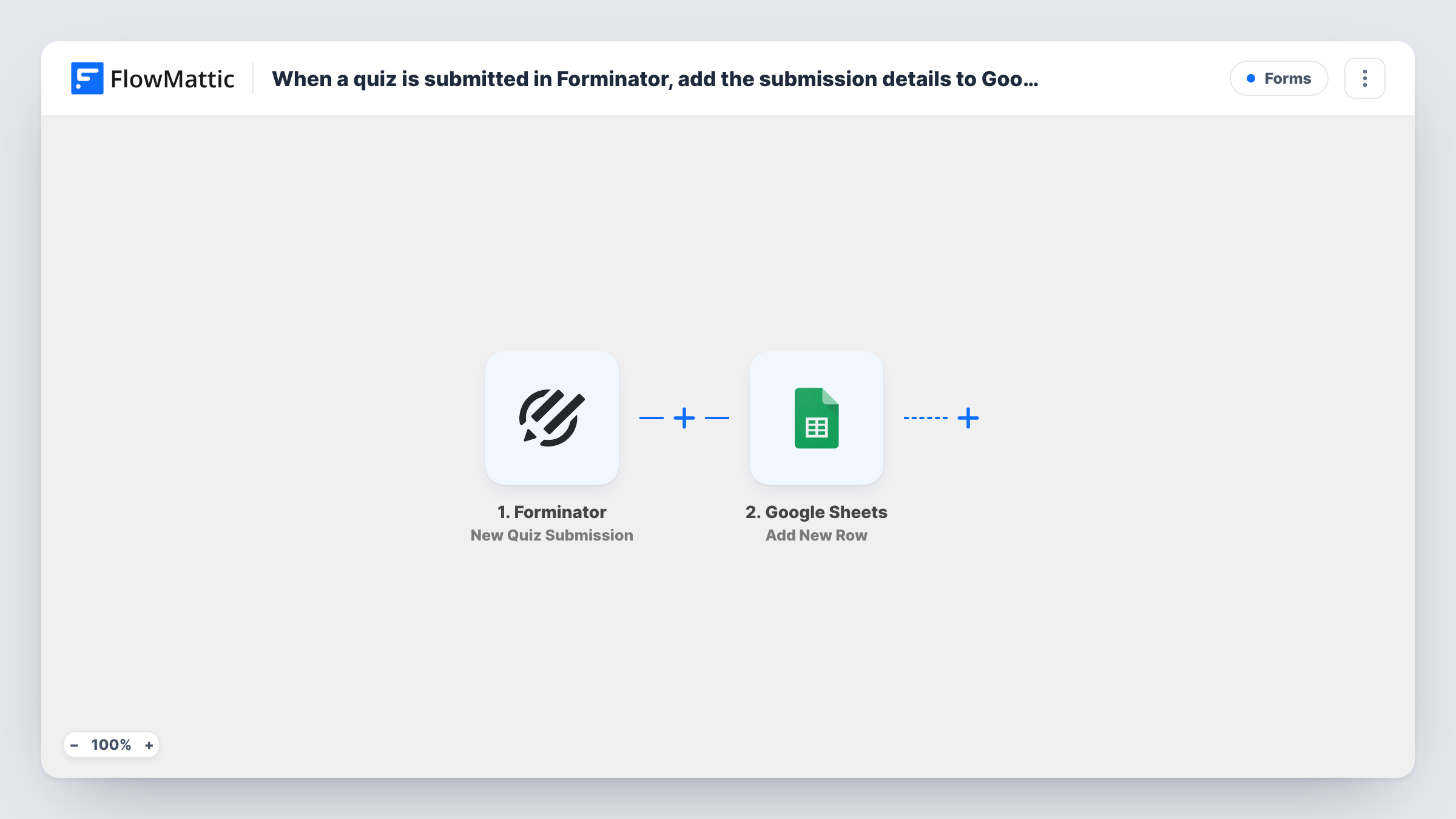
The Forminator New Quiz Submission trigger runs when someone finishes one of your quizzes. FlowMattic receives the quiz data and passes it to Google Sheets, where the Add New Row action writes it to the spreadsheet and sheet you choose. Which answers, results or lead details end up in which column is up to your mapping.
Each submission makes one row, so the sheet grows as people take the quiz. Once the data is there, use formulas or charts to see how people score or which result is most common. Every quiz the workflow handles is also listed in Task History.
Product recommendation quiz
Visitors take a Forminator quiz that suggests a product. The sheet shows which recommendation comes up most, which helps you plan stock and content.
Training knowledge checks
Staff complete a short quiz after a training session, and the manager reviews every attempt in one Google Sheet instead of in the WordPress dashboard.
Classroom quizzes for a teacher
Students answer a quiz on the class site, and the teacher sorts the spreadsheet to see who needs extra help on a topic.
How this workflow runs
What happens at each step once the workflow is on, and what you need before you import it.
 Forminator New Quiz Submission
Runs when someone submits one of your Forminator quizzes. The quiz data from that submission is passed on for mapping into the sheet.
- Google Sheets Add New Row
Adds the quiz submission as a new row in the Google Sheets file and sheet you choose. Add column headers first, connect Google, then match each column to a piece of quiz data.
What you need
- FlowMatticCore
- Forminator PluginPlugin
- Google Sheets AccountAccount
After importing, map your own data. To keep the template universal, not every step is pre-filled. Open each step in the builder and connect your accounts and fields (channels, lists, sheets, recipients) before you switch the workflow on.
Make it yours
Changes worth making after you import it.
- Take the quiz yourself once after import so FlowMattic shows the exact data Forminator sends for a quiz, then map it to your columns.
- If you run several quizzes, add a Filter after the trigger with a condition on the quiz detail it sends, so only one quiz is logged to this sheet.
- Add a FluentCRM or Mailchimp step after the sheet if your quiz collects email addresses and you want quiz takers on your list too.
Questions about this workflow
Does this Forminator workflow log regular form entries too?
No. The trigger is New Quiz Submission, so only quiz submissions are added. Forminator forms and polls need their own triggers.
Which quiz details appear in the Google Sheet?
Whatever the quiz submission provides and you map to a column. Run a test after import to see the available data.
Does Forminator still keep quiz submissions in WordPress?
Yes. The workflow only copies the data to Google Sheets. Forminator keeps handling the submission as it does now.
Are quizzes taken before the import added to the sheet?
No. Only quiz submissions made after you turn the workflow on create rows.
More Forms workflows
Other ready-to-import templates from the same category.







Import this workflow into your WordPress site
Download the JSON, import it from the Workflows screen and connect your accounts. Every run stays on your server, with no per-task fees.
30-day money-back guarantee Unlimited workflows and runs Self-hosted