

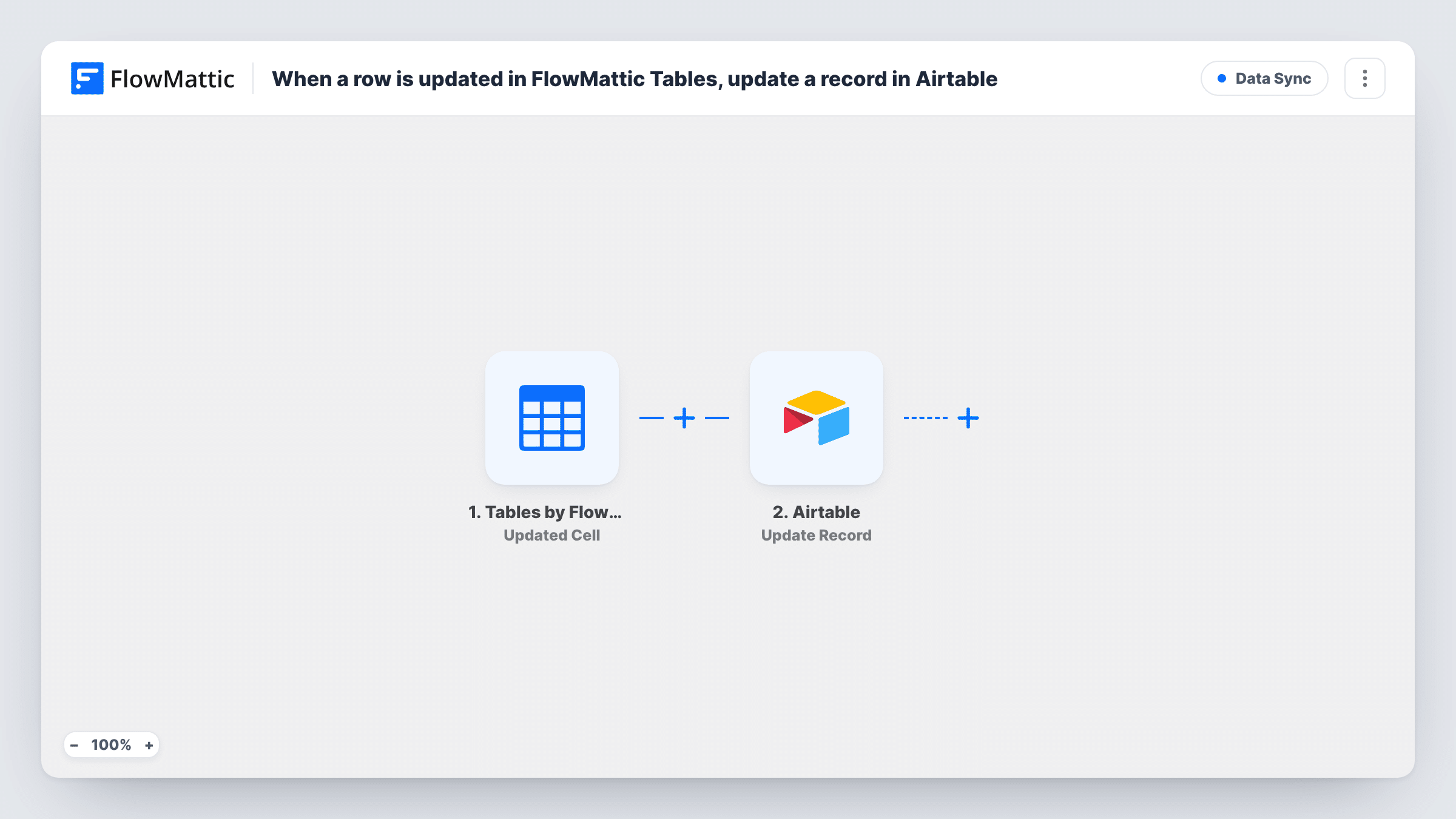
When a row is updated in FlowMattic Tables, update a record in Airtable
When a row changes in a FlowMattic Tables table, FlowMattic searches Airtable for the matching record and updates it with the new values, keeping both copies alike.
 Tables by FlowMattic
 Airtable
3 steps Setup ~5 min Used on 3.2k sites Free to import
What this workflow does
Keeping the same data in FlowMattic Tables and Airtable is handy when your site's workflows write to one and your team works in the other, but edits made on one side don't show up on the other by themselves. This workflow pushes changes from a Tables row to the matching Airtable record.
The FlowMattic Tables Updated Record trigger fires when a row is updated in a table and passes the row's values on. Next, an Airtable Search Record step looks for the matching record using a filter formula. The row and the record need a value they share, such as an email, an order number or an ID column you keep in both, and you write the formula to compare that field with the value from the Tables row.
The last step, Update Record, changes the record the search found. Map the record ID from the search into it, then map each Tables column to the Airtable field it should overwrite. All three steps ship unmapped, so expect some setup after import.
Every saved edit runs the flow, so a row changed five times sends five updates. If the search finds nothing, there's no record to update; Open the run in Task History to see the search result and the update response. Edit one known row as a test before you rely on it.
Order status edits shared with the ops team
A shop's workflows keep order rows in FlowMattic Tables, and when staff change a status there, the operations team's Airtable base shows the same status.
Member directory kept in step
A club updates member details in a FlowMattic table on its site, and the committee's Airtable view of members gets the same phone and address changes.
Inventory counts mirrored to Airtable
A small warehouse adjusts stock numbers in FlowMattic Tables and has the matching Airtable product records updated for the purchasing team.
How this workflow runs
What happens at each step once the workflow is on, and what you need before you import it.
 Tables by FlowMattic Updated Record
Fires when a row is updated in your FlowMattic Tables table. The row's current values are passed on to the Airtable search and update steps.
- Airtable Search Record
Looks up the matching Airtable record through a filter formula you write. After import, write the formula so it matches a shared value, such as an email or order number, against the same column from the Tables row.
- Airtable Update Record
Updates the Airtable record found by the search. Map the record ID from step 2, then map each Tables column into the Airtable field it should replace.
What you need
- FlowMatticCore
- Airtable AccountAccount
After importing, map your own data. To keep the template universal, not every step is pre-filled. Open each step in the builder and connect your accounts and fields (channels, lists, sheets, recipients) before you switch the workflow on.
Make it yours
Changes worth making after you import it.
- Keep a unique key in both places, such as an order number or the Airtable record ID stored in its own Tables column, so the search formula always lands on one record.
- Put a Filter between the Search Record step and the Update Record step that continues only when the search returned a record ID, so rows with no Airtable match end there.
- Map only the columns that your team edits in Tables, so Airtable fields managed by others aren't overwritten with blanks.
Questions about this workflow
How does the workflow know which Airtable record matches the Tables row?
Through the Search Record step. You write a filter formula that compares a shared value, such as an email or order number, with the same column in the updated row. The record it finds is the one updated.
What if no Airtable record matches the updated row?
Then the update step has no record ID to work with. Check the run in Task History, and consider a Filter between the search and the update so those rows stop cleanly.
Does this create Airtable records for new Tables rows?
No. The trigger fires on updates, and the last step only updates existing records. FlowMattic's Tables integration has a New Record trigger you could pair with Airtable's Create Record action in another workflow.
Will changes in Airtable flow back into FlowMattic Tables?
No. The sync runs one way, from Tables to Airtable. Edits made in Airtable stay there unless you build a separate workflow.
More Data Sync workflows
Other ready-to-import templates from the same category.





Import this workflow into your WordPress site
Download the JSON, import it from the Workflows screen and connect your accounts. Every run stays on your server, with no per-task fees.
30-day money-back guarantee Unlimited workflows and runs Self-hosted