

When a TimeRex event is cancelled, update the record in Airtable
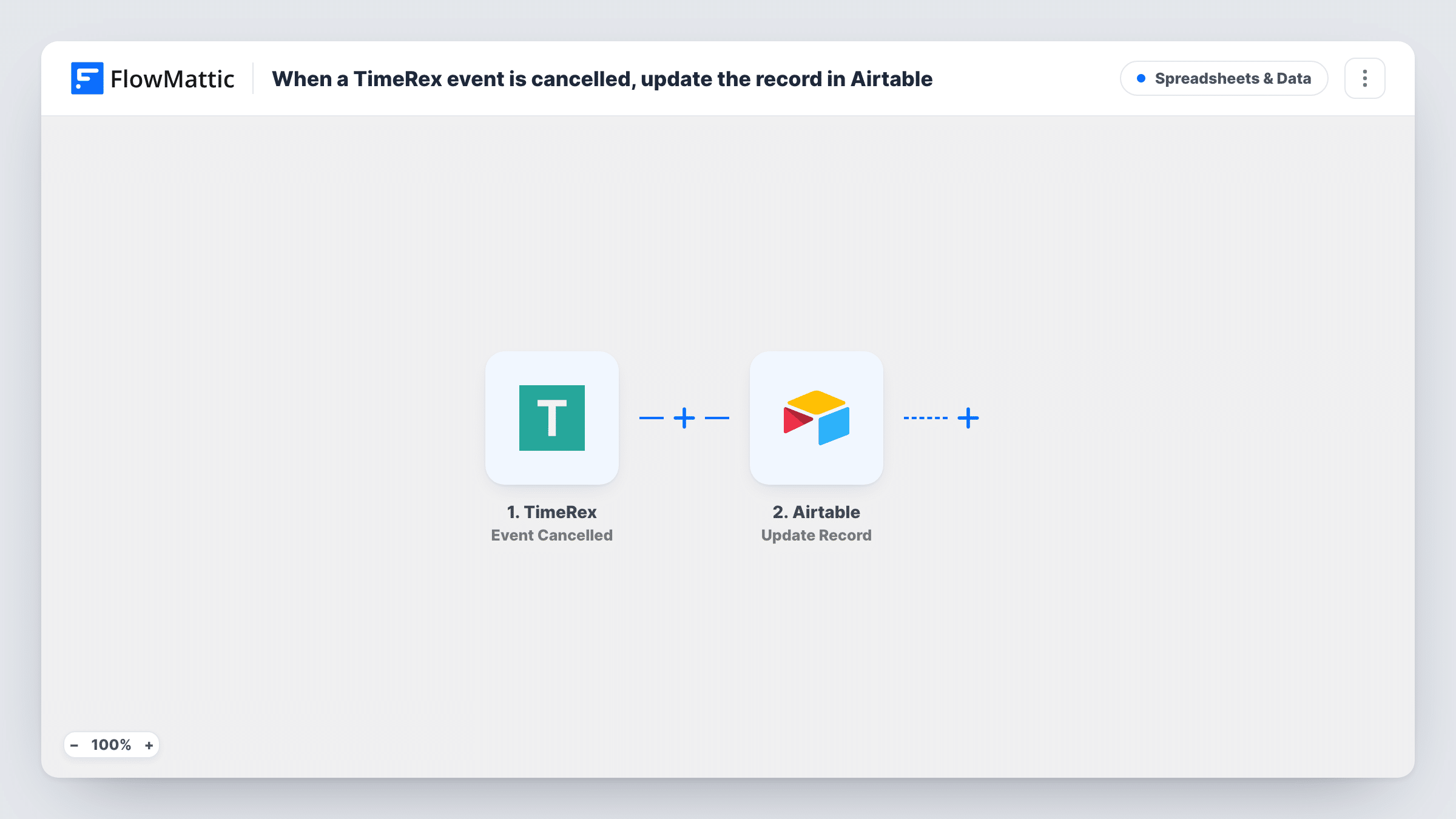
When a TimeRex booking is cancelled, FlowMattic searches your Airtable table for the matching record and, if one turns up, updates it, so your booking base shows the cancellation.
 TimeRex
 Airtable
 Filter
4 steps Setup ~8 min Used on 1.1k sites Free to import
What this workflow does
If you keep TimeRex bookings in Airtable, a cancellation leaves a stale record behind unless someone edits it by hand. This workflow finds that record when the booking is cancelled and changes it, for example by setting a status field to cancelled, so the base stays in step with your calendar.
The TimeRex trigger fires when a booking is cancelled and passes the booking details on. The first Airtable step searches your table with a filter formula. The template leaves that search empty, so after import you pick the base and table and write a formula that matches the cancelled booking, such as one that compares a booking ID or guest email column with the value from TimeRex.
A Filter then checks the search's total record count. It continues only when the count is greater than 0, so a cancellation with no matching record stops there and nothing in Airtable changes.
The last step updates a record using the ID of the first search result. The record ID is already mapped; the fields to change are not, so choose them after import. If your formula can match several records, only the first one is updated. Test with a real cancellation and check Task History for what each step returned.
Booking tracker that marks cancellations
A consultant logs every TimeRex meeting in Airtable and wants the status column to switch to cancelled when a client cancels, so weekly reports count only meetings that still stand.
Freeing up resources reserved for a session
A studio records which room and staff member each booking uses in Airtable; marking the record cancelled tells the team that slot is open again.
Cancellation date for follow-up
A sales team writes the cancellation date into the Airtable record so they can review lost meetings and reach out later.
How this workflow runs
What happens at each step once the workflow is on, and what you need before you import it.
 TimeRex Event Cancelled
Starts a run whenever a TimeRex booking is cancelled. The booking details from TimeRex, such as the guest's email and the event information, are passed on for the Airtable search.
- Airtable Search Record
Searches your Airtable table using a filter formula. The step ships unmapped: after import, choose the base and table and write a formula that uses the cancelled booking's details to find its record.
- Filter Continue If Condition Meet
Lets the run go on only when the Airtable search's total record count is greater than 0. When no record matches the cancelled booking, the run stops here and no update is made.
- Airtable Update Record
Updates the first record the search found, using its record ID, which the template already maps. Choose the fields to change, such as a status or cancellation date, after import.
What you need
- FlowMatticCore
- TimeRex AccountAccount
- Airtable AccountAccount
After importing, map your own data. To keep the template universal, not every step is pre-filled. Open each step in the builder and connect your accounts and fields (channels, lists, sheets, recipients) before you switch the workflow on.
Make it yours
Changes worth making after you import it.
- Store a TimeRex booking ID in its own Airtable column when you first log each booking, and search on that column. It matches more reliably than a name or email when a guest books more than once.
- Keep the TimeRex search formula narrow enough that a single record fits it. The update step changes only the first result, so a broad formula could edit the wrong booking.
- Map a cancellation timestamp into a date field in the Update Record step, so the base records when each booking was dropped as well as that it was.
Questions about this workflow
Does this need the TimeRex bookings to be in Airtable already?
Yes. The workflow only finds and changes an existing record. If a cancelled booking has no matching record, the Filter stops the run and nothing is added.
How does the workflow know which Airtable record belongs to the booking?
By the formula you enter in the Airtable Search Record step. It ships empty, so build it from a value TimeRex sends, such as a booking ID or the guest's email, and a column in your table that holds the same value.
What if the Airtable search finds more than one record?
The Update Record step uses the ID of the first result only, so the other matches stay as they were. Tighten the formula if you see more than one record in Task History.
Which Airtable fields change when a TimeRex booking is cancelled?
Only the ones you set in the Update Record step. The template maps the record ID and leaves the field values for you to choose.
More Spreadsheets & Data workflows
Other ready-to-import templates from the same category.





Import this workflow into your WordPress site
Download the JSON, import it from the Workflows screen and connect your accounts. Every run stays on your server, with no per-task fees.
30-day money-back guarantee Unlimited workflows and runs Self-hosted