

When a voice removal notice is triggered in ElevenLabs, send alert to Slack team channel
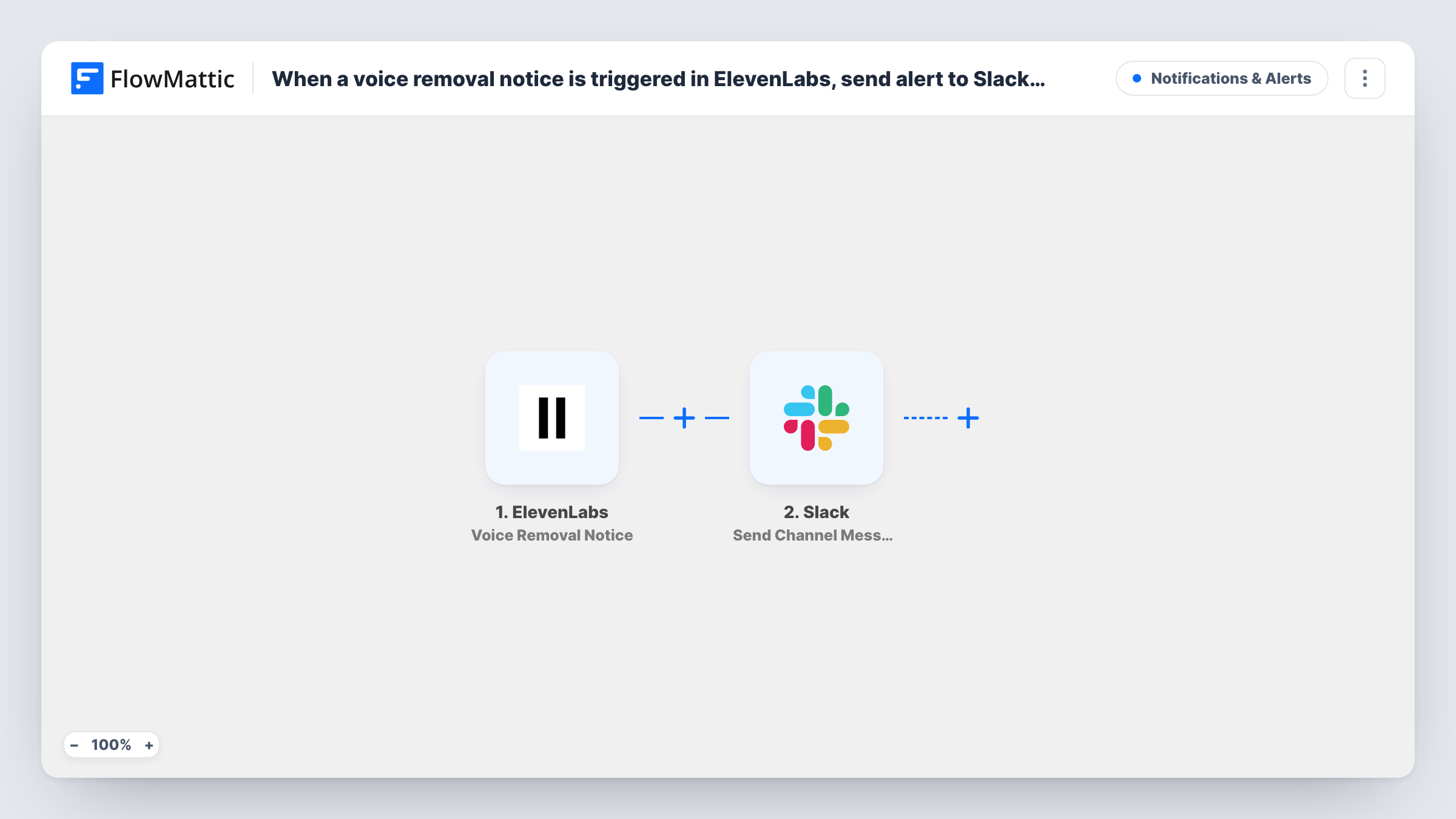
When ElevenLabs schedules a voice you use for removal, this workflow posts an alert to your Slack team channel, so you can plan a replacement before projects that rely on it are affected.
 ElevenLabs
 Slack
2 steps Setup ~5 min Used on 1.7k sites Free to import
What this workflow does
Teams that produce narration, ads or app audio with ElevenLabs often settle on one or two voices. If a voice you rely on is going to be removed, you need time to pick another one and re-record what matters. This workflow makes sure the notice reaches your team in Slack rather than sitting in one person's inbox.
The ElevenLabs trigger fires when a voice in use is scheduled for removal, and the notice's details come into FlowMattic. The Slack step then posts a message to the channel you choose, written from those details.
Every removal notice posts one message, and the workflow does not change anything in ElevenLabs. Task History keeps a record of each notice received and Slack's response.
Audiobook and podcast producers
A production team narrates with a shared library voice. The Slack alert gives them notice to choose a new voice before the next episode.
Apps with built-in voice
A developer team whose app reads text aloud with an ElevenLabs voice sees the notice in #engineering and plans the switch.
Agencies producing client ads
An agency that voiced a client's campaign learns the voice is going and tells the client in good time.
How this workflow runs
What happens at each step once the workflow is on, and what you need before you import it.
 ElevenLabs Voice Removal Notice
Starts a run when ElevenLabs schedules a voice you use for removal. The details of the notice are passed on for the Slack message.
- Slack Send Channel Message
Shares the ElevenLabs removal notice in the Slack channel you pick. Build the message from the notice data, such as the voice name, and connect your Slack workspace after import.
What you need
- FlowMatticCore
- ElevenLabs AccountAccount
- Slack AccountAccount
After importing, map your own data. To keep the template universal, not every step is pre-filled. Open each step in the builder and connect your accounts and fields (channels, lists, sheets, recipients) before you switch the workflow on.
Make it yours
Changes worth making after you import it.
- Mention the person who manages your ElevenLabs voices in the message text, so the alert reaches them directly.
- Add a Google Sheets Add New Row step after Slack to keep a list of voices that were scheduled for removal and when you heard about it.
- Check Task History the first time a notice arrives to see which fields ElevenLabs sends, then refine the Slack message.
Questions about this workflow
When does this ElevenLabs workflow post to Slack?
Only when ElevenLabs schedules a voice you use for removal. Other ElevenLabs activity, such as generating audio, does not start a run.
Can I map the Slack message before a removal notice arrives?
You can write fixed text now and add fields later. Once the first notice reaches FlowMattic, Task History shows the data ElevenLabs sent, and you can map it into the message.
Does the workflow replace the voice in ElevenLabs?
No. It only tells your team. Choosing and setting up a new voice is still done in ElevenLabs.
More Notifications & Alerts workflows
Other ready-to-import templates from the same category.




Import this workflow into your WordPress site
Download the JSON, import it from the Workflows screen and connect your accounts. Every run stays on your server, with no per-task fees.
30-day money-back guarantee Unlimited workflows and runs Self-hosted