

When an envelope is opened in Signable, tag the lead in Groundhogg
When a party opens a Signable envelope, FlowMattic adds the tags you choose to that person in Groundhogg, so your CRM shows who has looked at the document you sent.
 Signable
 Groundhogg
2 steps Setup ~5 min Used on 612 sites Free to import
What this workflow does
After you send a contract or proposal, the useful question is whether the other side has looked at it. Signable knows, but your follow-up happens in Groundhogg. This workflow carries that signal across by tagging the person when they open the envelope.
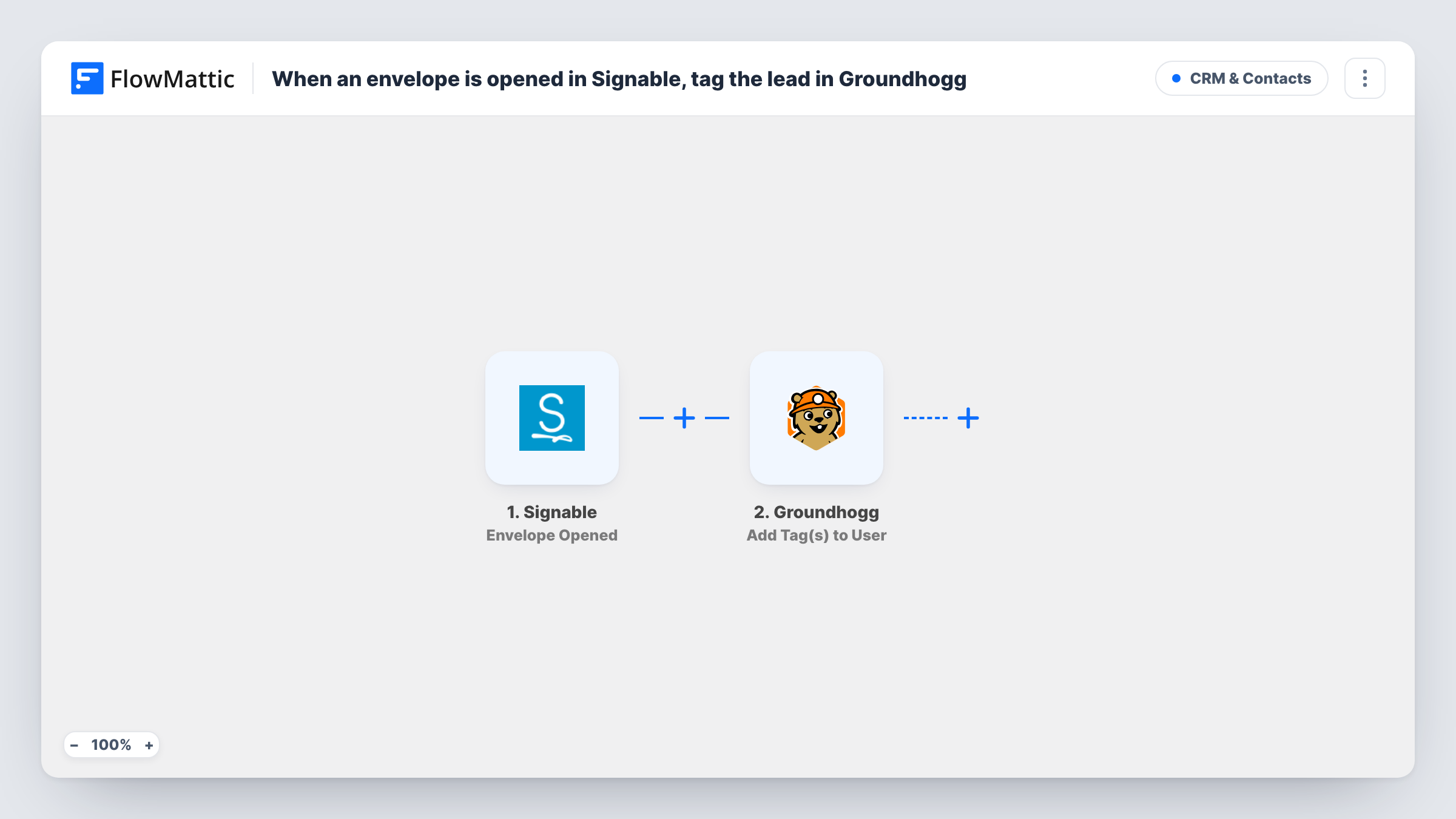
The Signable trigger, Envelope Opened, fires when an envelope is opened by a party. FlowMattic passes the event data to Groundhogg, where Add Tag(s) to User adds one or more tags you pick, such as "Proposal opened". Map the opener's details from the Signable event so the tag goes to the right person.
The workflow is built for leads who are already contacts in Groundhogg. Test it with a known contact first and check Task History to see how Groundhogg responds. Once the tag is in place, you can use Groundhogg's own Tag Added trigger or funnels to start the next part of your follow-up.
Timing a proposal follow-up call
A sales rep sees the "Proposal opened" tag on the lead in Groundhogg and calls while the document is fresh, instead of guessing whether it was read.
Starting a reminder funnel
Tag openers in Groundhogg and let a funnel that watches that tag send a short note offering help with signing.
Segmenting agency clients by contract status
Contacts who opened their service agreement carry a tag, so you can filter Groundhogg for clients who have looked but not yet signed.
How this workflow runs
What happens at each step once the workflow is on, and what you need before you import it.
 Signable Envelope Opened
Fires when a party opens a Signable envelope. The event data about the envelope and the party is passed on for the Groundhogg step to use.
- Groundhogg Add Tag(s) to User
Adds the tags you choose to the matching person in Groundhogg. Map the opener's details from the Signable event and pick the tags, then test with a contact you know is in Groundhogg.
What you need
- FlowMatticCore
- Signable AccountAccount
- Groundhogg PluginPlugin
After importing, map your own data. To keep the template universal, not every step is pre-filled. Open each step in the builder and connect your accounts and fields (channels, lists, sheets, recipients) before you switch the workflow on.
Make it yours
Changes worth making after you import it.
- Envelopes can have more than one party. If you only want to tag the client, check a test run for the party's email, then add a Filter after the trigger that continues only when it isn't on your own domain.
- Use separate tags for opened and signed. Add a second workflow on Signable's Envelope Signed trigger that applies the signed tag, so you can see who opened but hasn't signed.
- Open a test envelope sent to your own address after import so FlowMattic captures real Signable fields before you map the Groundhogg step.
Questions about this workflow
Does the lead need to be a Groundhogg contact already?
The title assumes so, and that is the case to test first. If the opener isn't in Groundhogg, check Task History for the Groundhogg response. Groundhogg also offers a Create New Contact action you can add before the tag step.
What happens if the same person opens the Signable envelope again?
If Signable sends another Envelope Opened event, the workflow runs again and the tag step is repeated for that person.
Does Groundhogg need to be on the same site as FlowMattic?
Yes. Groundhogg is a WordPress plugin, so install it on the WordPress site where FlowMattic runs. Signable is connected as an outside account.
More CRM & Contacts workflows
Other ready-to-import templates from the same category.






Import this workflow into your WordPress site
Download the JSON, import it from the Workflows screen and connect your accounts. Every run stays on your server, with no per-task fees.
30-day money-back guarantee Unlimited workflows and runs Self-hosted