

When Callyzer logs a call, record it in Airtable and post a summary to a Telegram channel
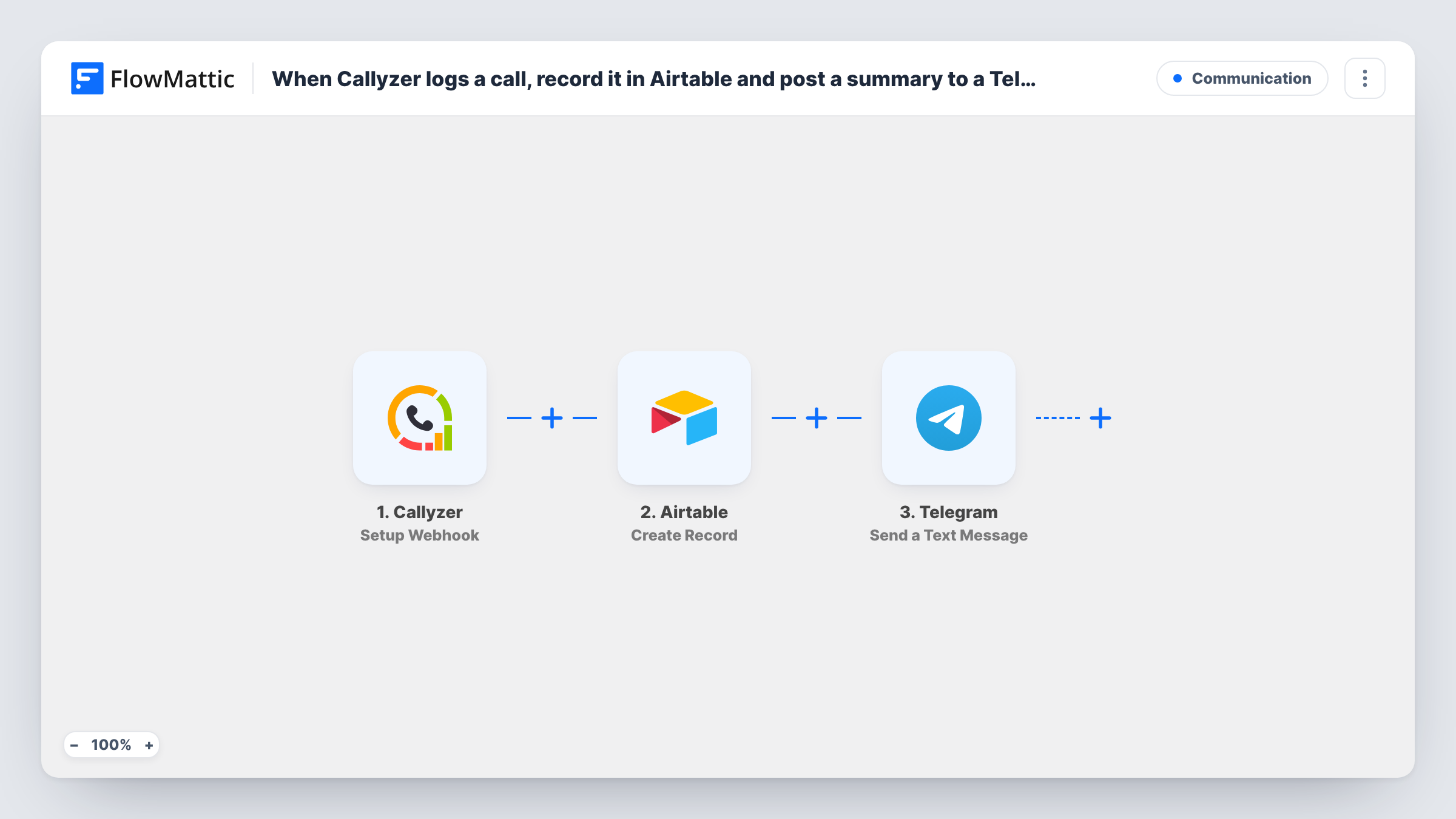
Every call event Callyzer posts to FlowMattic becomes a new record in your Airtable base, and a short text summary of the call is then sent to your Telegram channel so the team sees it as it happens.
 Callyzer
 Airtable
 Telegram
3 steps Setup ~5 min Used on 3.4k sites Free to import
What this workflow does
Call logs on individual phones are hard for a team to work from. A manager wants a table of every call to sort and review, and the team wants to know about calls without opening a dashboard. This workflow gives you both from each call event Callyzer reports.
The Callyzer trigger provides a webhook URL that Callyzer posts its call events to. Each event's details are passed to Airtable, where Create Record adds a row to the base and table you pick, with the call data mapped to your fields. The Telegram step then sends a text message through your bot to the channel or chat you set, built from the same call details.
Nothing filters the events, so every call Callyzer posts gets its own Airtable record and its own Telegram message. The two steps are independent: if Airtable returns an error for a run, the Telegram message is still sent, and Task History shows the error against the Airtable step.
Sales manager reviewing daily call volume
Each rep's calls land in one Airtable table you can group by rep or date, and a Telegram channel shows the calls as they are logged.
Support line with a shared Telegram group
Agents see a message for each call in their Telegram group, while Airtable keeps a record they can link to tickets or notes later.
Small agency logging client calls
Calls to and from client numbers are stored in an Airtable base the account managers already use, with a summary posted for the whole team.
How this workflow runs
What happens at each step once the workflow is on, and what you need before you import it.
 Callyzer Setup Webhook
Receives each call event Callyzer sends to this workflow's webhook URL. Point Callyzer at the URL and make a test call so FlowMattic captures the call fields.
- Airtable Create Record
Adds one Airtable record per call, in whichever base and table you point it at. Map the Callyzer call details into your table's fields and connect your Airtable account after import.
- Telegram Send a Text Message
Sends a text message through your Telegram bot to the chat or channel you choose. Write the summary and drop in call details from the Callyzer event, such as the number and duration if a test run shows them.
What you need
- FlowMatticCore
- Callyzer AccountAccount
- Airtable AccountAccount
- Telegram AccountAccount
After importing, map your own data. To keep the template universal, not every step is pre-filled. Open each step in the builder and connect your accounts and fields (channels, lists, sheets, recipients) before you switch the workflow on.
Make it yours
Changes worth making after you import it.
- Add a Filter after the trigger if only some call types matter, for example missed calls, using the field a test run shows for the call type.
- Add your Telegram bot to the channel as an administrator, since Telegram bots can only post in channels where they have that role.
- If a test run shows the record ID that Airtable returns, map it into the Telegram text so readers can find the matching call record in your base.
Questions about this workflow
Which Callyzer calls get an Airtable record?
Every call event that Callyzer posts to the webhook URL. The template has no Filter, so add one if you want only certain calls stored and announced.
Do I need my own Telegram bot to post the call summaries?
Yes. The Telegram step sends through a bot you create with BotFather and connect in FlowMattic. Add that bot to the channel or group that should receive the summaries.
What if the Airtable record fails to save?
The Telegram message is still sent for that call. Task History shows Airtable's error on the record step, so you can fix the field mapping and look at the call details that were sent.
Can I post to a Telegram group instead of a channel?
Yes. Point the Telegram step at the group rather than a channel. The bot has to be a member of that group to send the message.
More Communication workflows
Other ready-to-import templates from the same category.






Import this workflow into your WordPress site
Download the JSON, import it from the Workflows screen and connect your accounts. Every run stays on your server, with no per-task fees.
30-day money-back guarantee Unlimited workflows and runs Self-hosted