

When Elementor Pro form is submitted, add form submission as Google Spreadsheet row
Each Elementor Pro form submission on your site adds a new row to a Google Sheets spreadsheet, so every entry is stored in a sheet you can sort, share and work from.
 Elementor
 Google Sheets
2 steps Setup ~5 min Used on 3.1k sites Free to import
What this workflow does
Elementor Pro forms can email you each entry, and searching an inbox is a poor way to manage enquiries or sign-ups. A spreadsheet gives you one list with a column per field. This workflow writes every submission to Google Sheets without anyone copying it.
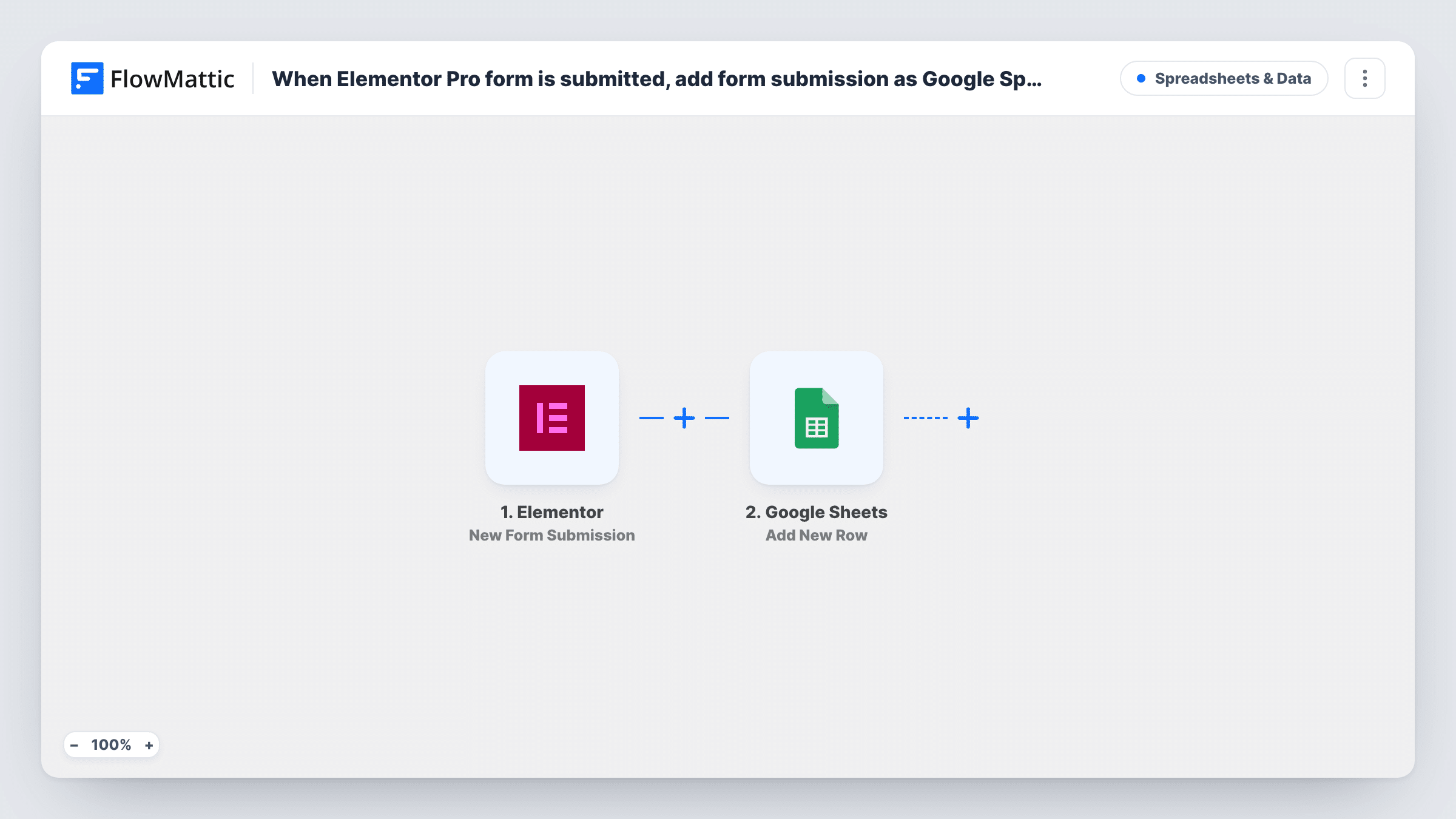
The Elementor trigger runs on New Form Submission and gives FlowMattic every field from the form. The Add New Row action in Google Sheets then adds a row to the spreadsheet and sheet you choose, with each form field mapped to a column.
There is no condition in between, so every entry is added, including test entries. Older submissions made before you switch the workflow on are not copied. If you change the form later, for example by adding a field, add a matching column and map it in the Google Sheets step.
Enquiry log for a service business
Your Elementor contact form fills a sheet that the team checks each morning, adding a column for who replied.
Event registration list
An Elementor Pro registration form builds the attendee list in Google Sheets, which you print or share with the venue.
Feedback survey results
Answers from an Elementor feedback form collect in a sheet, ready for charts or a pivot table.
How this workflow runs
What happens at each step once the workflow is on, and what you need before you import it.
 Elementor New Form Submission
Fires on every Elementor Pro form submission made on your WordPress site. Every field from the form is passed on for mapping into the sheet.
- Google Sheets Add New Row
Adds a row to the Google Sheets spreadsheet and sheet you pick. Set up a header row first, then map each Elementor form field to its column and send a test entry.
What you need
- FlowMatticCore
- Elementor PluginPlugin
- Google Sheets AccountAccount
After importing, map your own data. To keep the template universal, not every step is pre-filled. Open each step in the builder and connect your accounts and fields (channels, lists, sheets, recipients) before you switch the workflow on.
Make it yours
Changes worth making after you import it.
- If your site has several Elementor forms and the submission includes the form name, add a Filter after the trigger on that name, so only the form you want writes to this sheet.
- To send different Elementor forms to different spreadsheets, use a Router with one route per form name, each ending in its own Google Sheets step.
- Map the submission date into its own column, if the trigger provides it, so you can sort entries by when they arrived.
Questions about this workflow
Do Elementor submissions still reach my inbox?
Yes. The workflow only reads each submission. Your form's own email actions keep working as before.
Will old Elementor Pro form entries be added to the sheet?
No. Only submissions made after you switch the workflow on are added as rows.
What happens if I add a field to the Elementor form later?
The new field is not written until you add a column for it and map it in the Google Sheets step. Send a test entry so FlowMattic sees the new field.
More Spreadsheets & Data workflows
Other ready-to-import templates from the same category.




Import this workflow into your WordPress site
Download the JSON, import it from the Workflows screen and connect your accounts. Every run stays on your server, with no per-task fees.
30-day money-back guarantee Unlimited workflows and runs Self-hosted