

When enquiry created in WP Travel Engine, create ticket in Freshdesk and assign to sales team
Each new trip enquiry in WP Travel Engine is sent to Freshdesk through an API by FlowMattic POST request that you set up to create a ticket for your sales team, so no question about a tour sits unanswered.
 WP Travel Engine
 API by FlowMattic
2 steps Setup ~5 min Used on 1.9k sites Free to import
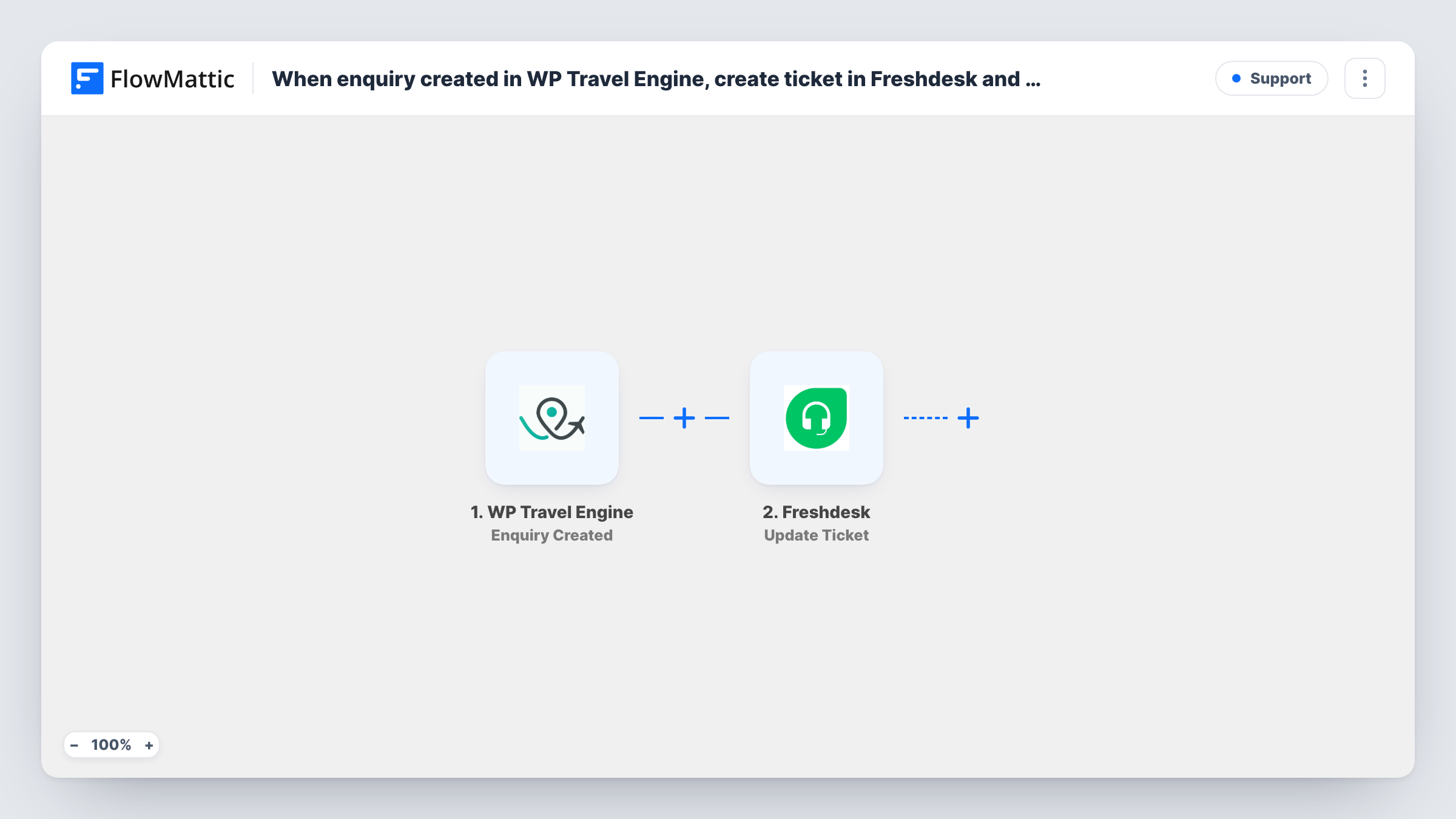
What this workflow does
Trip enquiries are sales leads: someone wants dates, prices or a custom itinerary. When they only land in the WordPress dashboard, they're easy to miss. Sending each one to Freshdesk gives your sales team a ticket they can assign, answer and track.
The WP Travel Engine trigger fires when a new trip enquiry is submitted, and passes on the enquiry details, such as the person's name, email, the trip and their message. Check a test enquiry to see the exact fields.
FlowMattic's Freshdesk integration offers triggers but no ticket action, so the second step is a POST request from API by FlowMattic. This step ships unmapped: after import you enter your Freshdesk tickets endpoint, add your Freshdesk API key for authentication and build the request body from the enquiry data. Assigning the ticket to your sales team is part of that body too. Use Freshdesk's API documentation for the field names it expects, such as how to set the group.
Every enquiry starts one run and sends one request. Send a test enquiry once the request is set up, then open Task History to see the response Freshdesk returned and confirm the ticket appeared in the right group.
Tour operator sales desk
A trekking company's sales agents pick up each trip enquiry from their Freshdesk queue instead of checking the WordPress admin for new messages.
Custom itinerary requests
A travel agency that gets requests for private group tours keeps each one as a ticket, so the agent's replies and quotes stay in one thread.
Shared inbox for a small team
A family-run tour business with two people answering questions uses Freshdesk assignment to see who is handling which enquiry.
How this workflow runs
What happens at each step once the workflow is on, and what you need before you import it.
 WP Travel Engine Enquiry Created
Fires when a new trip enquiry is submitted through WP Travel Engine. The enquiry's contact details, trip and message become available to map into the API request.
- API by FlowMattic POST
Sends a POST request that you configure to create the Freshdesk ticket. It ships empty: after import, set the tickets URL for your Freshdesk domain, your API key and a request body built from the enquiry, including the sales group.
What you need
- FlowMatticCore
- WP Travel Engine PluginPlugin
After importing, map your own data. To keep the template universal, not every step is pre-filled. Open each step in the builder and connect your accounts and fields (channels, lists, sheets, recipients) before you switch the workflow on.
Make it yours
Changes worth making after you import it.
- Put the trip name in the ticket subject you build, so agents can see in the Freshdesk list which tour each enquiry is about.
- Map the enquirer's email into the request, so replies sent from Freshdesk reach the person who asked.
- Send one test enquiry and read the Freshdesk response in Task History before going live, since a wrong field name in the request body shows up there.
Questions about this workflow
Why is the Freshdesk ticket created with an API request?
FlowMattic's Freshdesk integration has triggers, such as New Ticket, but no action that creates a ticket. The API by FlowMattic POST step calls Freshdesk's own API to do it.
How is the ticket assigned to my sales team?
Through the request you build. Add the field Freshdesk uses for the team, such as the group, with your sales group's value. Freshdesk's API documentation lists the field names.
What do I need from Freshdesk to set this up?
Your Freshdesk domain, so you can enter the tickets endpoint, and an API key for authentication. The template contains neither, so you add both to the POST step.
Will every WP Travel Engine enquiry become a ticket?
Each new enquiry starts a run and sends the request. Whether a ticket is created depends on Freshdesk accepting it, which you can check in Task History.
More Support workflows
Other ready-to-import templates from the same category.






Import this workflow into your WordPress site
Download the JSON, import it from the Workflows screen and connect your accounts. Every run stays on your server, with no per-task fees.
30-day money-back guarantee Unlimited workflows and runs Self-hosted