

Create a Freshdesk ticket when a new OfficeRnD ticket is raised
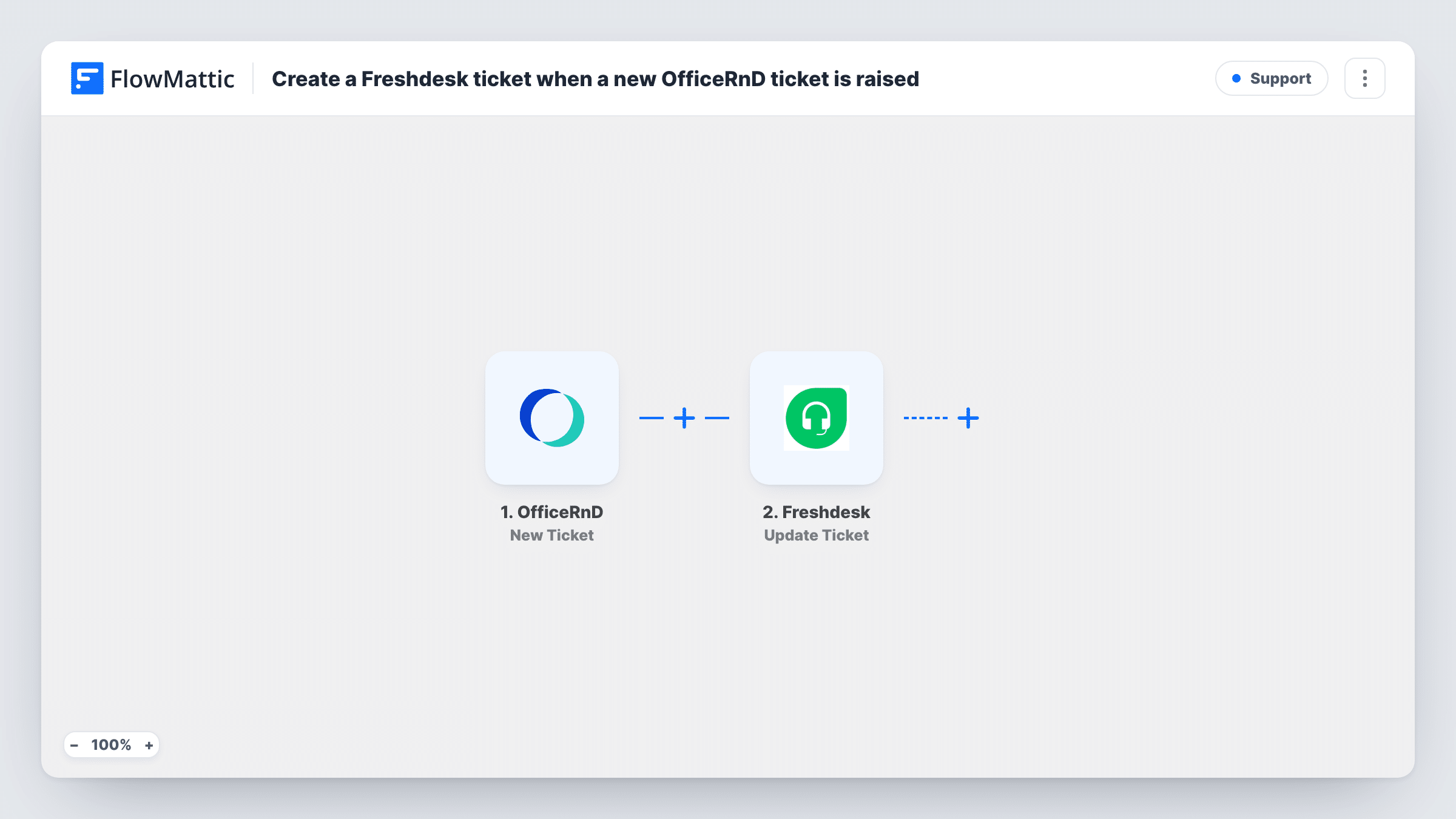
When a member raises a new ticket in OfficeRnD, FlowMattic sends a POST request to Freshdesk’s API to open a matching ticket, so your support team handles workspace requests in its own helpdesk.
 OfficeRnD
 API by FlowMattic
2 steps Setup ~5 min Used on 678 sites Free to import
What this workflow does
Coworking and flexible office teams often get member requests in OfficeRnD, such as a broken printer, a door access problem or a billing question, while their support staff work in Freshdesk. This workflow copies each new OfficeRnD ticket into Freshdesk so it can be assigned, prioritised and answered with everything else.
The OfficeRnD New Ticket trigger fires when a new ticket is added. Its details, such as the subject, description and the member who raised it, are passed on. Raise a test ticket after import so you can see exactly which fields OfficeRnD sends.
FlowMattic's Freshdesk integration has triggers only, so the ticket is opened with API by FlowMattic. This POST step ships unmapped: after import you enter your Freshdesk account's ticket-creation address and API key, and build the request body from the OfficeRnD data. Freshdesk's API documentation lists the fields a new ticket needs, such as the requester's email and a subject.
Each new OfficeRnD ticket makes one request, so each one becomes one Freshdesk ticket when Freshdesk accepts it. Task History records the data OfficeRnD sent and Freshdesk's reply, including any message about a missing or invalid field.
Facility issues in the support queue
A coworking operator's community team logs maintenance problems in OfficeRnD, and each one shows up in Freshdesk where the facilities agent picks it up.
One helpdesk across several locations
A flexible office brand with several sites keeps OfficeRnD for members but runs support from one Freshdesk account, with every site's tickets in the same queue.
Billing questions to the finance agents
Member questions about invoices raised in OfficeRnD become Freshdesk tickets, so the finance agents can answer them alongside their other support work.
How this workflow runs
What happens at each step once the workflow is on, and what you need before you import it.
 OfficeRnD New Ticket
Fires when a new ticket is added in OfficeRnD. The ticket's details and the member information OfficeRnD includes become available for the Freshdesk request.
- API by FlowMattic POST
Sends a POST request that creates the ticket through Freshdesk's API. Ships unmapped: enter your Freshdesk endpoint and API key, then build the body from the OfficeRnD ticket fields.
What you need
- FlowMatticCore
- OfficeRnD AccountAccount
After importing, map your own data. To keep the template universal, not every step is pre-filled. Open each step in the builder and connect your accounts and fields (channels, lists, sheets, recipients) before you switch the workflow on.
Make it yours
Changes worth making after you import it.
- Put the OfficeRnD ticket ID in the Freshdesk subject or description, so agents can find the original request in OfficeRnD.
- Map the member's email as the Freshdesk requester, so replies from Freshdesk reach the person who raised the ticket.
- Send a few test tickets with different content and compare Freshdesk's responses in Task History before turning the workflow on for members.
- To send only some kinds of request to Freshdesk, put a Filter between the OfficeRnD trigger and the POST step on a ticket field from your test data. Choose that field and value yourself.
Questions about this workflow
Why does this OfficeRnD workflow use API by FlowMattic for Freshdesk?
FlowMattic connects to Freshdesk for triggers such as New Ticket, but offers no Freshdesk actions. A direct POST to Freshdesk's API is how the template creates the ticket.
Which Freshdesk details does the OfficeRnD request need?
Your Freshdesk account's address for creating tickets and an API key from your Freshdesk profile. Freshdesk's API reference shows how the request must be authenticated and which fields are required.
Are replies synced back from Freshdesk to OfficeRnD?
No. This workflow only creates the Freshdesk ticket. Updates made in Freshdesk stay there unless you build a separate workflow for them.
More Support workflows
Other ready-to-import templates from the same category.






Import this workflow into your WordPress site
Download the JSON, import it from the Workflows screen and connect your accounts. Every run stays on your server, with no per-task fees.
30-day money-back guarantee Unlimited workflows and runs Self-hosted