

When form submission is received in Groove Pages, Add customer as HeySummit attendee
When someone submits a Groove Pages form, this workflow registers them as an attendee of your HeySummit event, so sign-ups from your Groove landing page are on the event list without an import.
 Groove Pages
 HeySummit
2 steps Setup ~5 min Used on 1.7k sites Free to import
What this workflow does
You might build your event's landing page in Groove Pages because it matches the rest of your funnel, while the event itself runs on HeySummit. That leaves a gap: people sign up on one platform and need to be registered on the other. This workflow closes it after every submission.
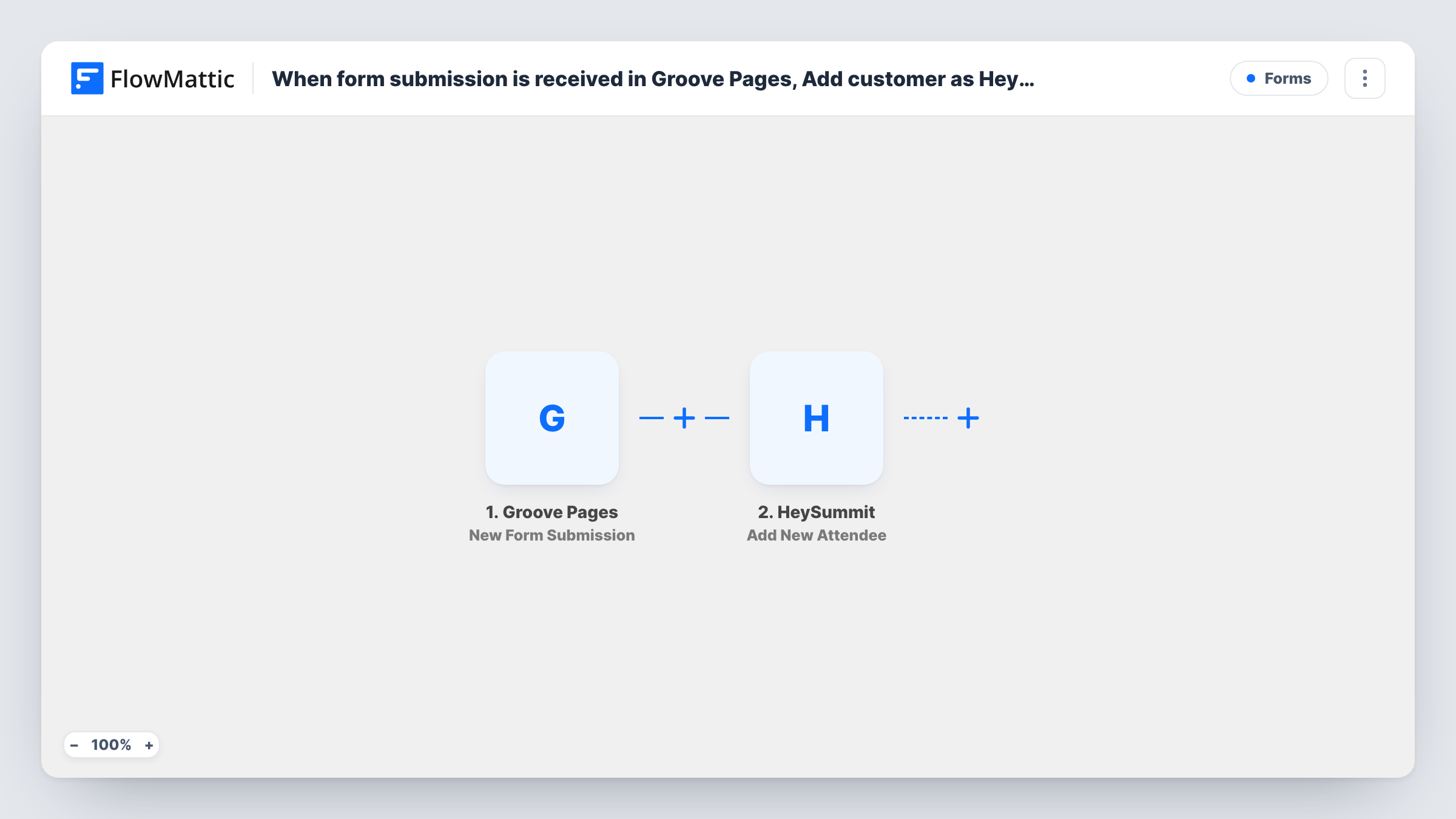
The Groove Pages trigger fires when your form is submitted and passes the answers to FlowMattic. The Add New Attendee step then creates an attendee for a specific event in HeySummit, using the name and email you map from the form.
Every submission makes one attendee, and there is no Filter, so anyone who fills in the form is registered. What HeySummit does next, such as sending its own confirmation, follows your event's settings there. If the same person signs up twice, check a test run to see how HeySummit handles the repeat. Task History keeps a record of every registration attempt.
Free virtual summit funnel
Your opt-in page is built in Groove Pages and the talks run on HeySummit. Each sign-up becomes an attendee, so they can access the event when it opens.
Workshop series for a coaching business
A coach promotes a monthly online workshop from a Groove page. Every form entry registers the person for that month's HeySummit event.
Bonus event for a product launch
A launch page offers a free live session. Groove sign-ups are added to the HeySummit event that hosts it.
How this workflow runs
What happens at each step once the workflow is on, and what you need before you import it.
 Groove Pages New Form Submission
Fires when a form is submitted on your Groove Pages page. The visitor's answers, such as name and email, become data for the HeySummit step.
- HeySummit Add New Attendee
Creates a new attendee for a specific HeySummit event. Map the name and email from the Groove form, and connect your HeySummit account on import.
What you need
- FlowMatticCore
- Groove Pages AccountAccount
- HeySummit AccountAccount
After importing, map your own data. To keep the template universal, not every step is pre-filled. Open each step in the builder and connect your accounts and fields (channels, lists, sheets, recipients) before you switch the workflow on.
Make it yours
Changes worth making after you import it.
- Running several events? Duplicate the workflow for each Groove form and point each copy's HeySummit step at the matching event.
- Add a Filter after the trigger if only people who tick a box, such as agreeing to attend live, should be registered.
- Submit a test entry first so FlowMattic captures the Groove Pages fields, then check that the attendee shows up in HeySummit.
Questions about this workflow
Does the Groove Pages sign-up get a HeySummit confirmation email?
That depends on how your HeySummit event handles new attendees. The workflow only adds them; test with your own address to see what HeySummit sends.
Which HeySummit event are people added to?
The one you set in the Add New Attendee step. The action creates an attendee for a specific event, so each workflow serves one event unless you change it.
What if someone fills in the Groove form twice?
The workflow runs twice. Check Task History after a repeat test to see whether HeySummit adds a second attendee or responds that the person is already registered.
More Forms workflows
Other ready-to-import templates from the same category.








Import this workflow into your WordPress site
Download the JSON, import it from the Workflows screen and connect your accounts. Every run stays on your server, with no per-task fees.
30-day money-back guarantee Unlimited workflows and runs Self-hosted